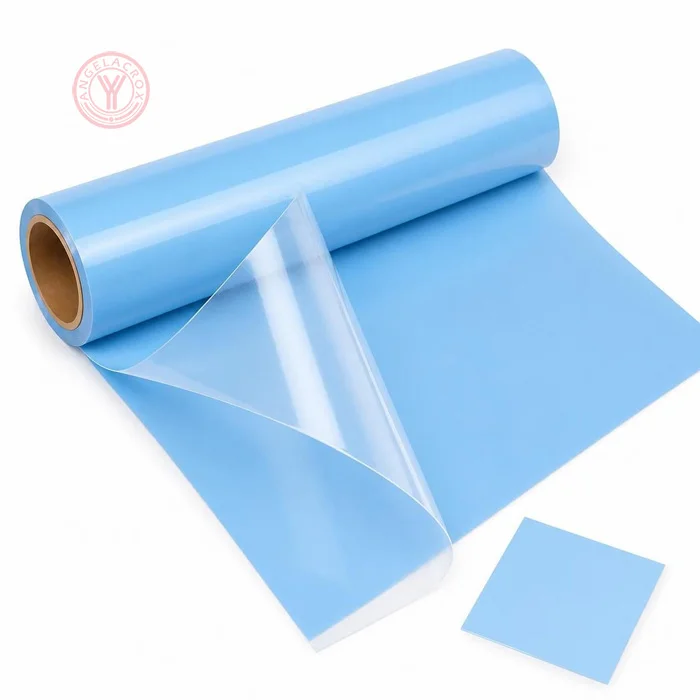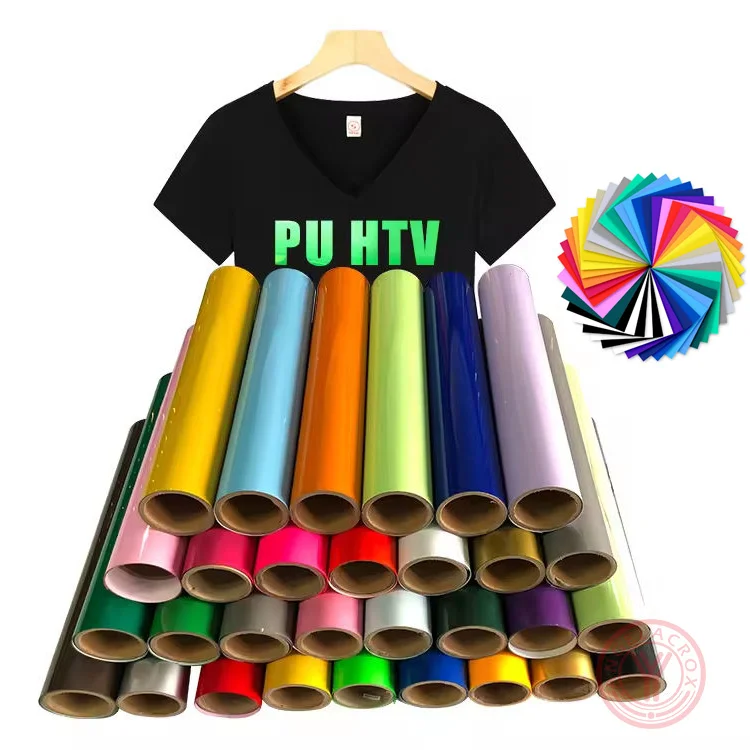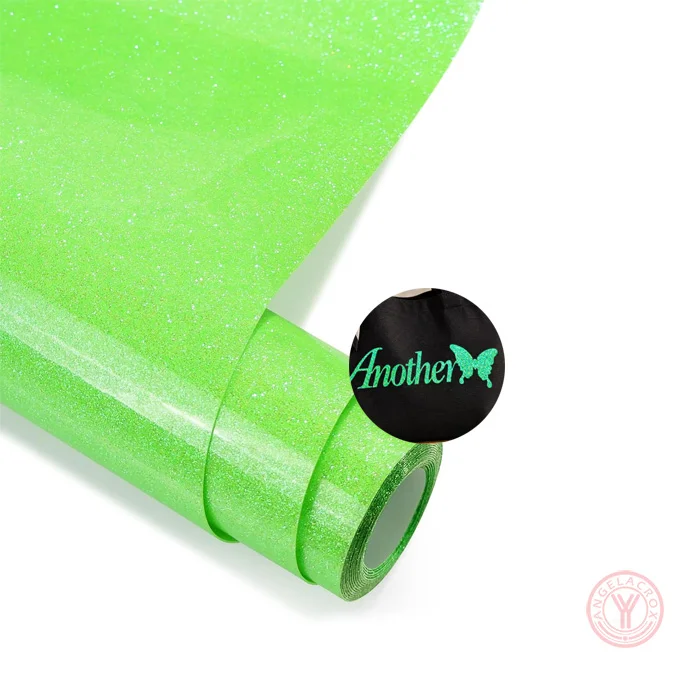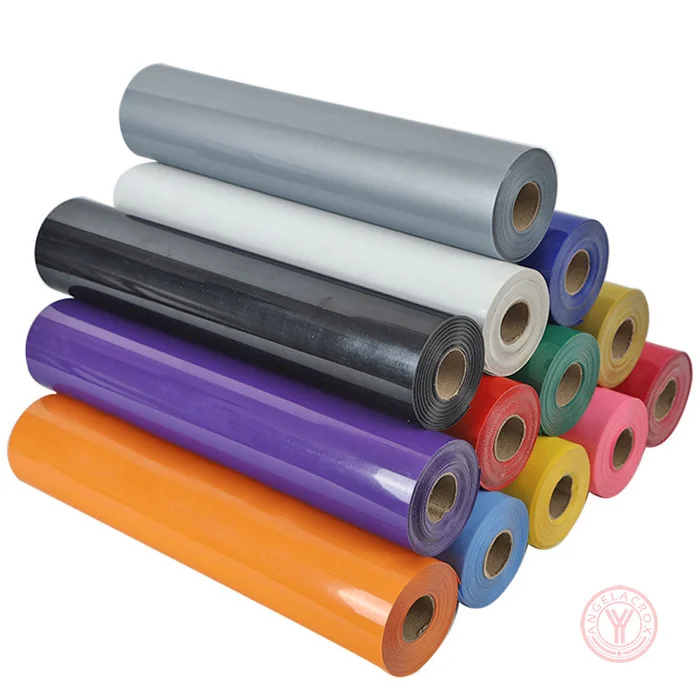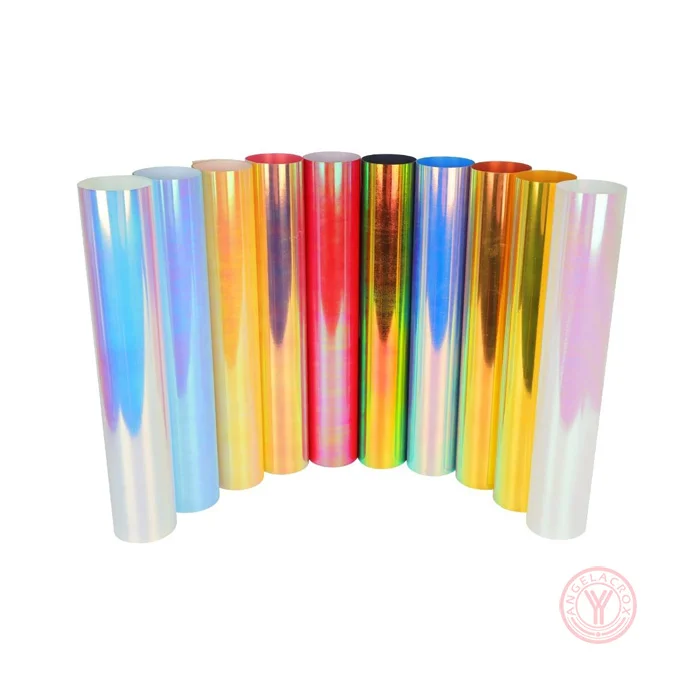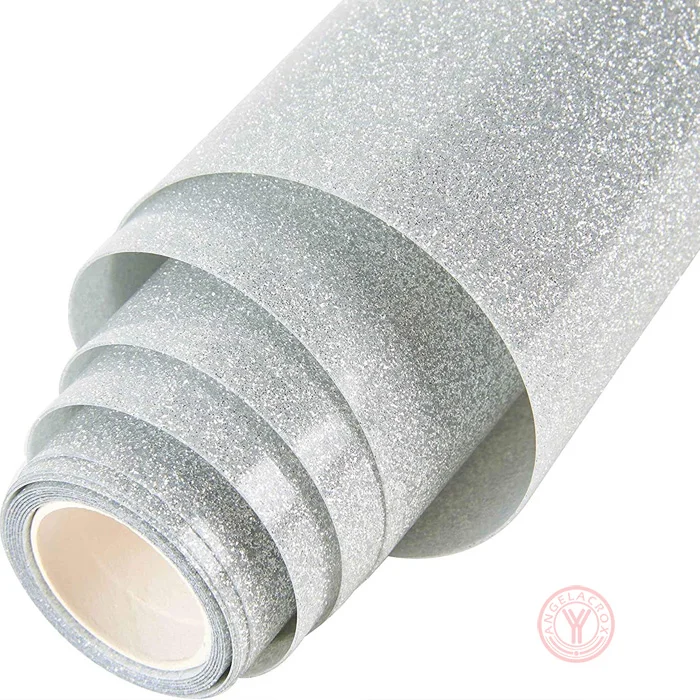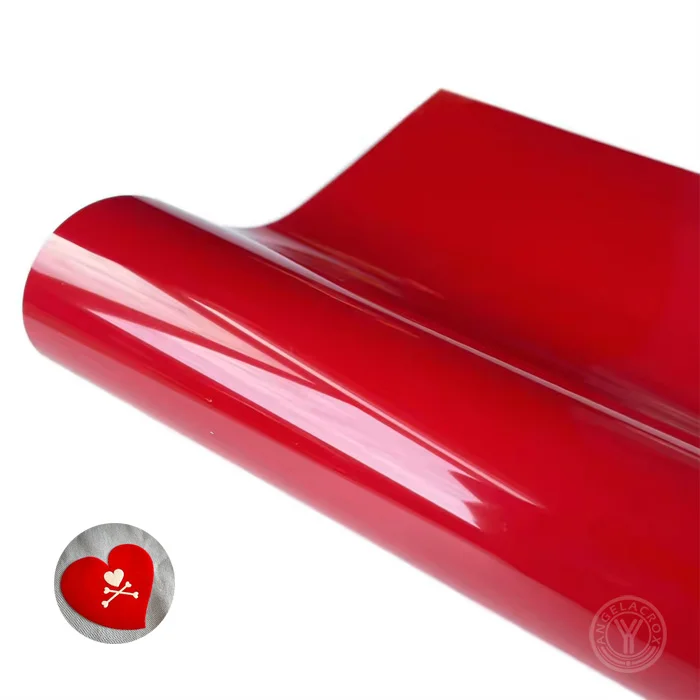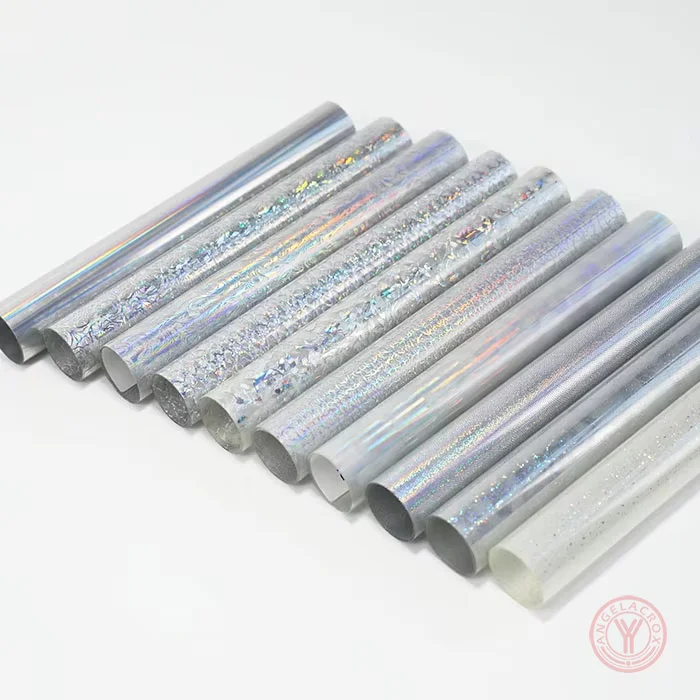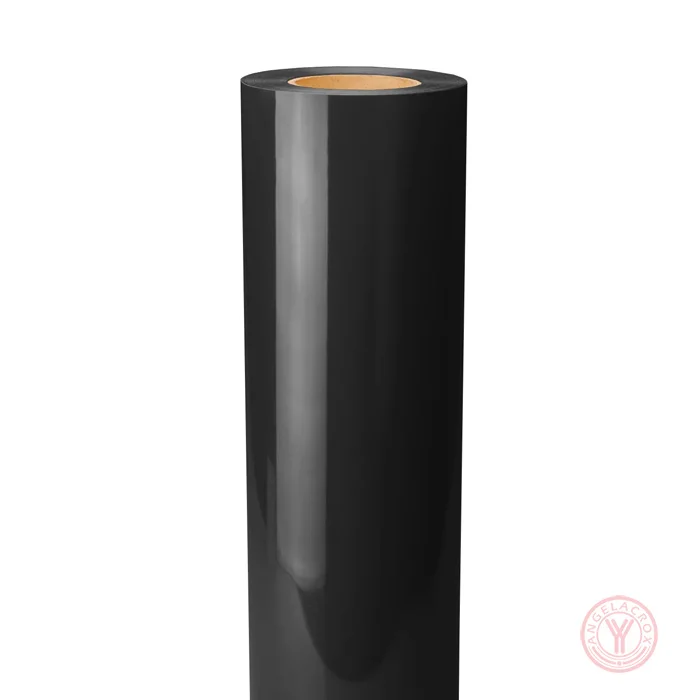
Key Features
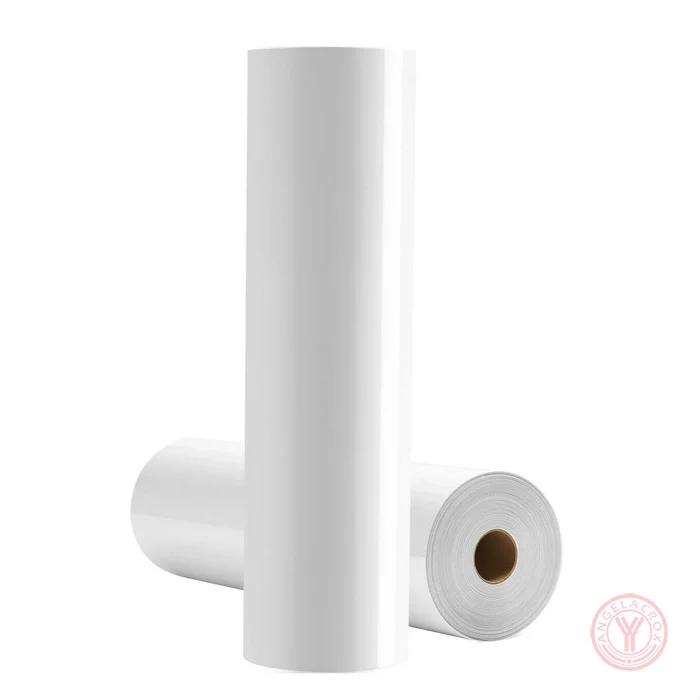
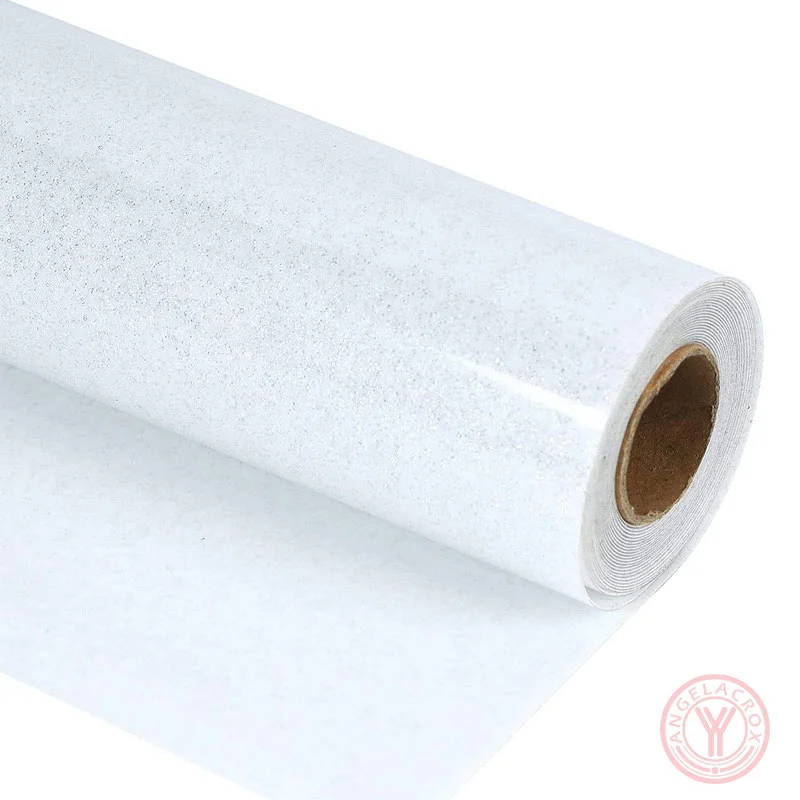
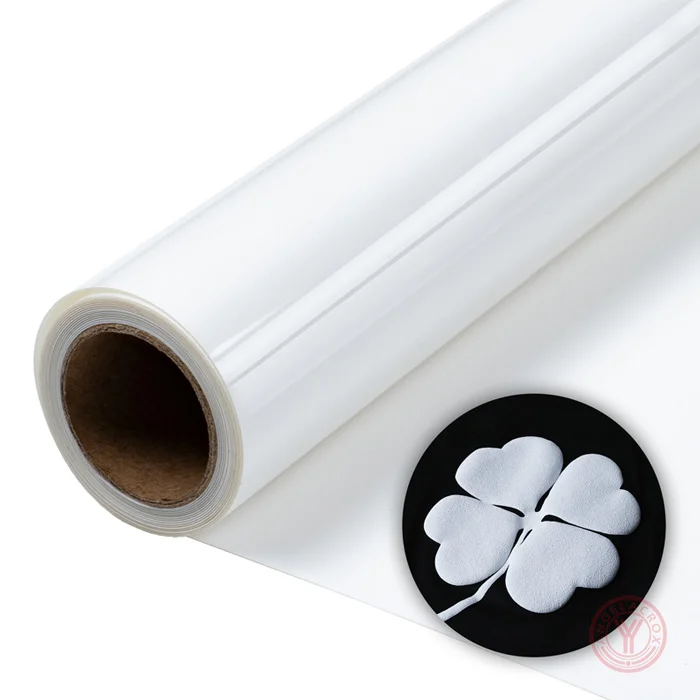
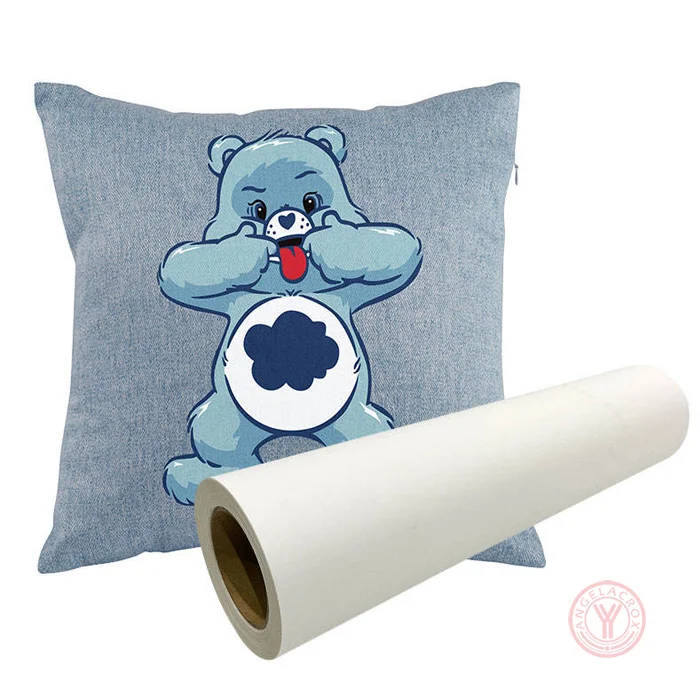
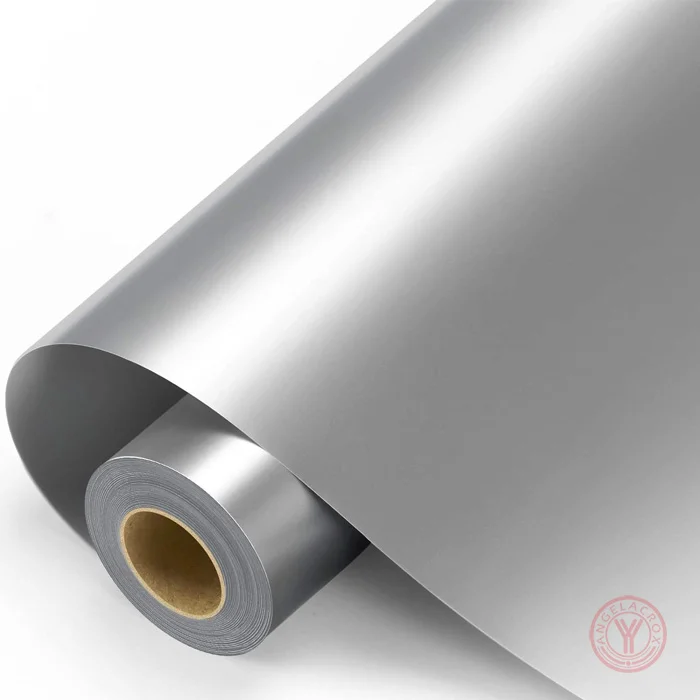
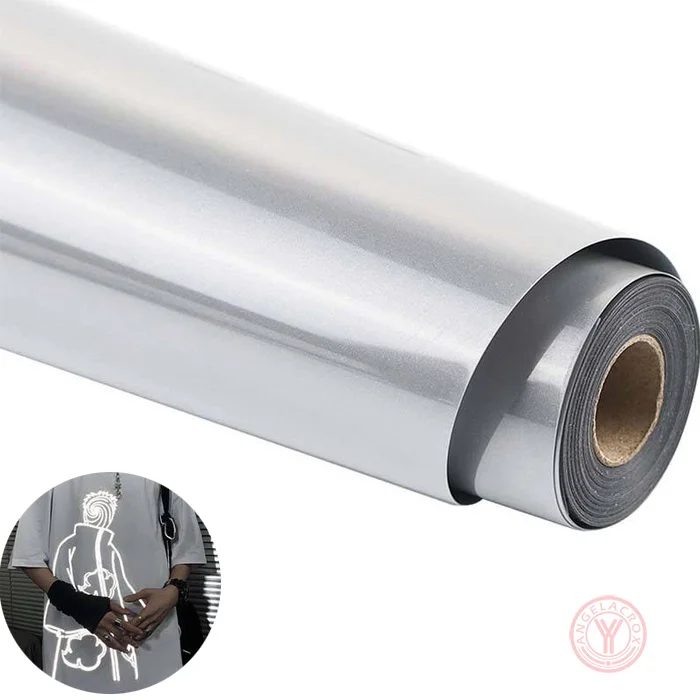
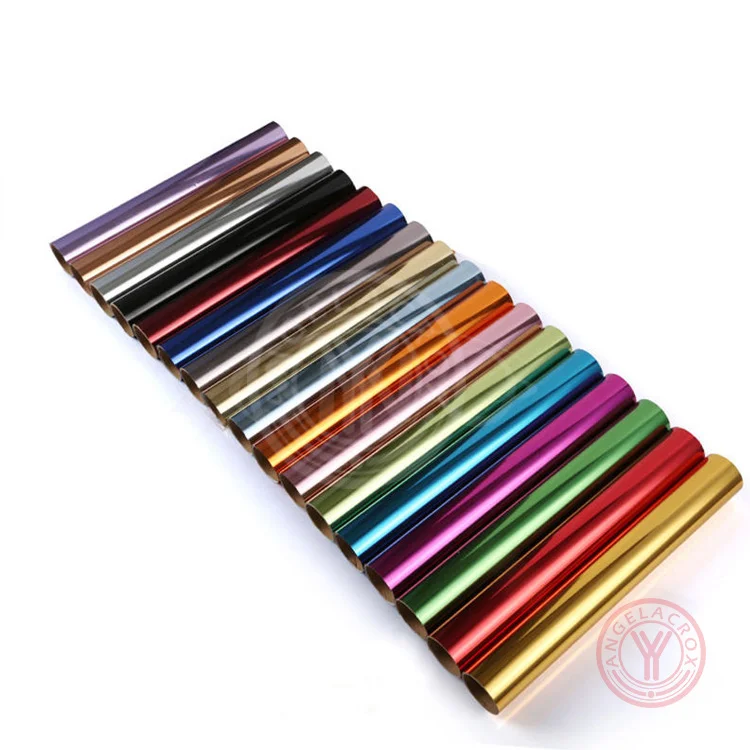
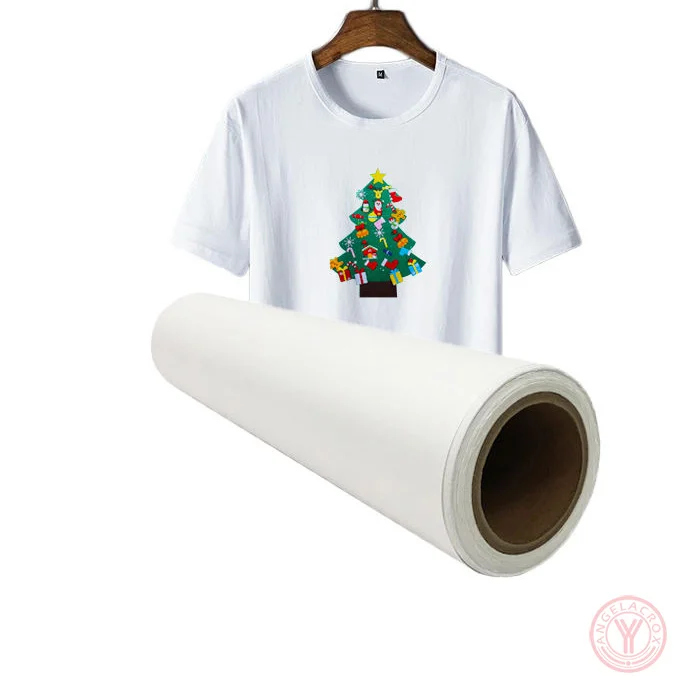
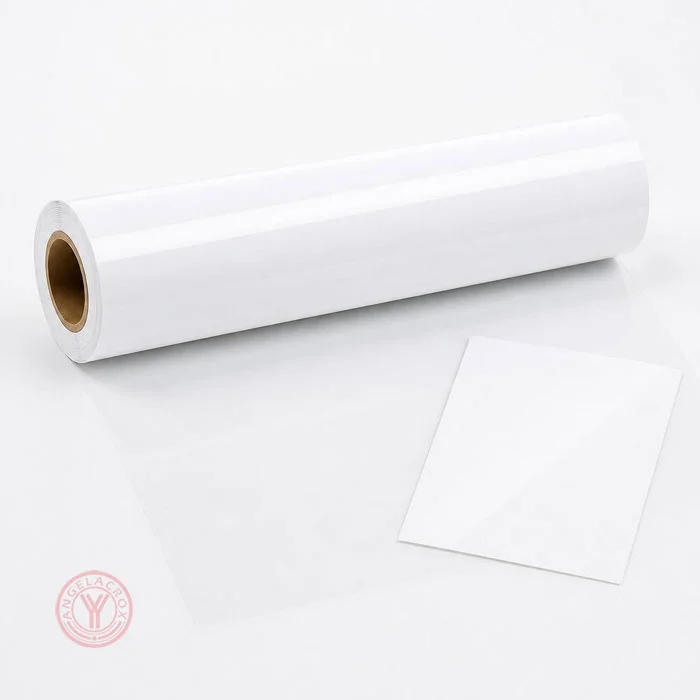
- Clean White Finish: Creates crisp lettering, logos, and graphics with a bright white appearance.
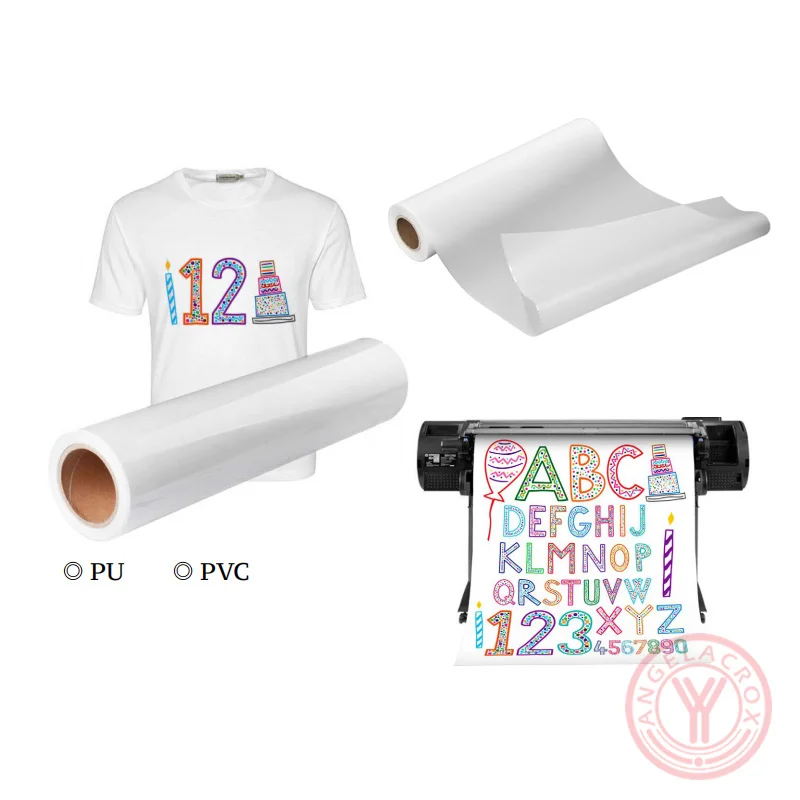
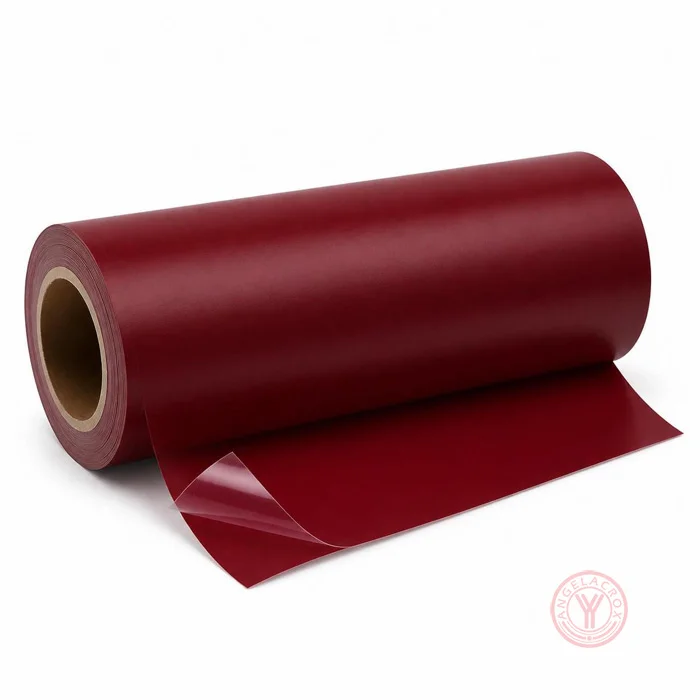
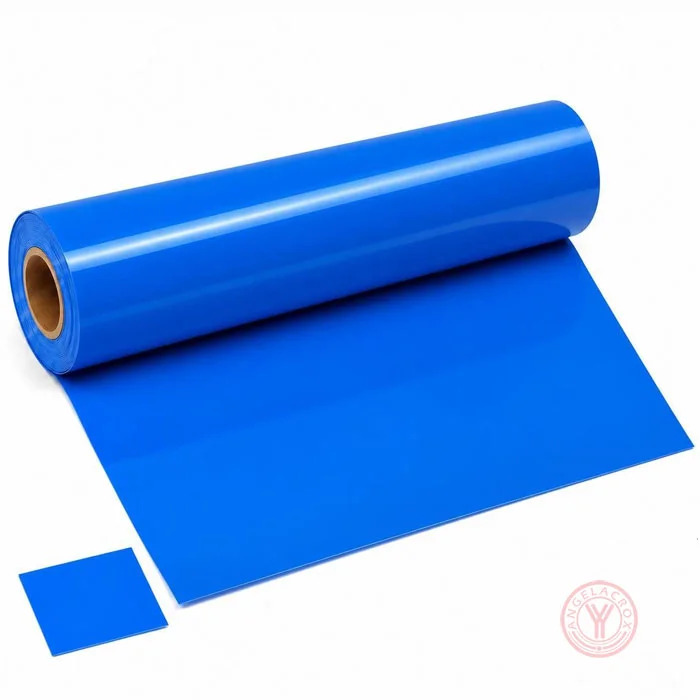
- Soft PU Material: Premium polyurethane film with a soft, lightweight feel and elastic flexibility. Its smooth matte finish is designed to resist cracking, peeling, and distortion through repeated wear and washing.
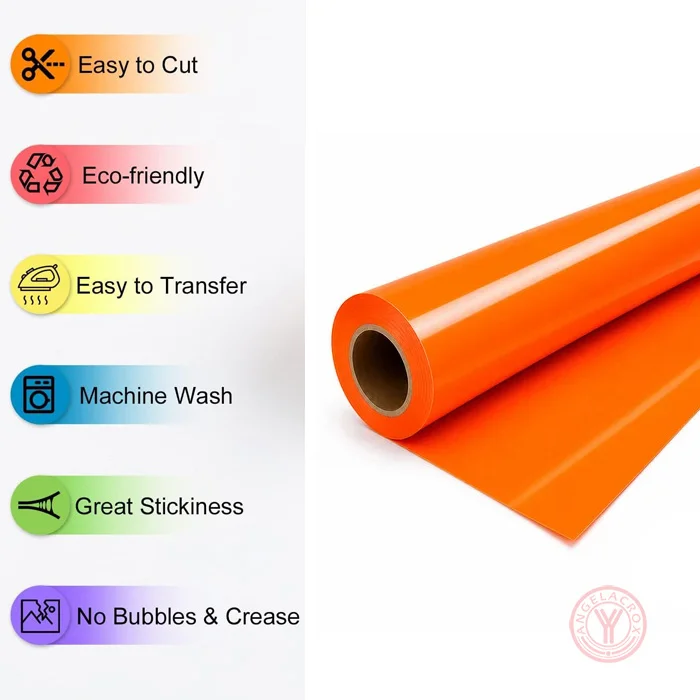
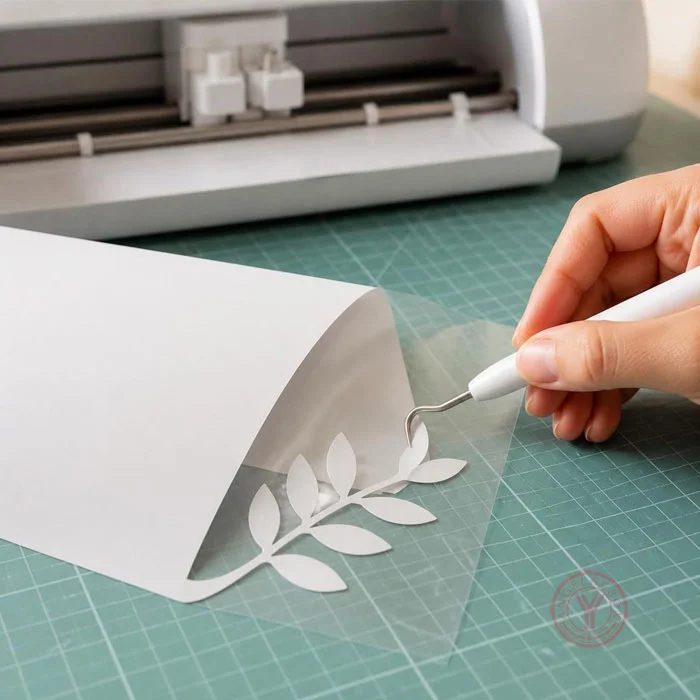
- Easy Cutting & Weeding: Cuts cleanly on Cricut, Silhouette, and other compatible cutting machines, preserving fine details and making excess vinyl easier to remove for a smoother workflow.
- Strong Adhesion & Wash Durability: Bonds firmly to compatible fabrics, including cotton, polyester, and blends, helping maintain a bright appearance while resisting fading, peeling, and cracking after repeated machine washing.
- Safe & Eco-Friendly: Compliance options include OEKO-TEX® STANDARD 100, REACH, CPSIA, and California Proposition 65 requirements, depending on the selected product and applicable documentation.
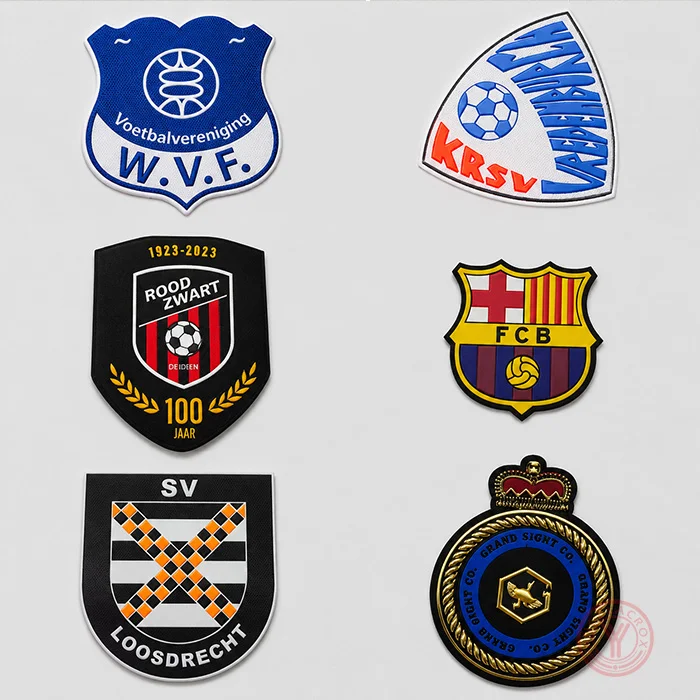
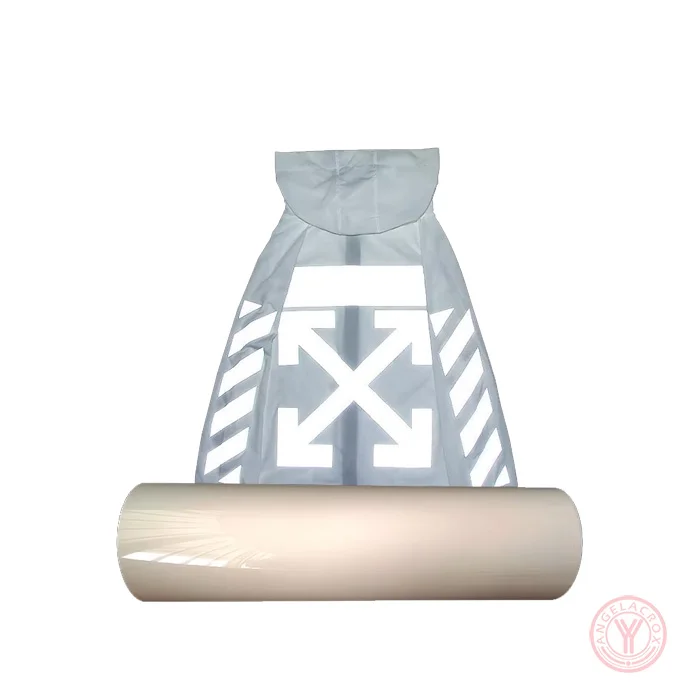
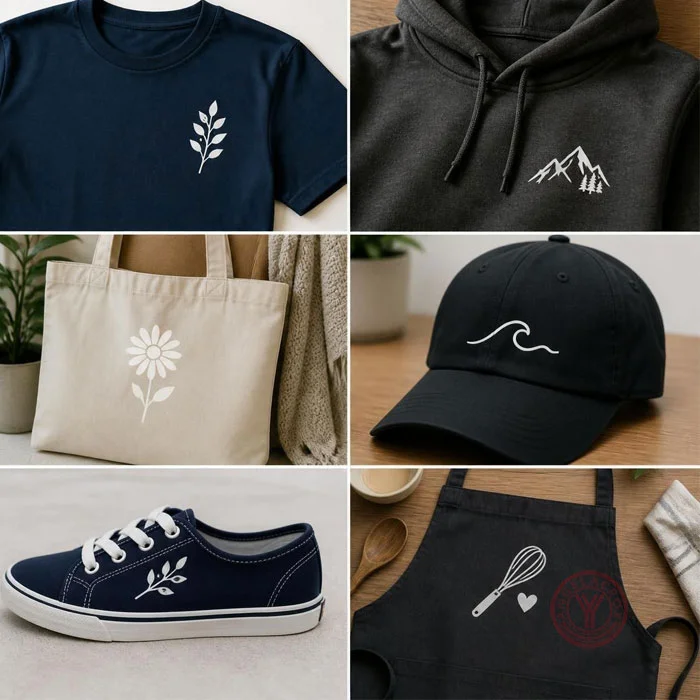
- Ideal for Custom Projects: Suitable for personalized T-shirts, hoodies, sweatshirts, sportswear, team jerseys, work uniforms, tote bags, caps, aprons, pillowcases, and baby bodysuits. Ideal for gifts, school events, family reunions, sports clubs, and small business orders.
Specifications
|
Product Name |
PU HTV White |
|
Material |
PU (Polyurethane) |
|
Color |
White |
|
Finish |
Matte, Glossy |
|
Compatible Fabrics |
Cotton, Polyester, Cotton-Polyester Blends |
|
Cutting Compatibility |
Cricut, Silhouette Cameo, Brother ScanNCut, and Cutting Plotters |
|
Transfer Temperature |
140–145°C |
|
Transfer Time |
8–10 seconds |
|
Transfer Pressure |
3–5 kg |
|
Peeling Method |
Warm Peel |
|
Size |
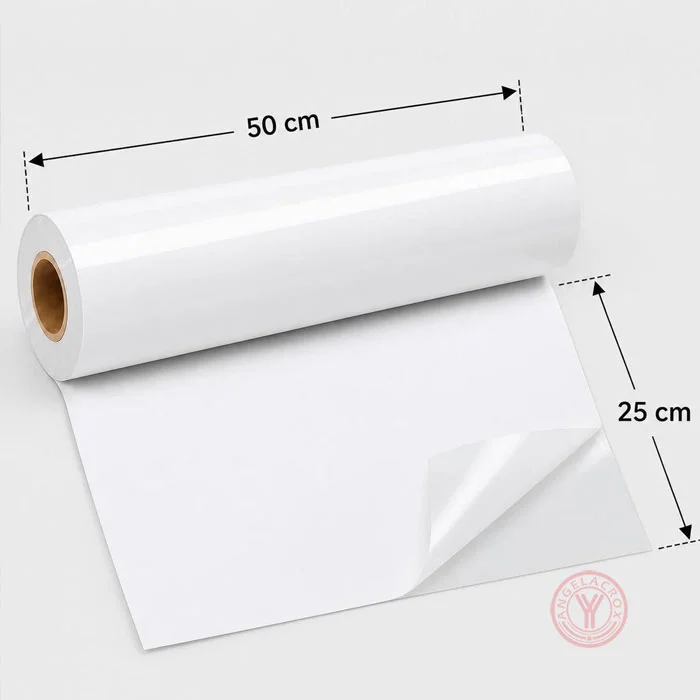
50cm*25m/Roll;Customizable |
|
Thickness |
0.08-0.12mm;Customizable |
|
MOQ |
1 Roll |
|
Sample |
Free Sample |
How to Use White PU Heat Transfer Vinyl
- 1. Create Your Design: Prepare your logo, lettering, or graphic in design software. Mirror the design before cutting if required.
- 2. Cut the Vinyl: Load the White PU HTV vinyl into your cutting machine and cut the design.
- 3. Weed the Design: Remove the excess vinyl, leaving the desired graphic on the carrier film.
- 4. Pre-Press the Fabric: Press the garment for 2–3 seconds to remove moisture and wrinkles.
- 5. Heat Transfer: Position the design on the fabric and press at 140–145°C (284–293°F) for 8–10 seconds, using 3–5 kg pressure.
- 6. Warm Peel: Allow the transfer to cool briefly until warm, then peel off the carrier film carefully.
- 7. Check the Result: Ensure the design adheres evenly to the fabric before proceeding with bulk production.
Note: Test the recommended settings on a sample before bulk production, as results may vary depending on the fabric and heat press.