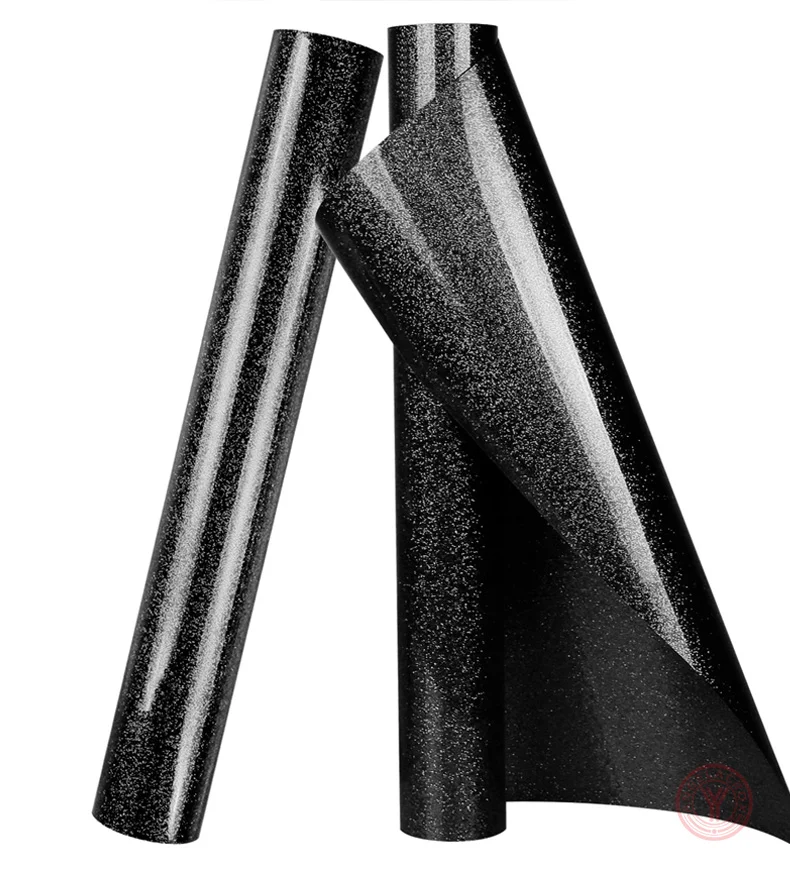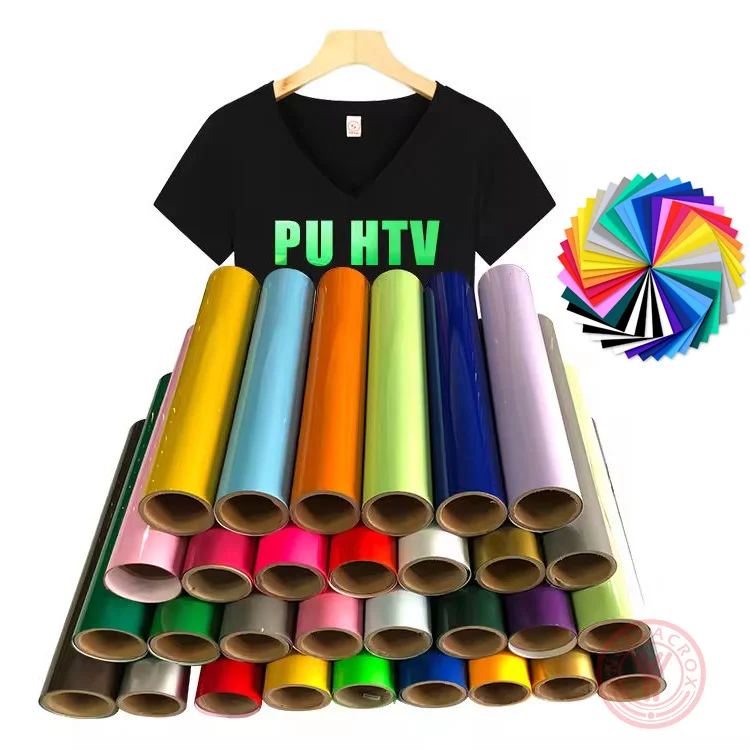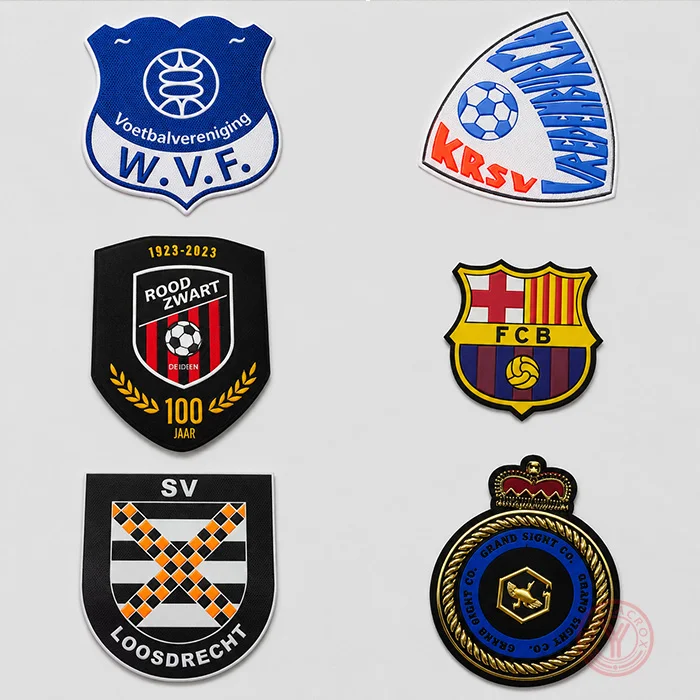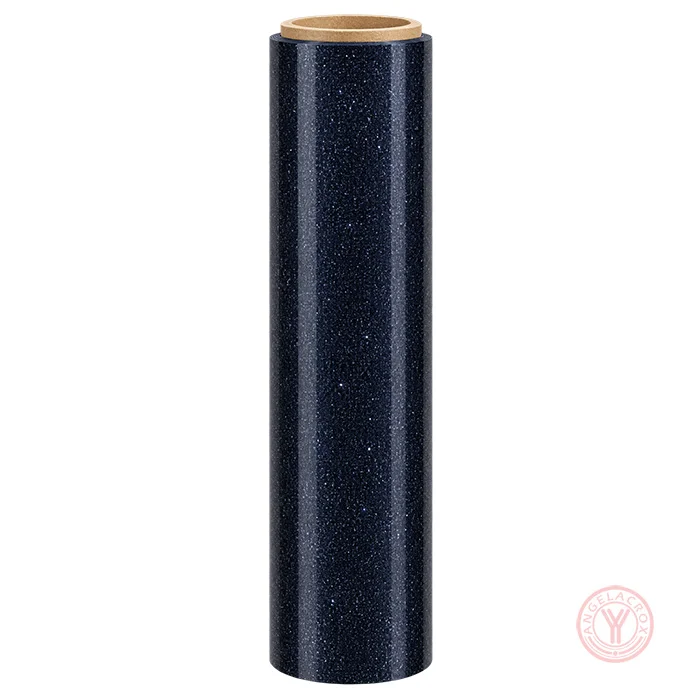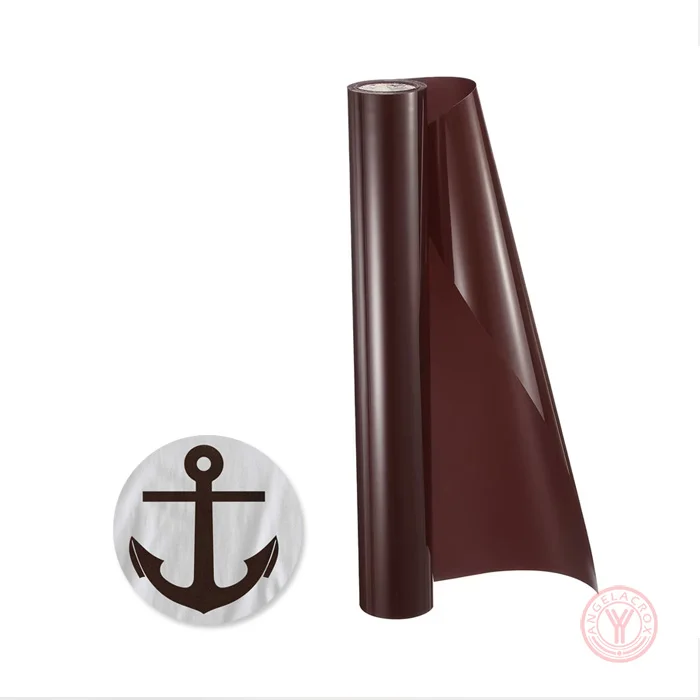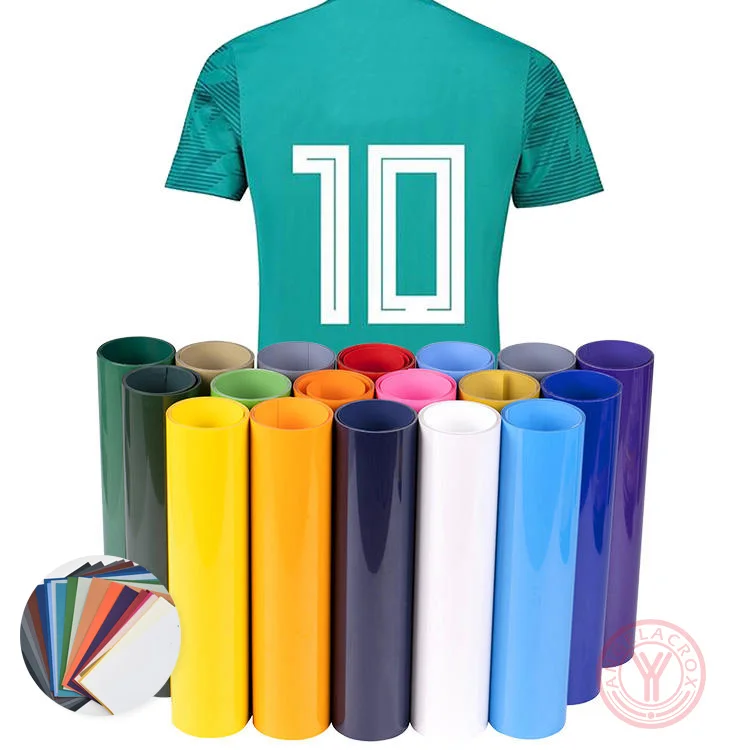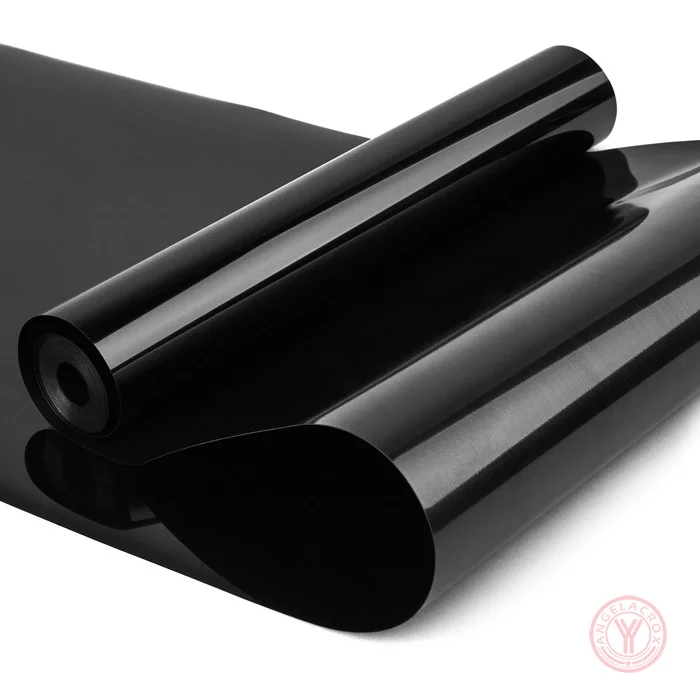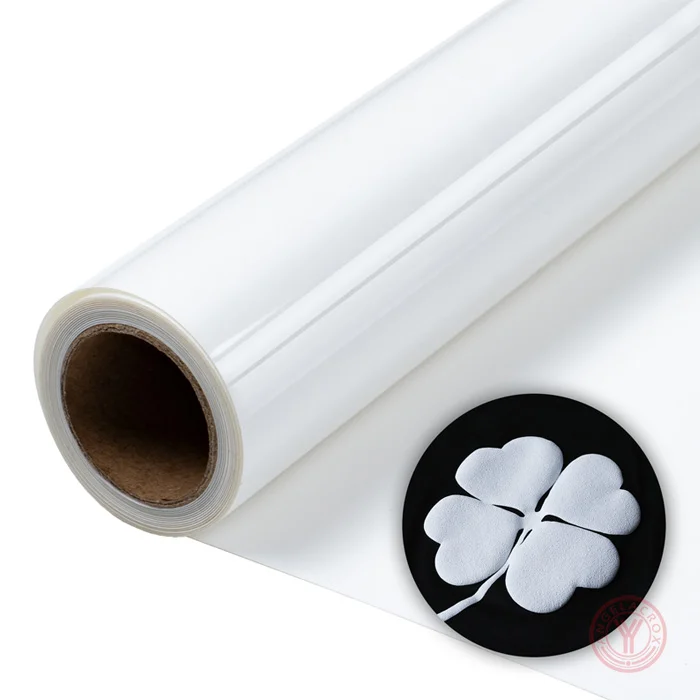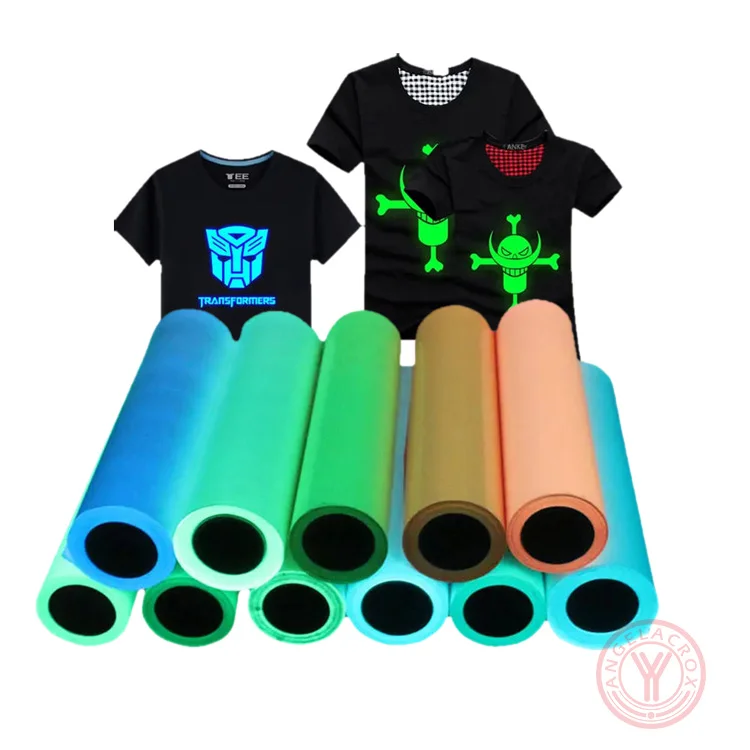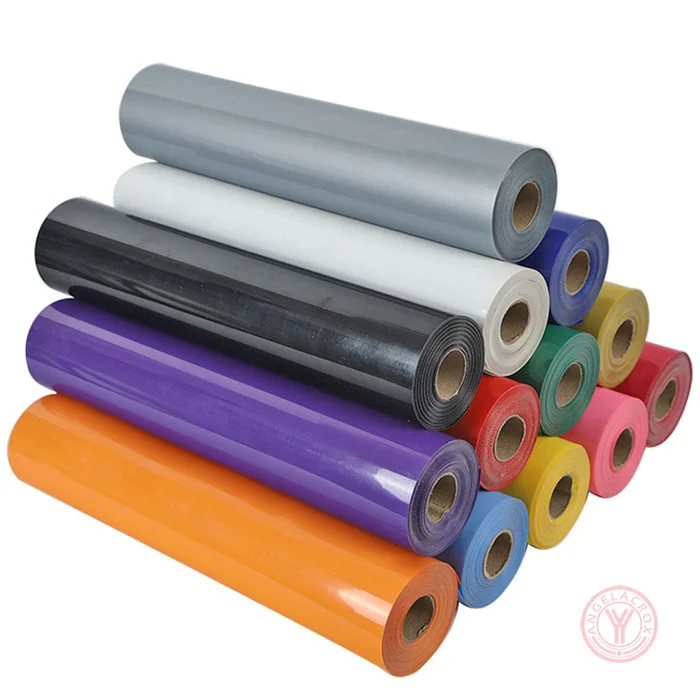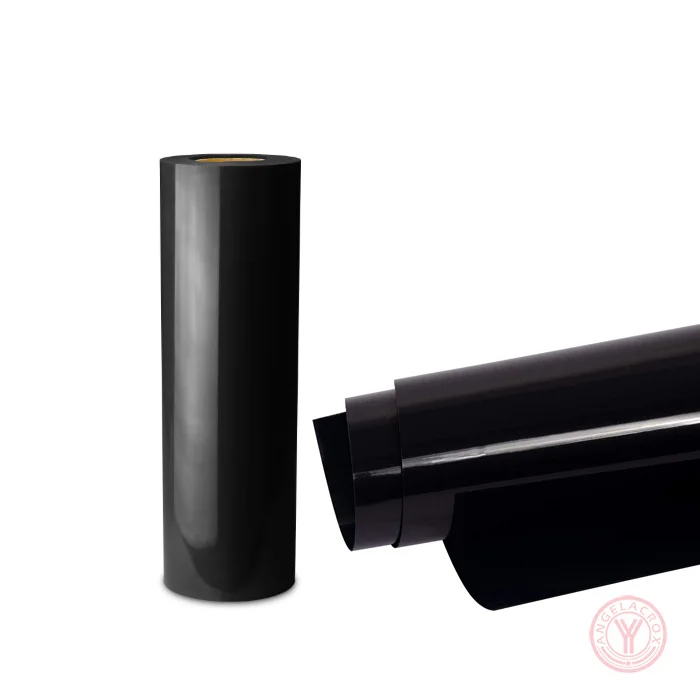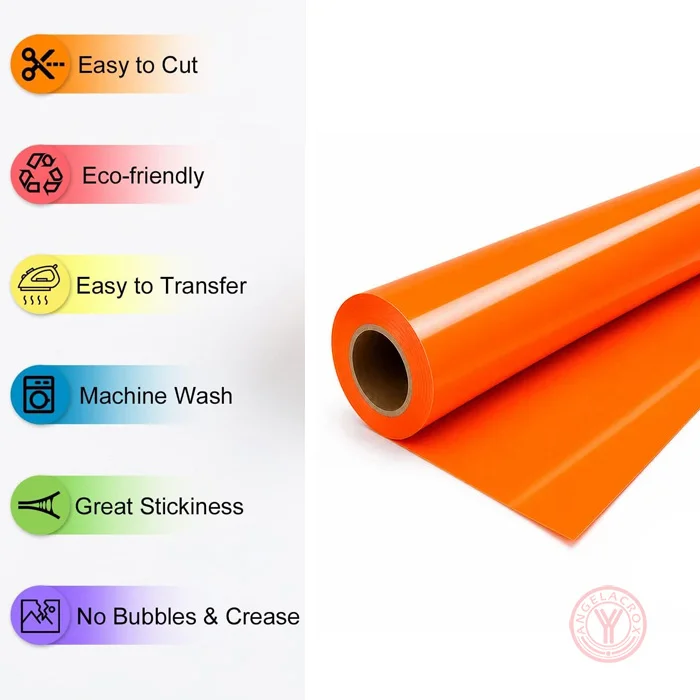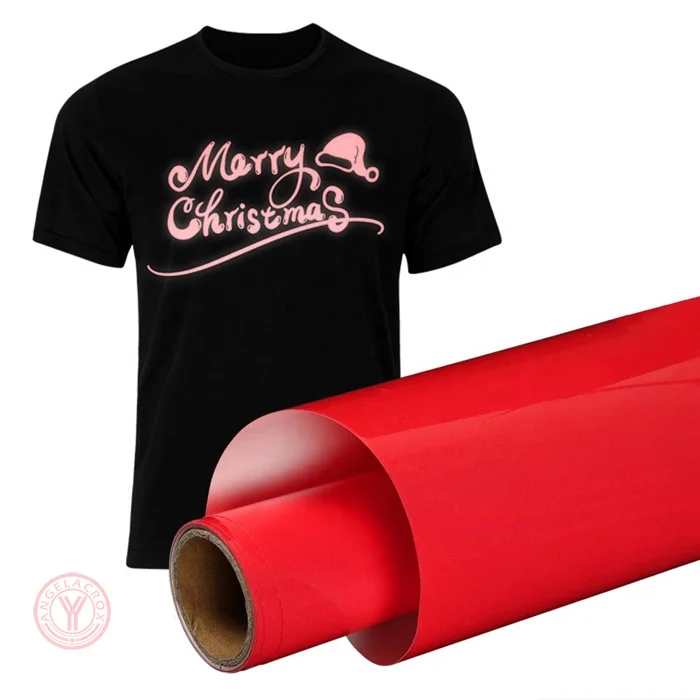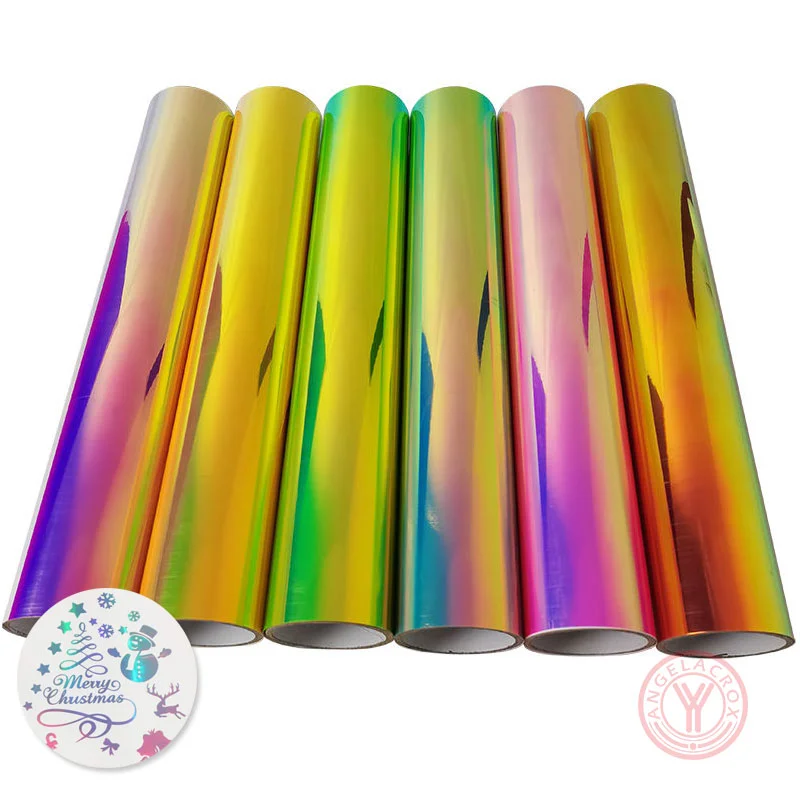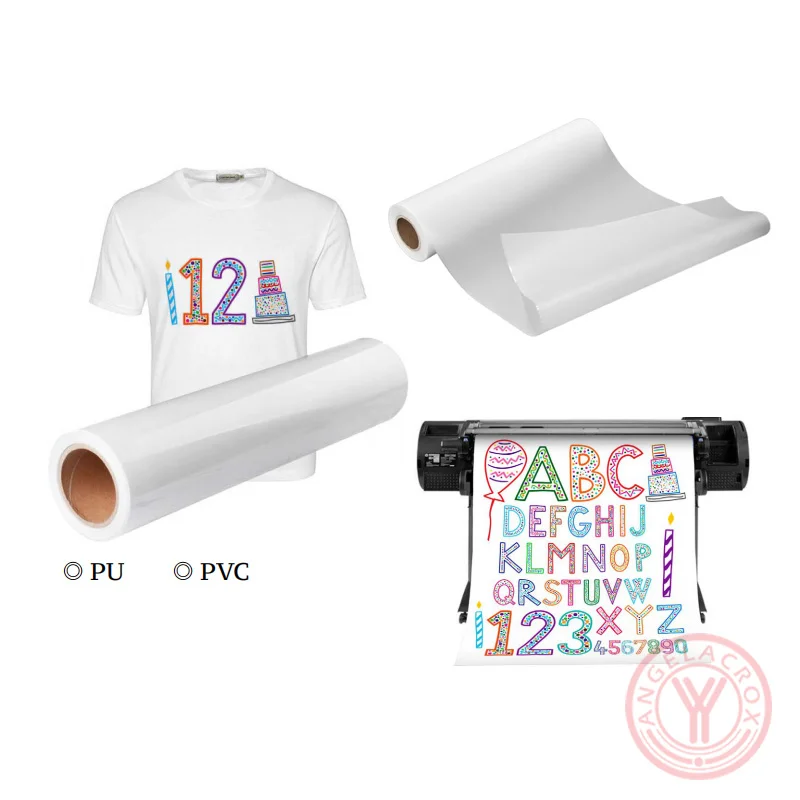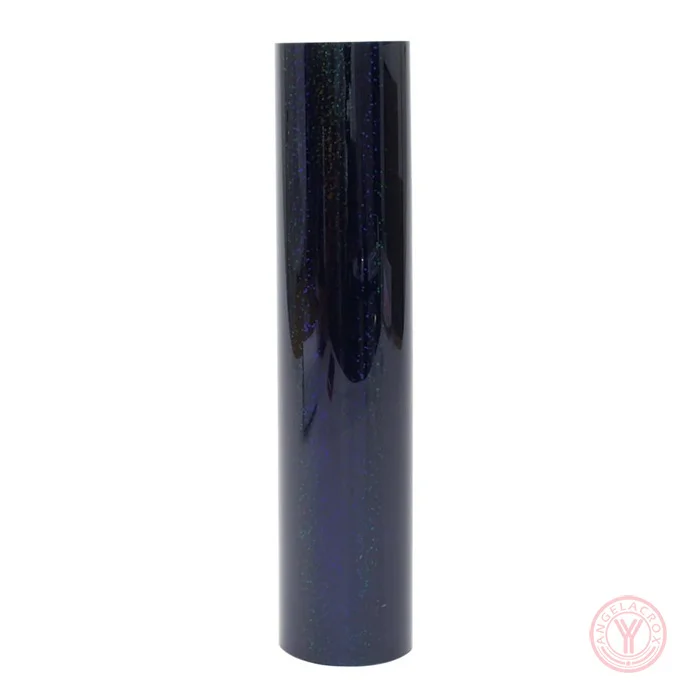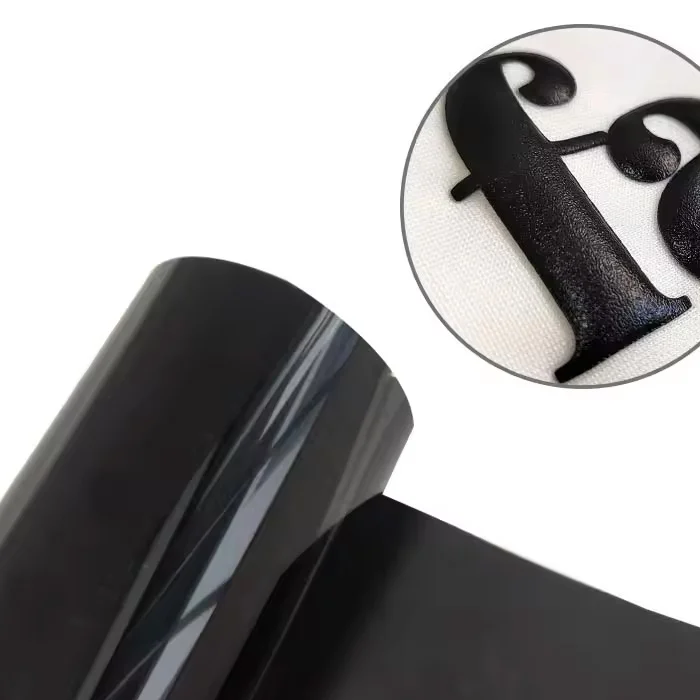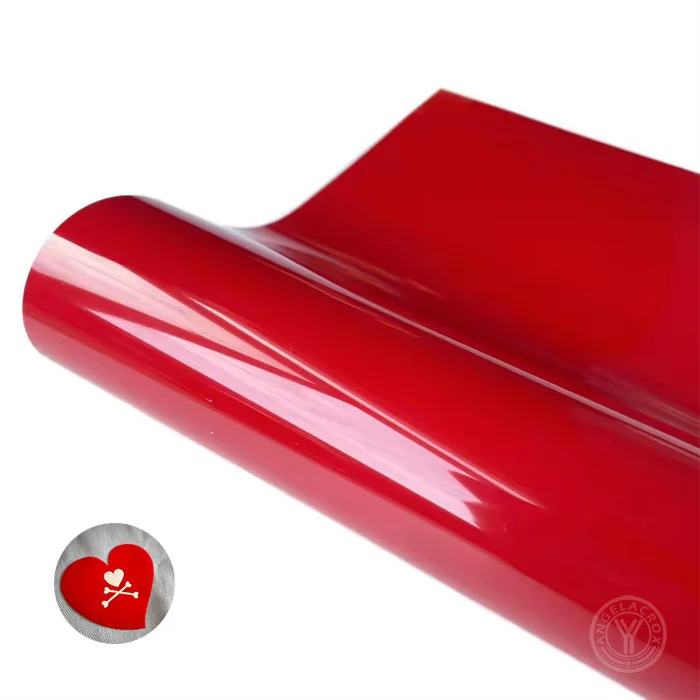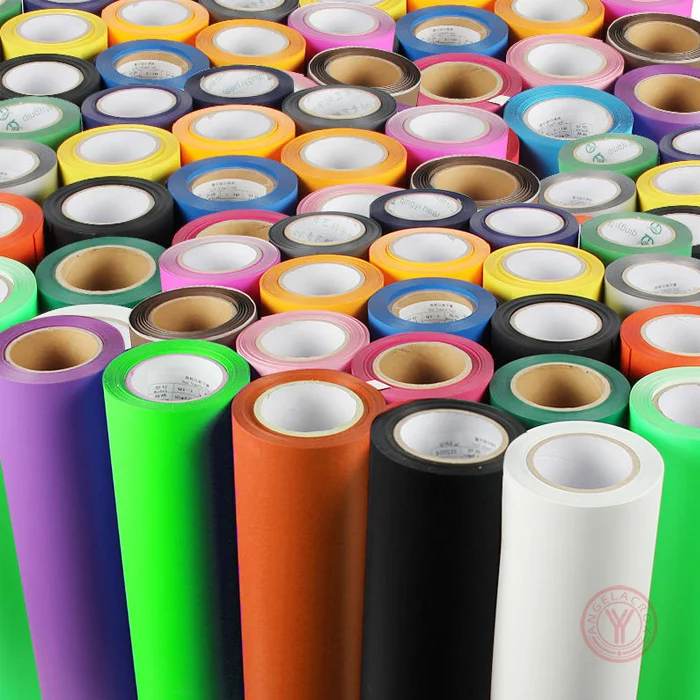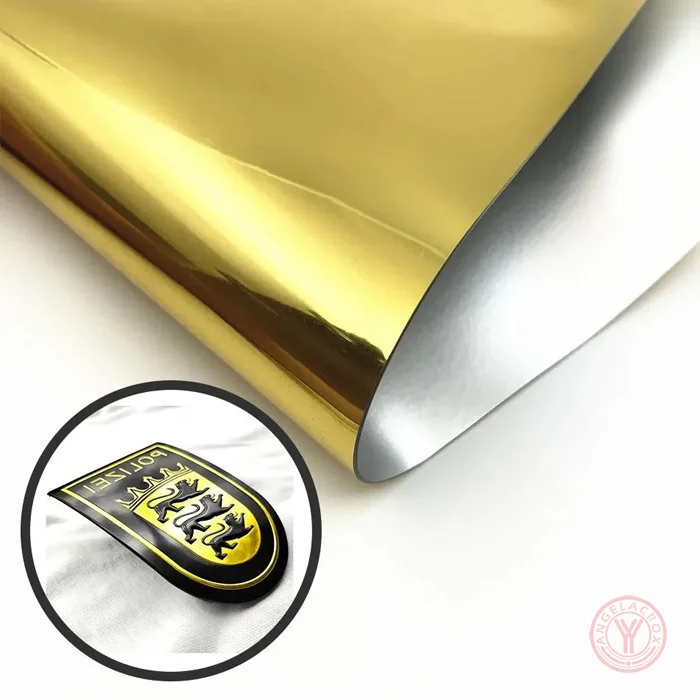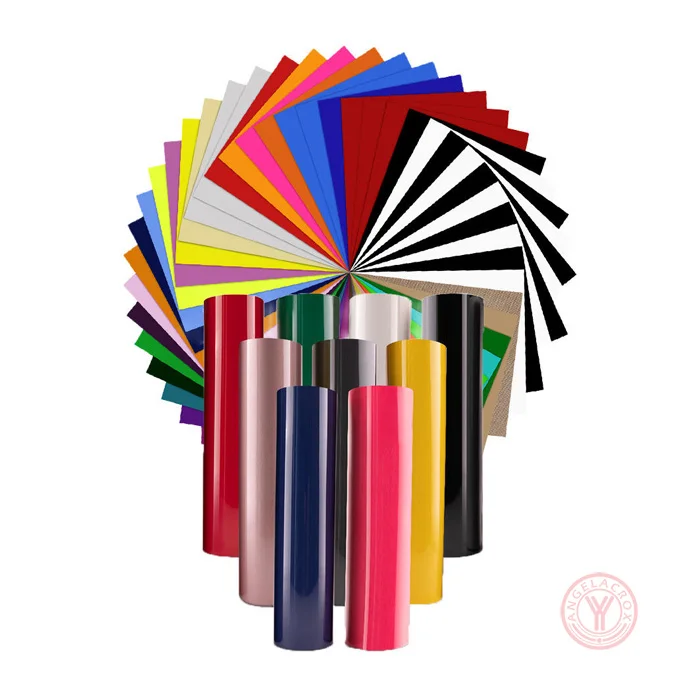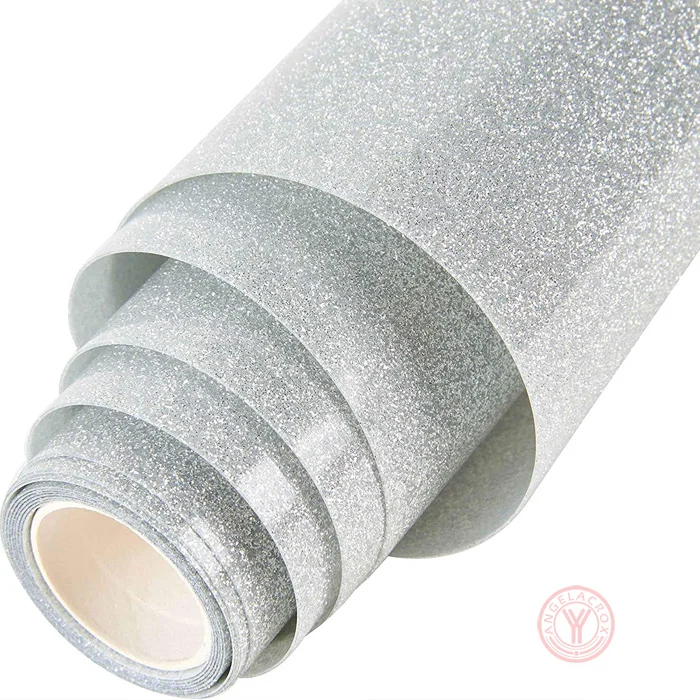
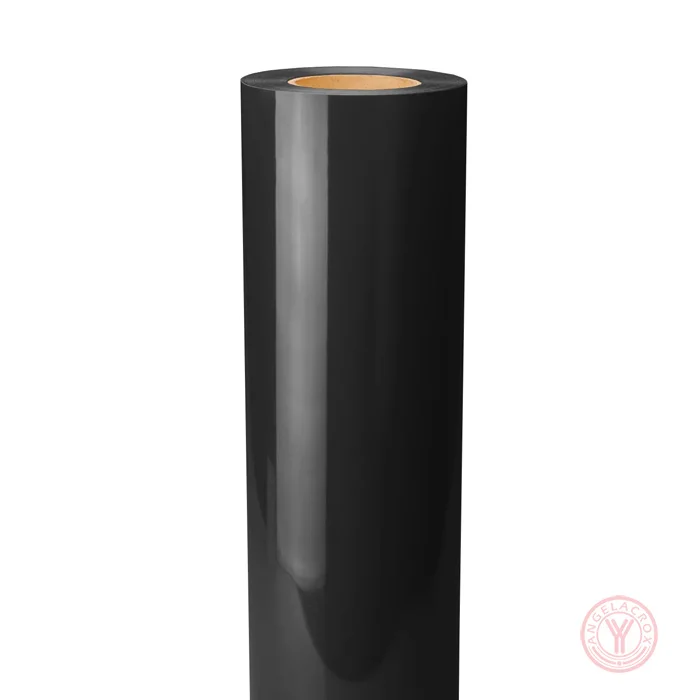
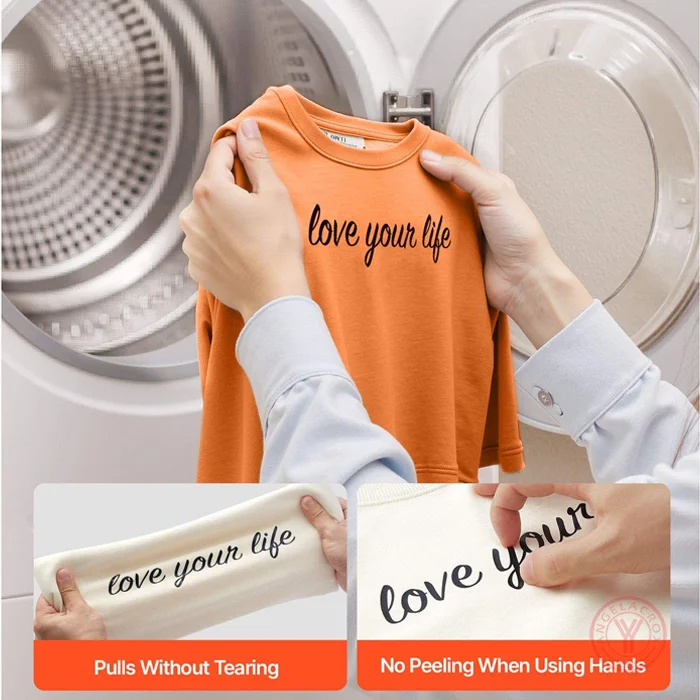
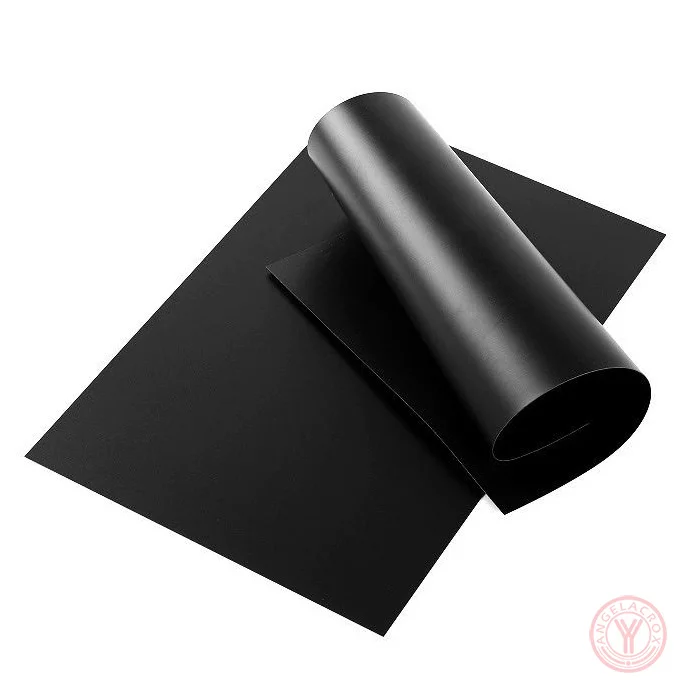
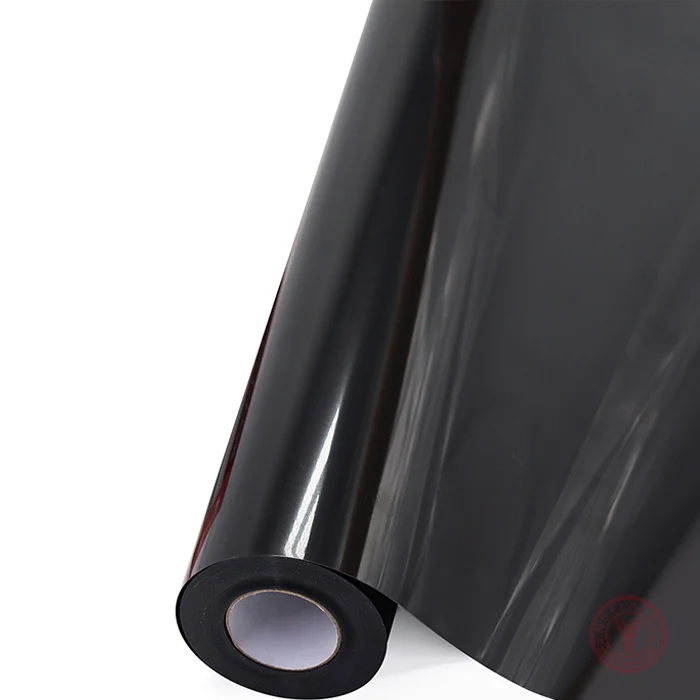
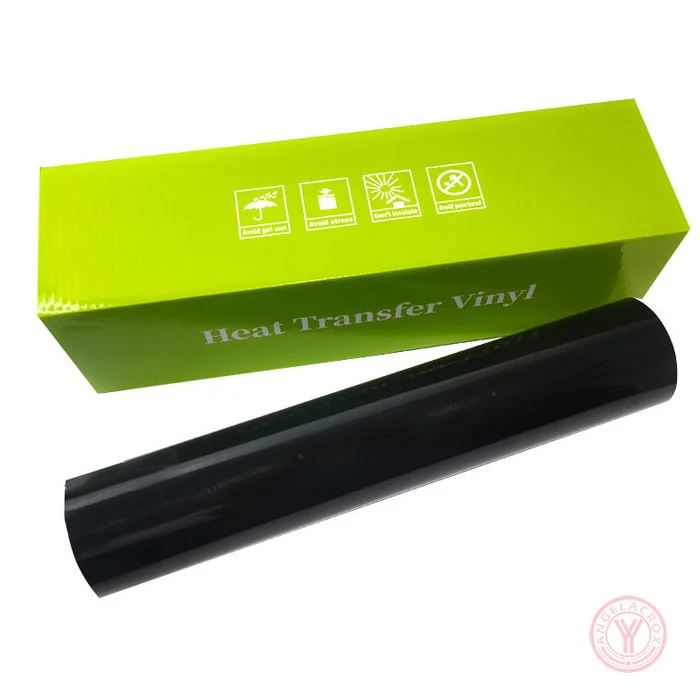
Matte black HTV vinyl is a heat-transfer material with a non-glossy black surface used to add black designs, logos, lettering, and graphics to garments.Unlike standard black heat transfer vinyl which has a glossy or semi-gloss look, matte black absorbs light. It gives an understated, modern, or screen-printed look. It is applied to fabric using a heat press and is commonly used on T-shirts, hoodies, sportswear, and custom apparel.
Specification
| Material | PU / PVC / TPU / Silicone |
| Color | Matte Black |
| Finish | Matte / Non-Glossy |
| Size | 50cm × 25m/Roll (Customizable) |
| Thickness | 0.08–0.30mm (Customizable) |
| Transfer Temperature | 150–160°C (302–320°F) |
| Press Time | 10-15 Seconds |
| Pressure | 3-5Kg;Medium Pressure |
| Peeling Method | Cold Peel |
| Fabric Compatibility | Cotton, Polyester, Cotton Blends & Polyester Blends |
| Features | Matte Finish, Soft Touch, Easy Weeding, Washable, Durable |
| MOQ | 1 Roll |
| Sample | Free Samples Available |
| Sample Lead Time | 1–3 Working Days |
| Bulk Lead Time | 7–15 Working Days |
| Customization | Size, Thickness, Packaging & OEM |
| Usage | Apparel, Logos, Lettering & Custom Designs |
How to Use
1. Prepare the Design: Mirror the design and place the HTV with the carrier sheet facing down.
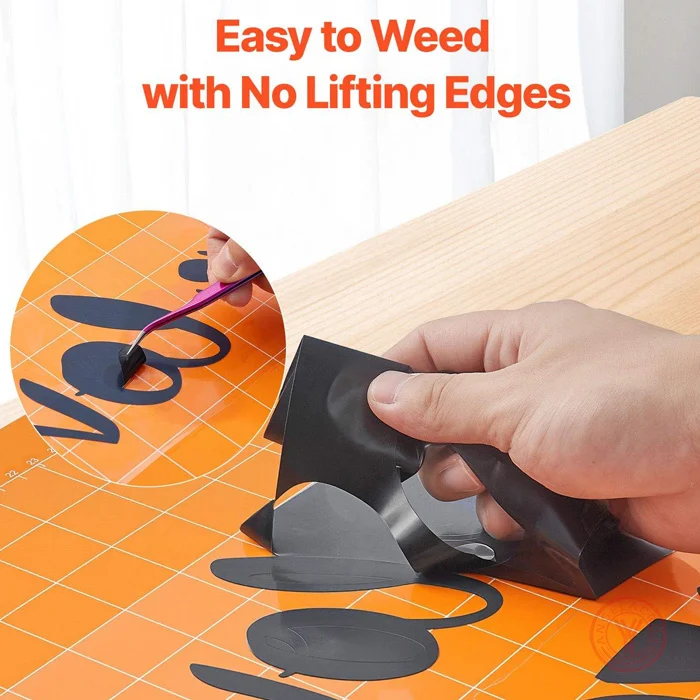
2. Cut and Weed: Cut the design with the appropriate blade setting and remove the excess vinyl.
3. Preheat the Fabric: Preheat the garment briefly to remove moisture and wrinkles and create a smooth pressing surface.
4. Heat Press: Place the weeded design on the fabric with the carrier sheet facing up. Press at 150–160°C (302–320°F) for 10–15 seconds with 3–5 kg medium pressure.
5. Cold Peel: Allow the transfer to cool completely, then peel off the carrier film.
6. Check the Transfer: Make sure the design is fully bonded before handling or washing.
Need More Options? View our Matte Heat Transfer Vinyl for more matte finishes, or browse Black Heat Transfer Vinyl for a wider range of black HTV options.