Description
Send Inquiry
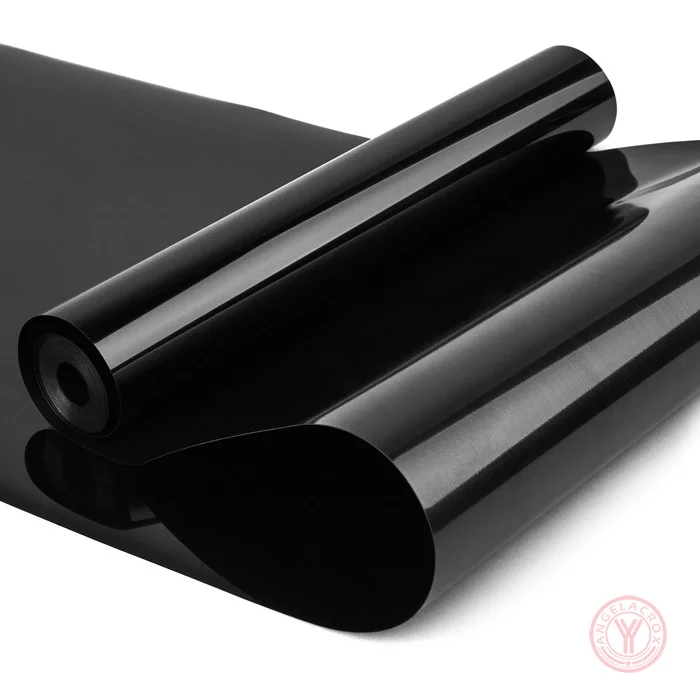
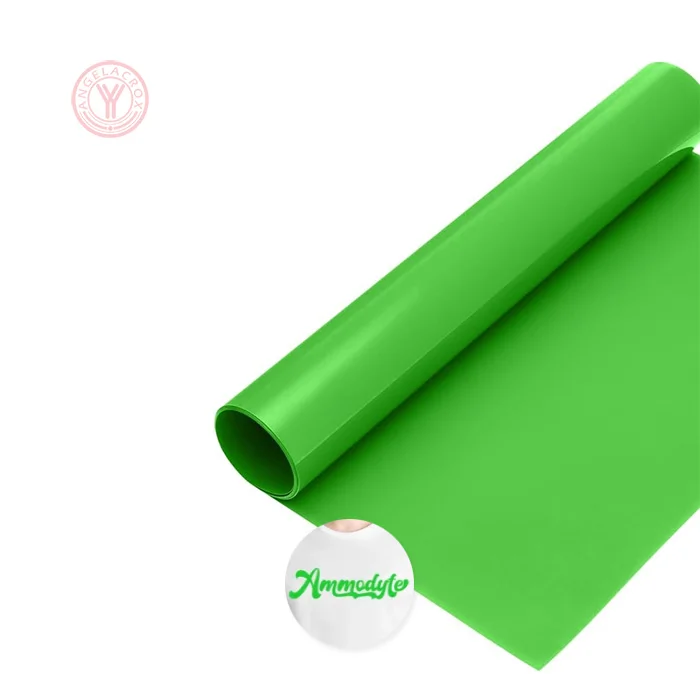
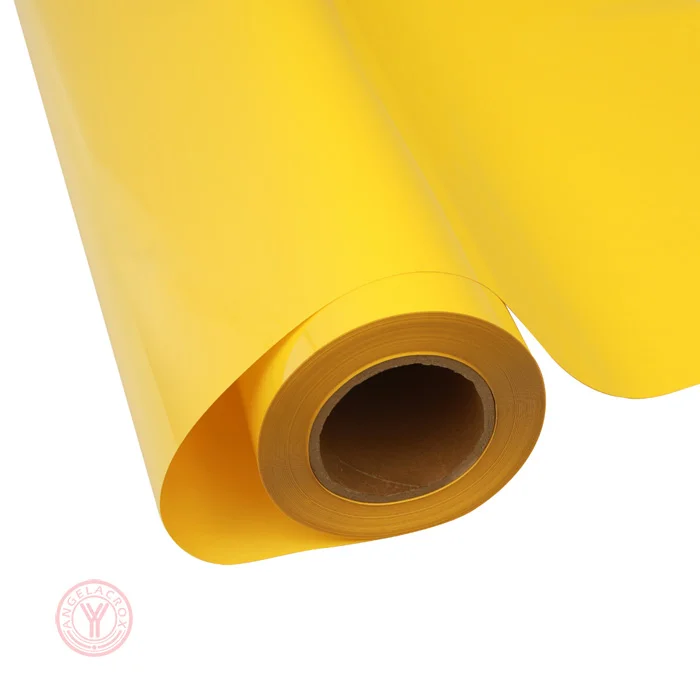
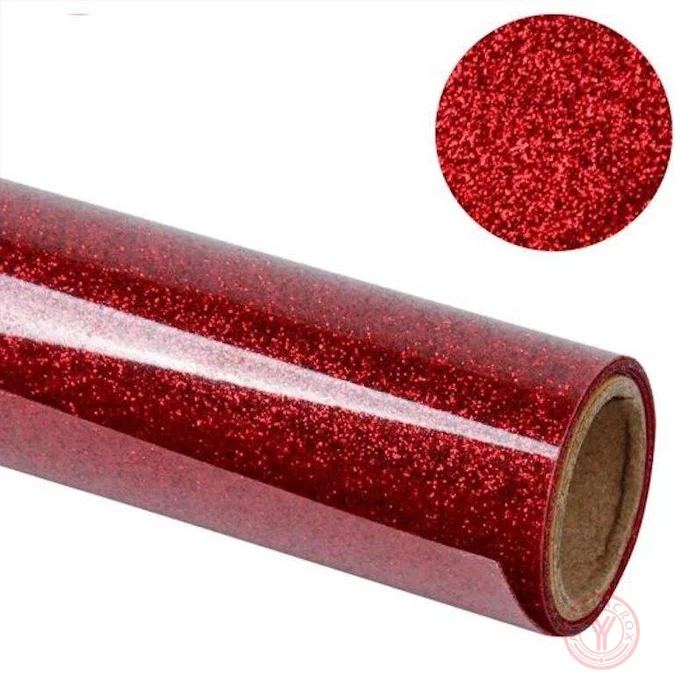
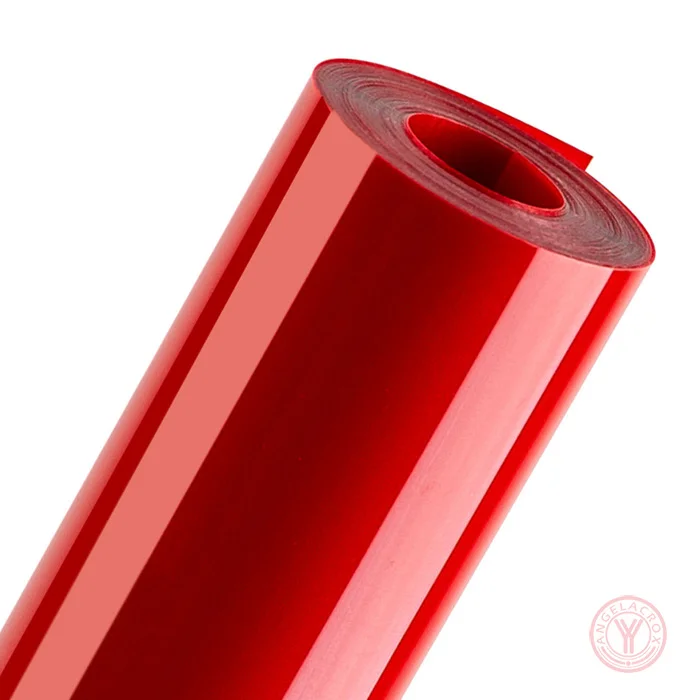
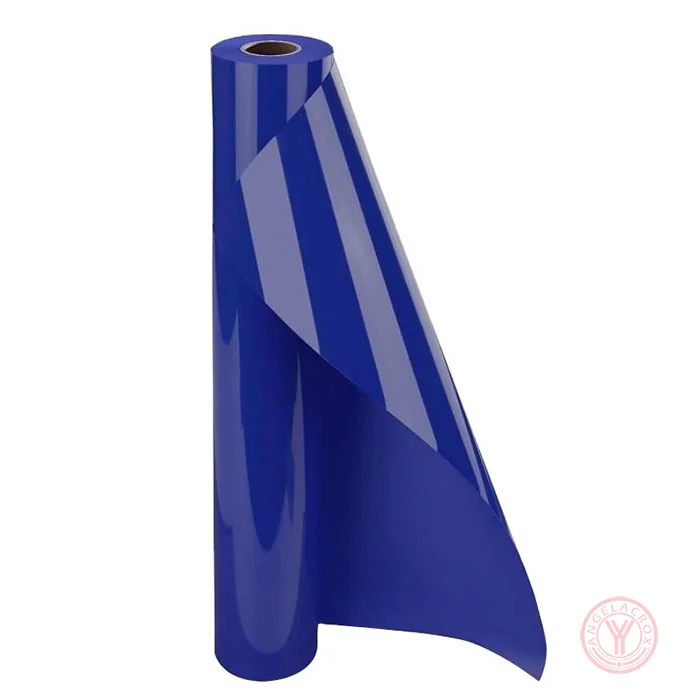
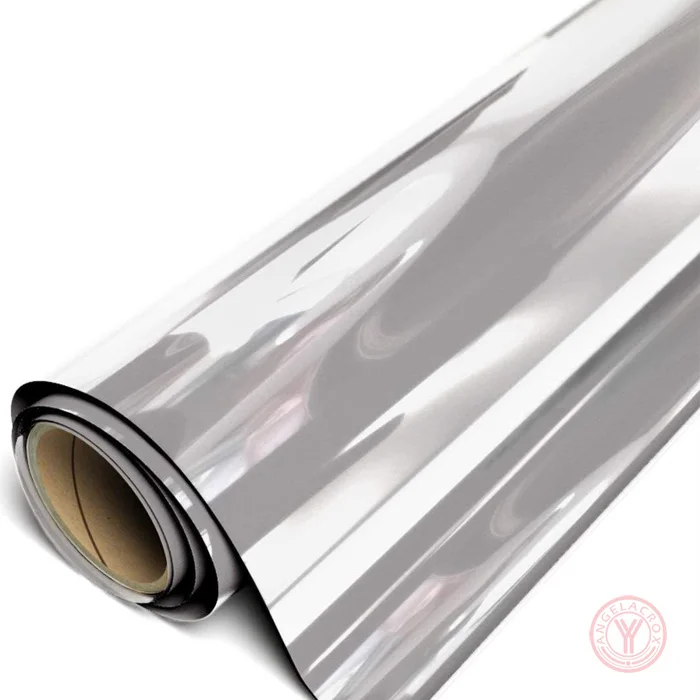
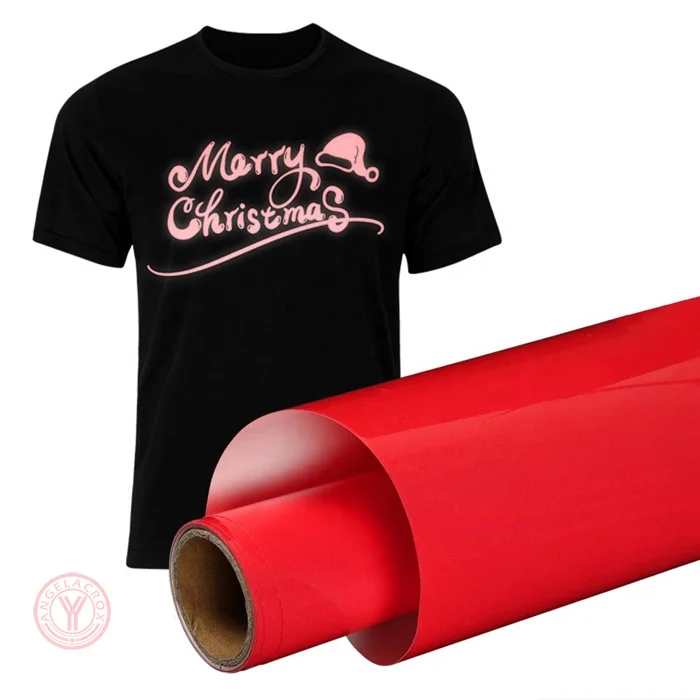
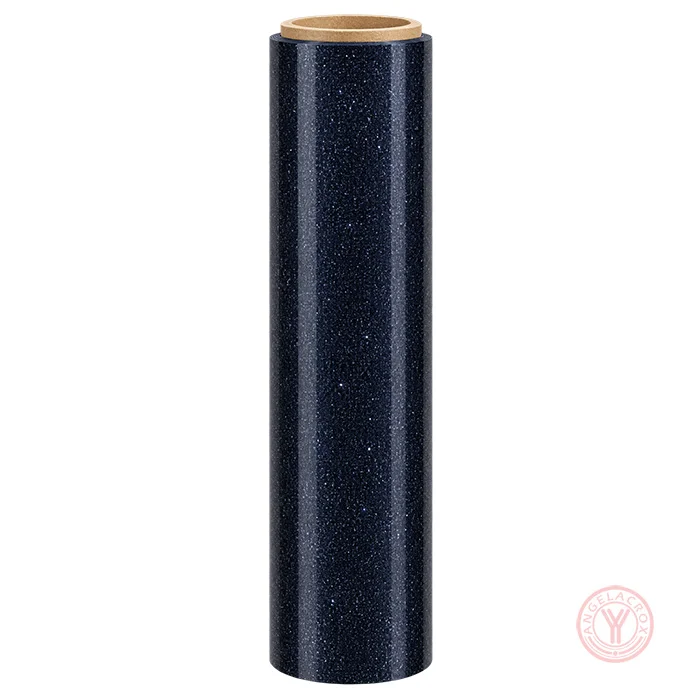
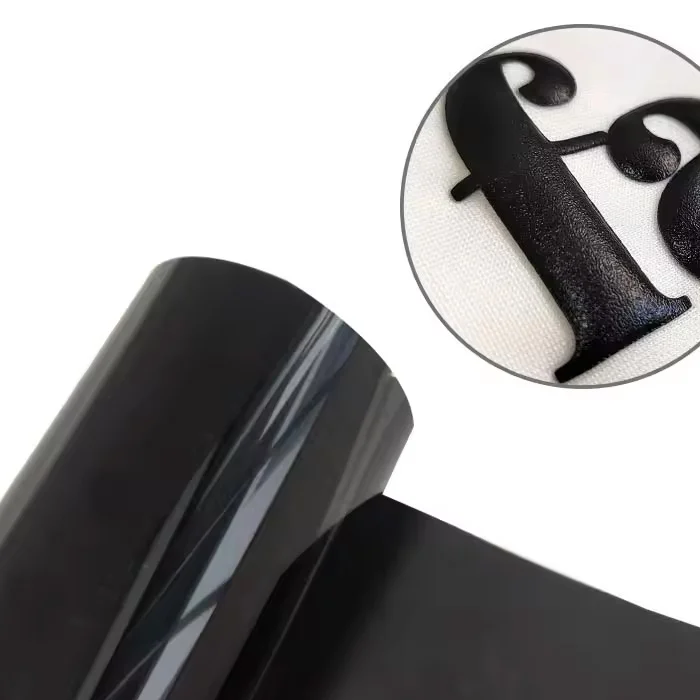
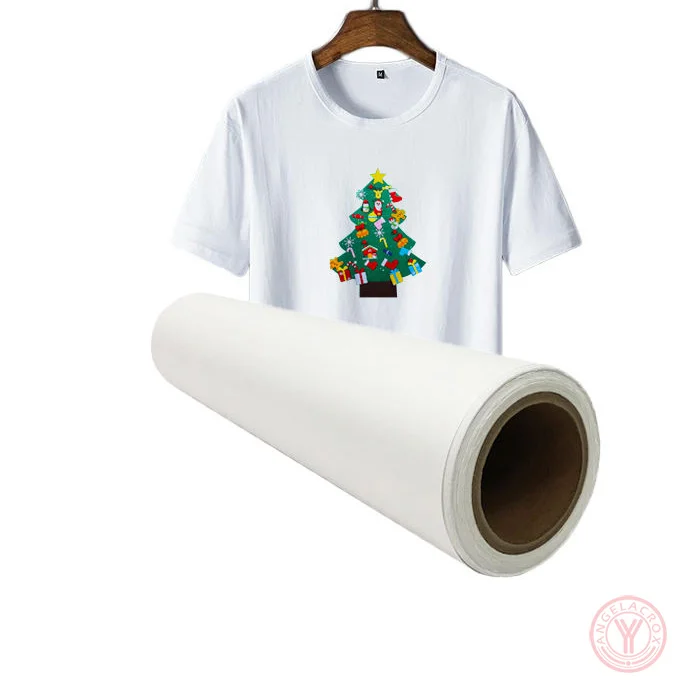
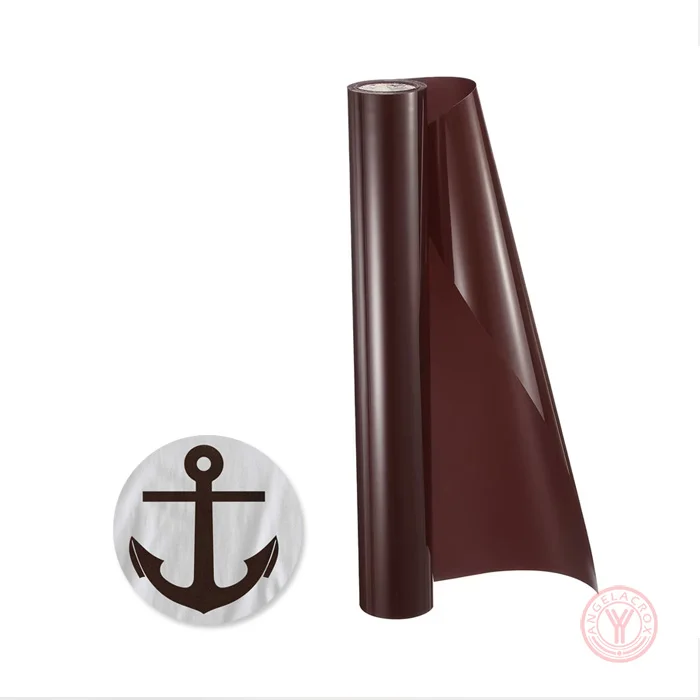
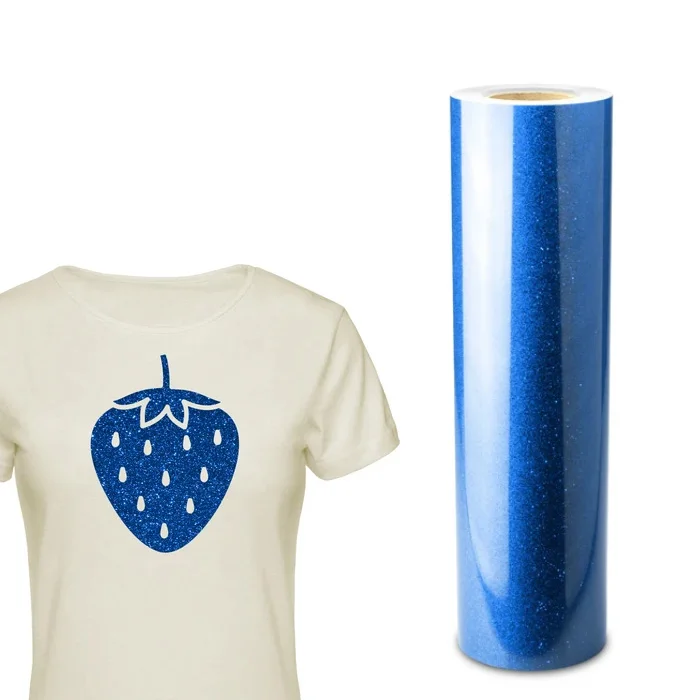
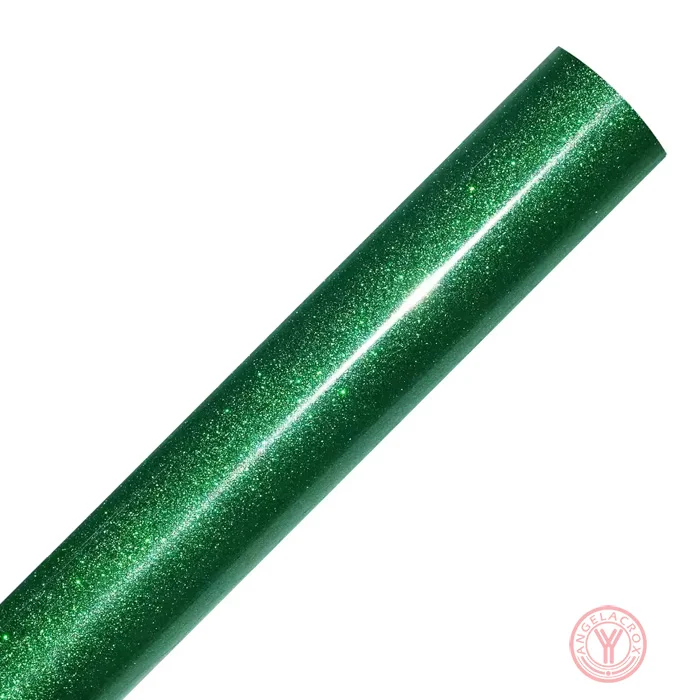
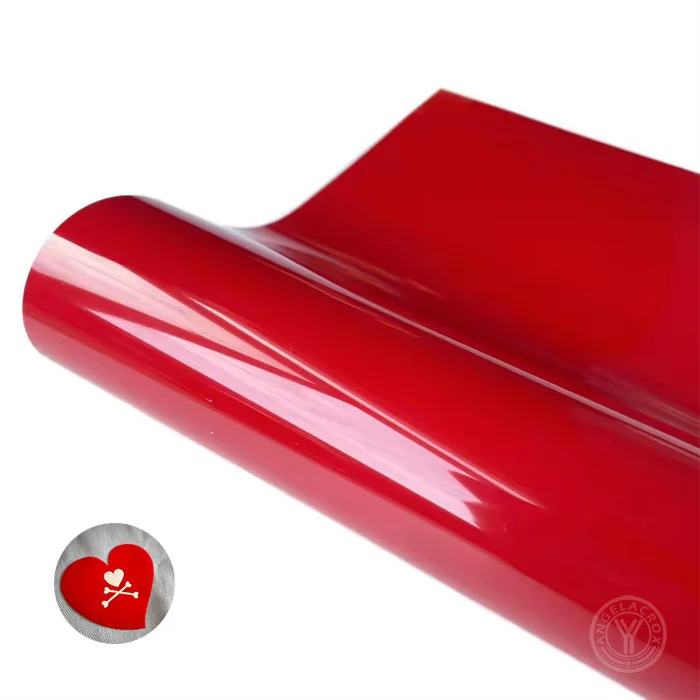
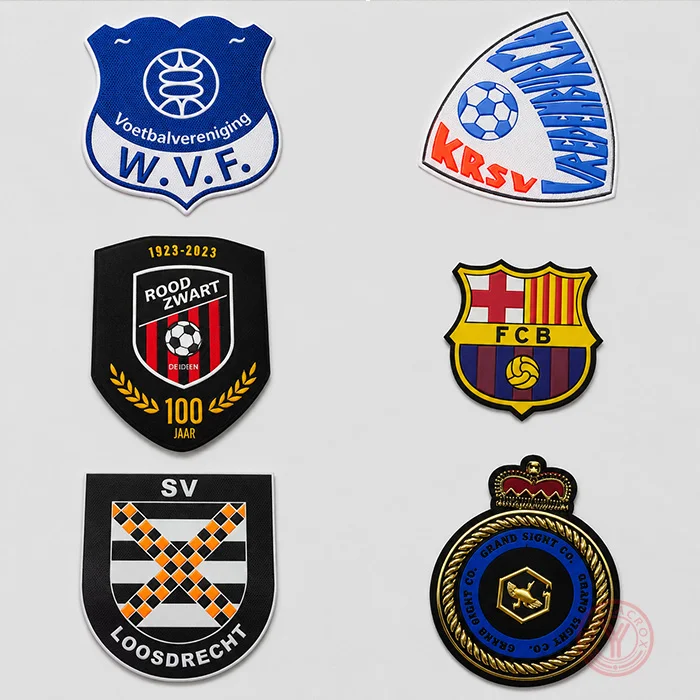
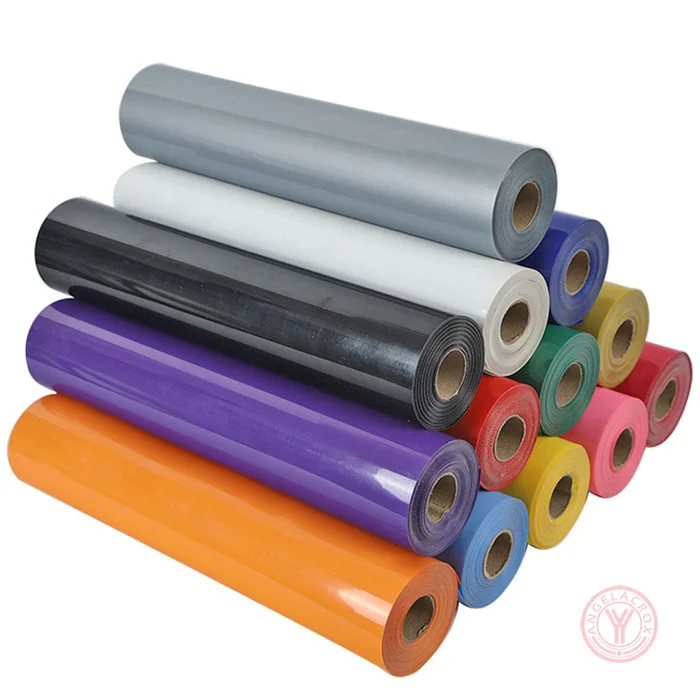
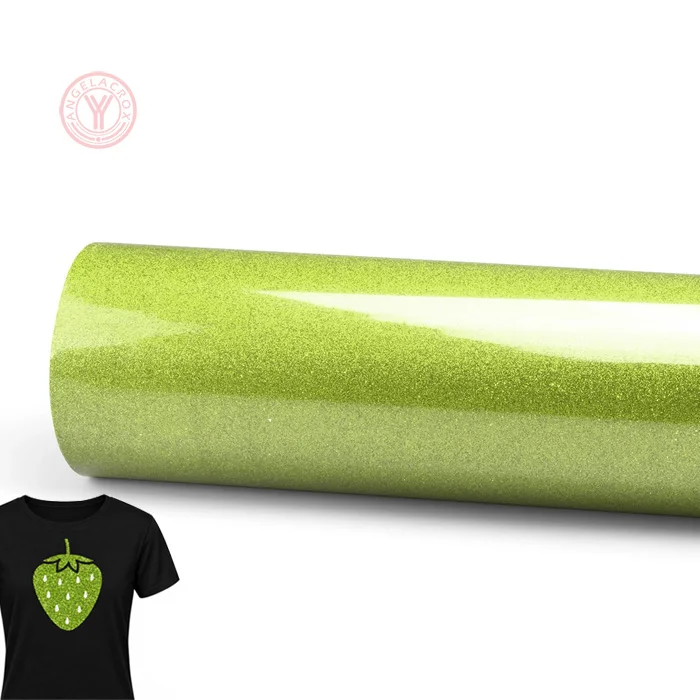
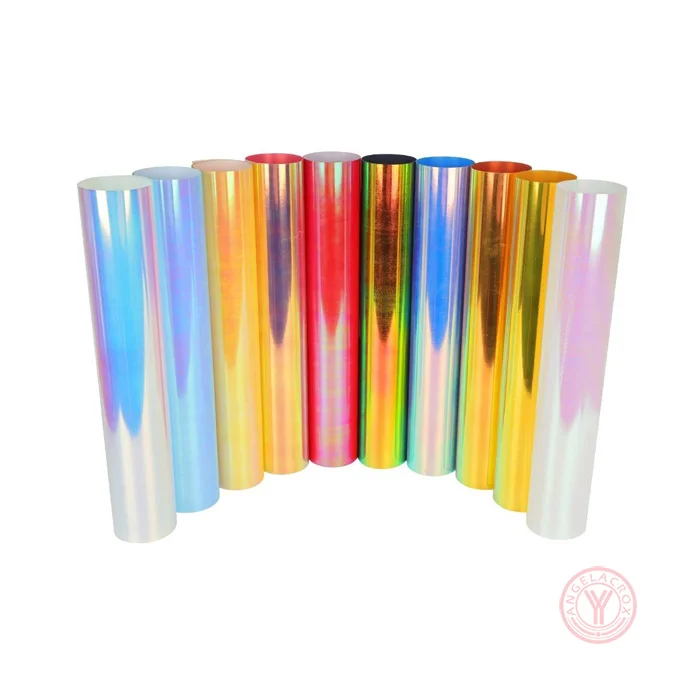
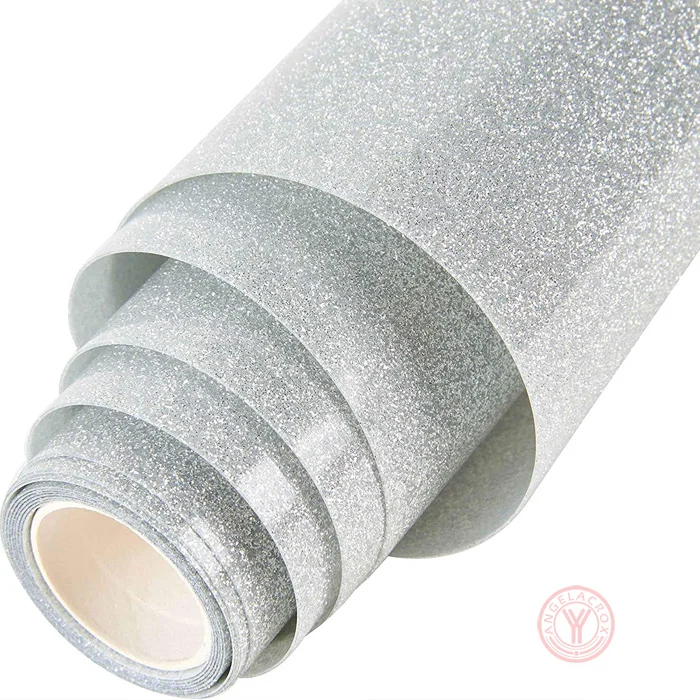
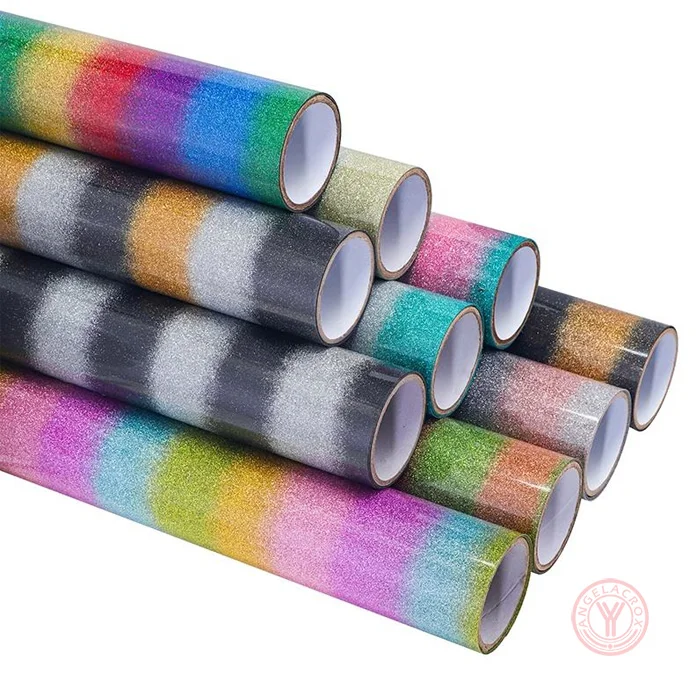
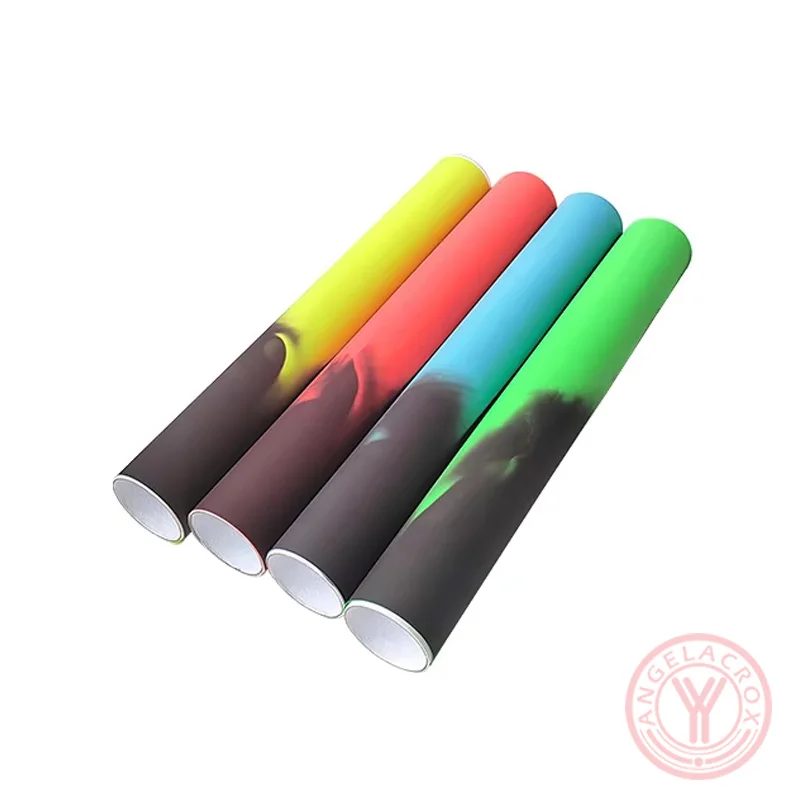
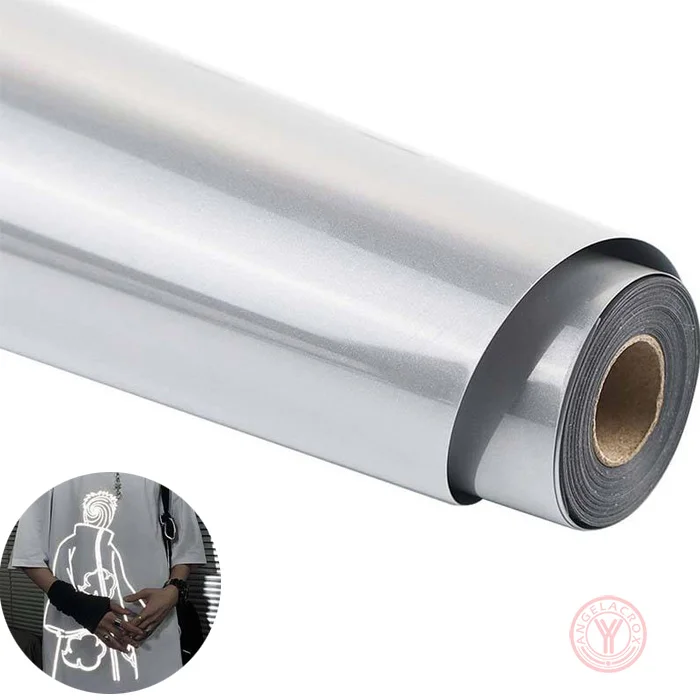
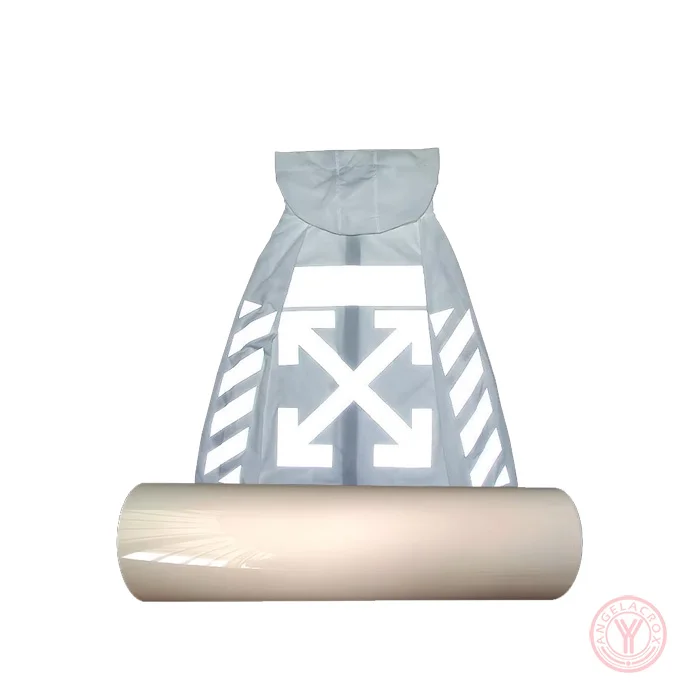
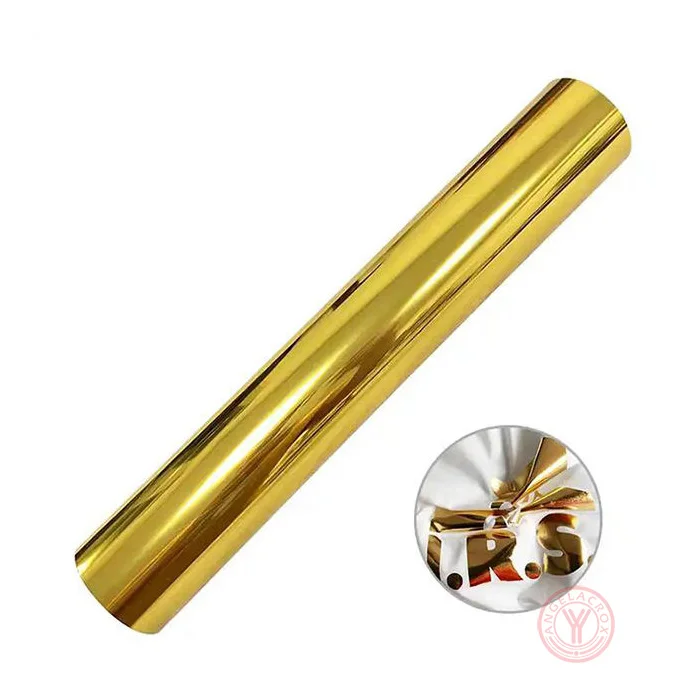
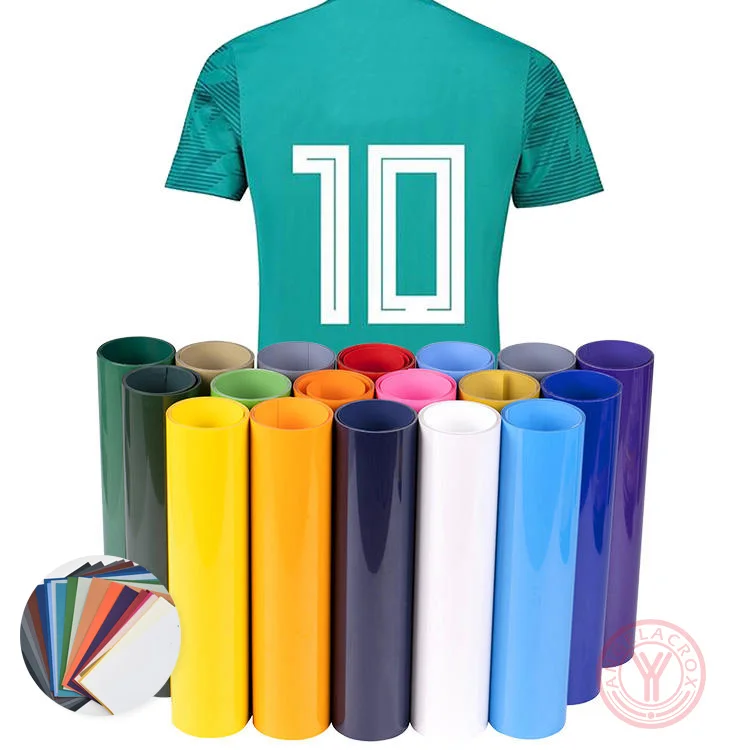
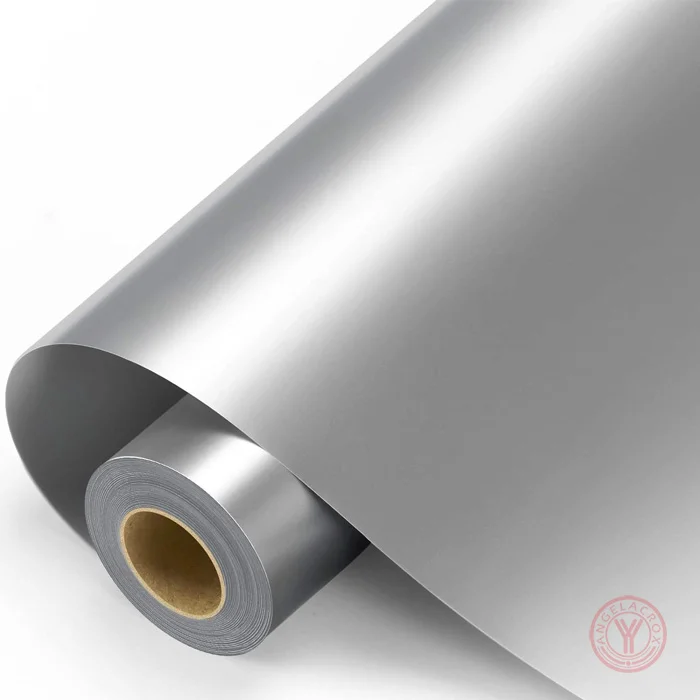
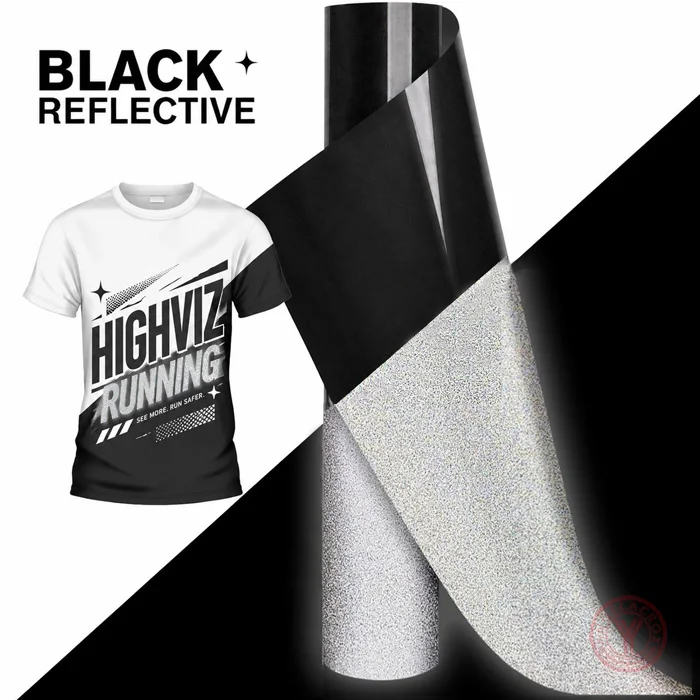
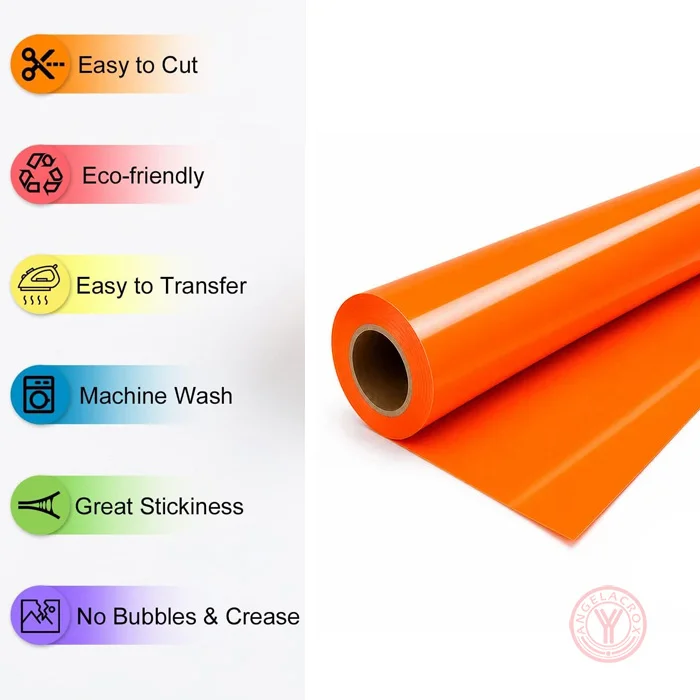
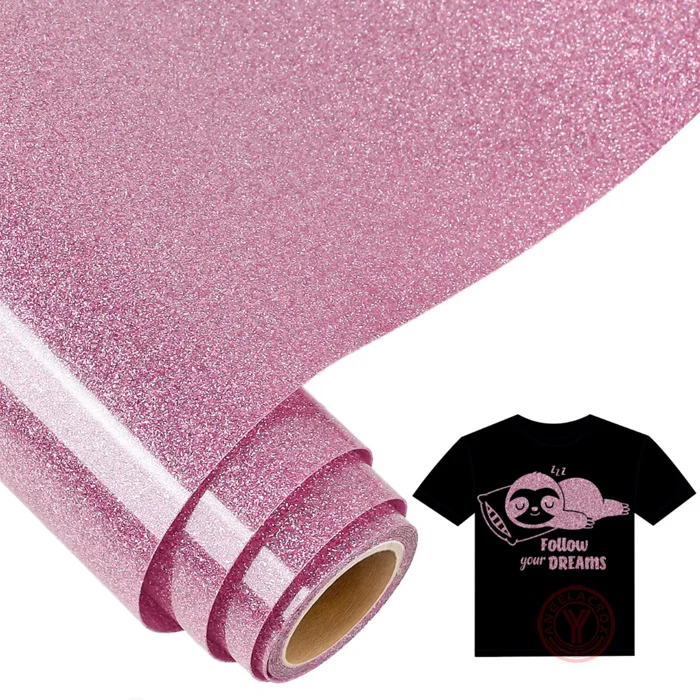
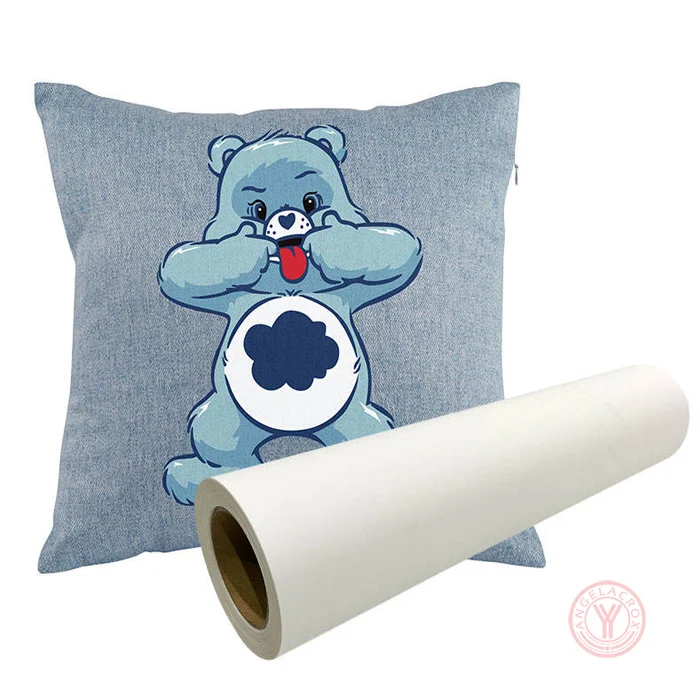
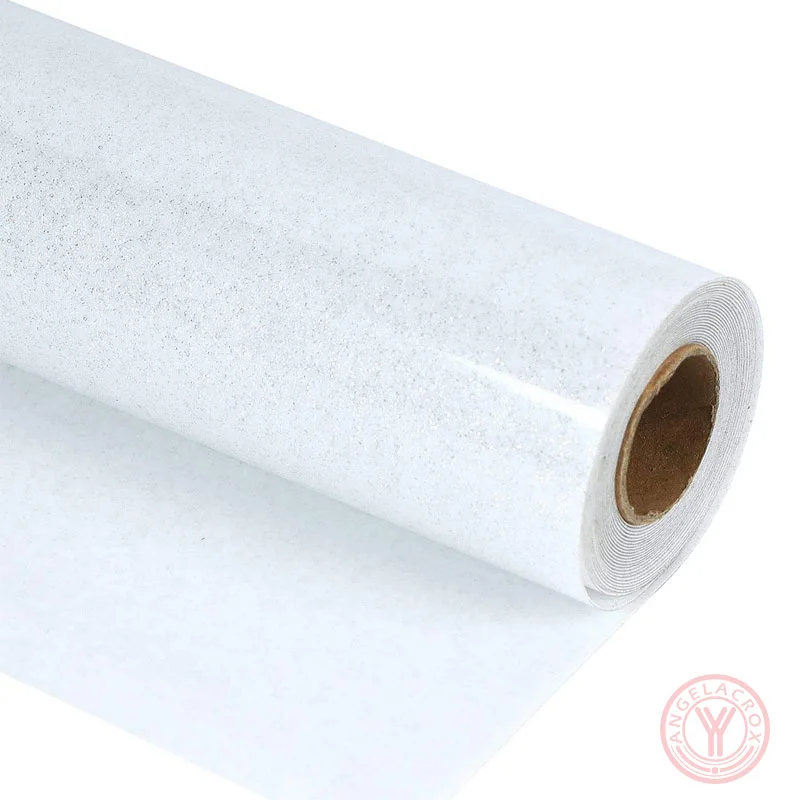
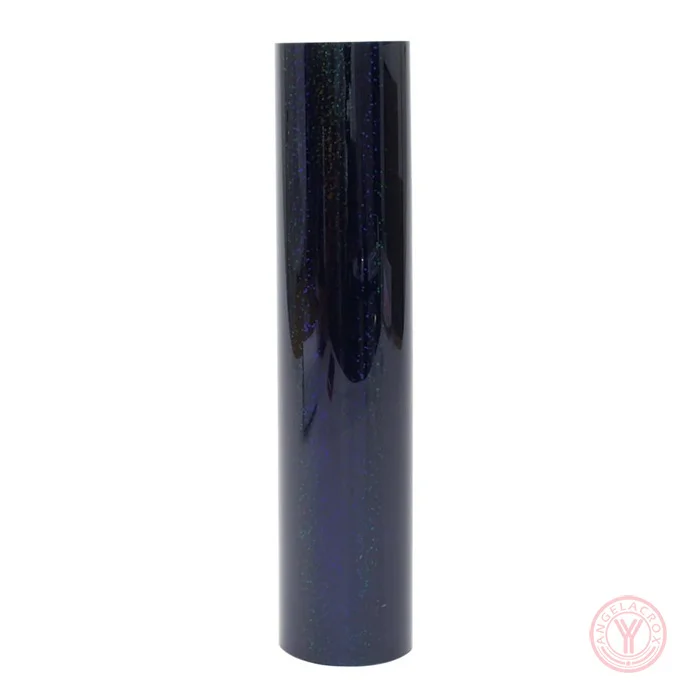
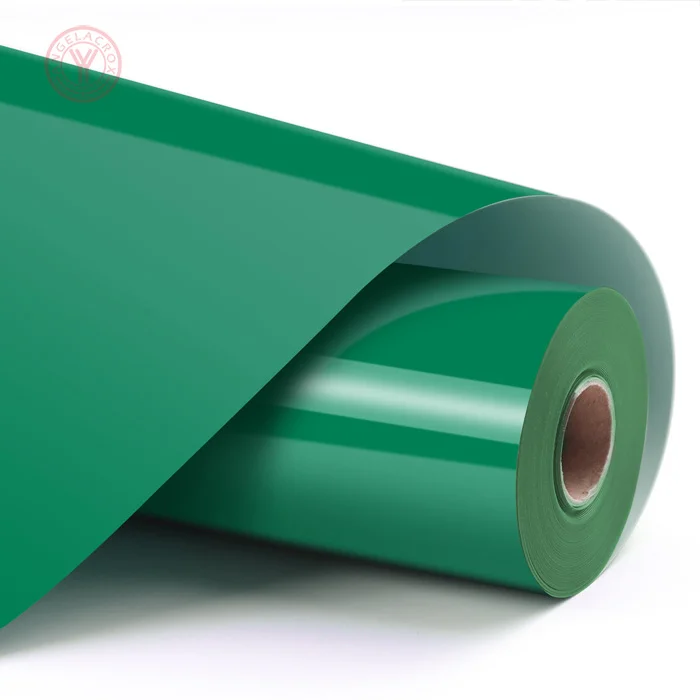
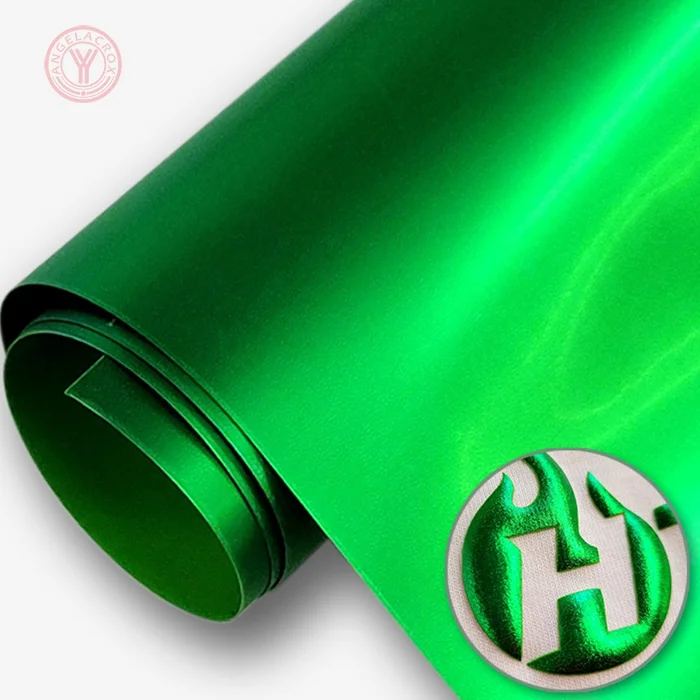
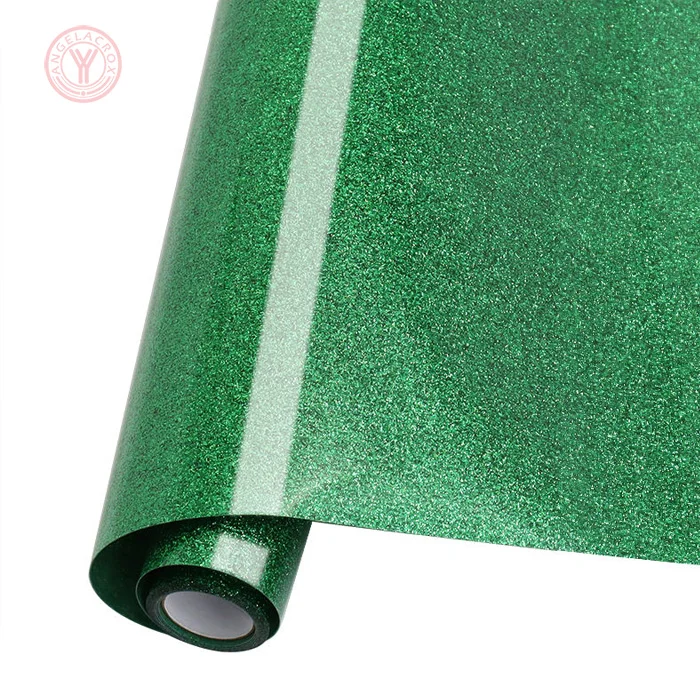
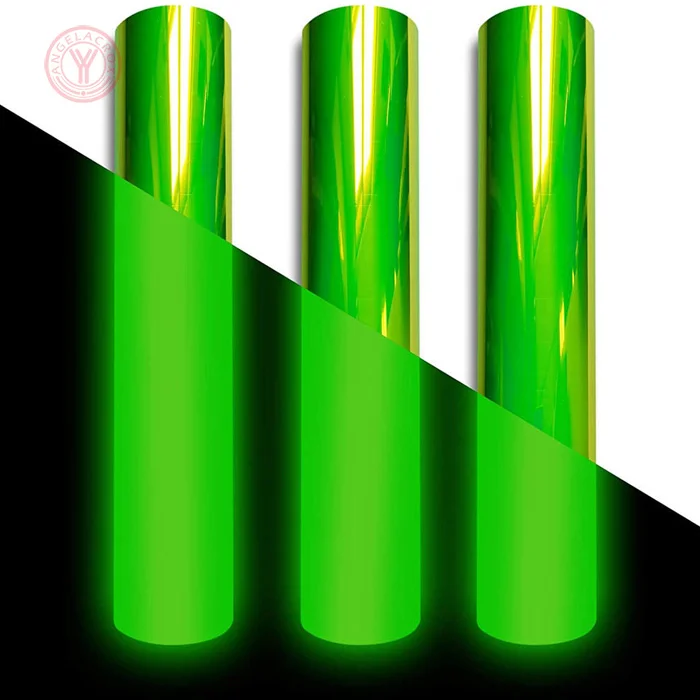
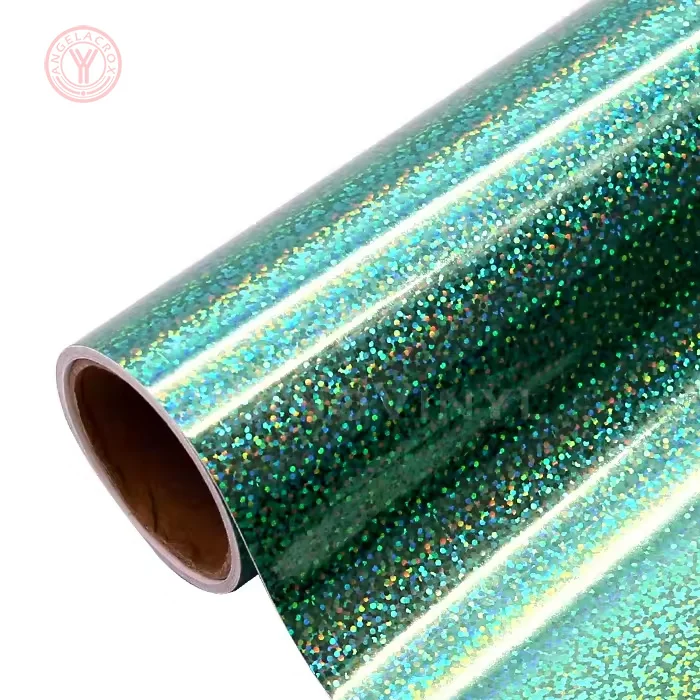
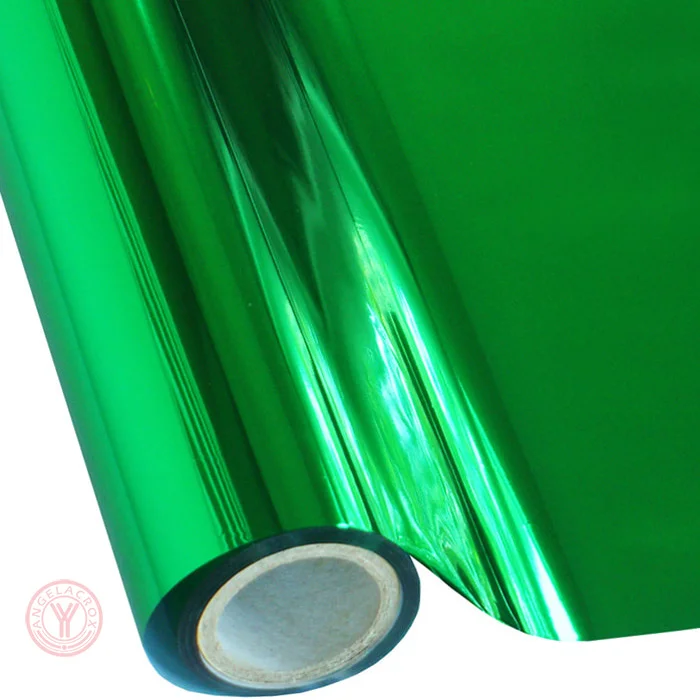
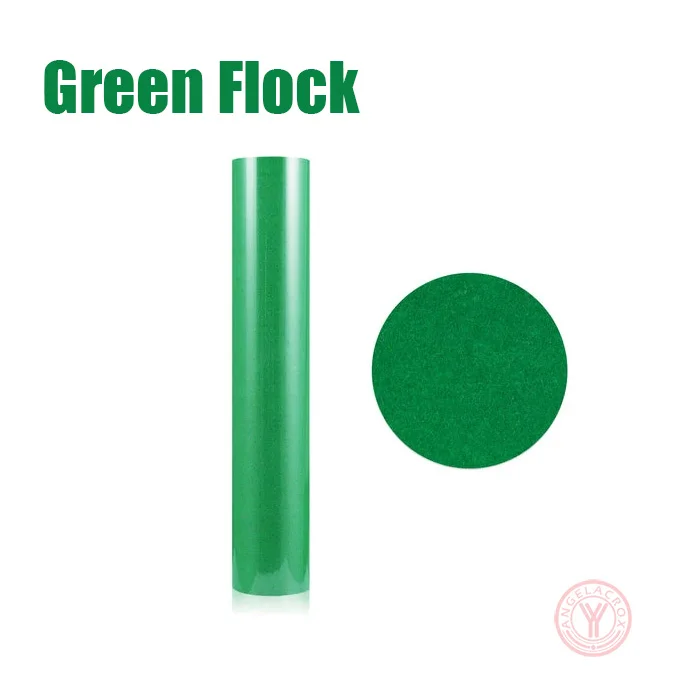
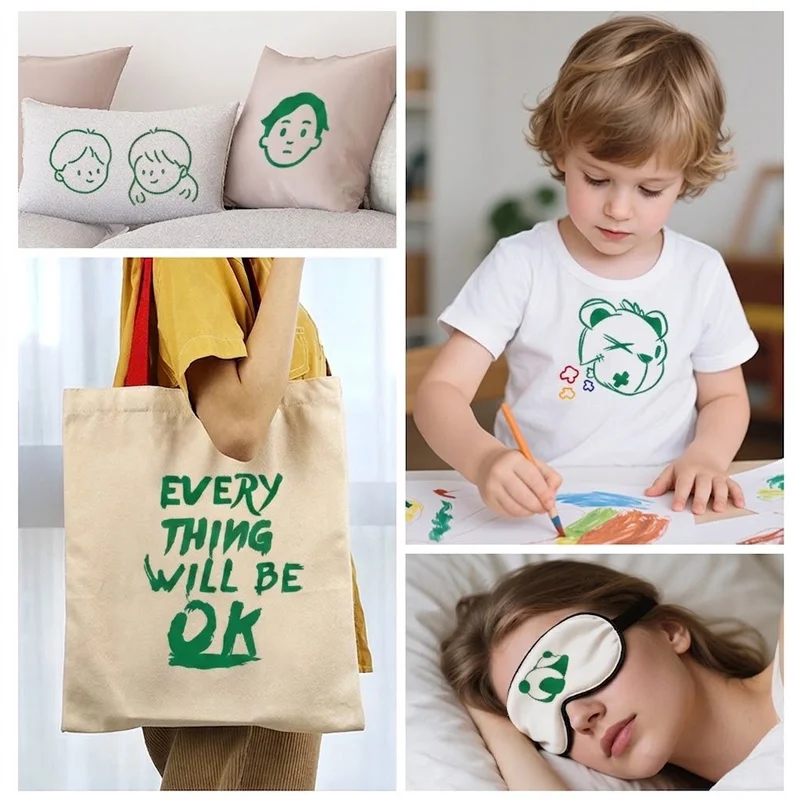
The Green Heat Transfer Vinyl is easy to cut, weed and apply, making the transfer process simple and efficient. It adheres firmly to fabric with clean edges and a soft, flexible feel. The color stays bright after repeated washing, while the design resists peeling, cracking and fading. It works well for T-shirts, hoodies, sportswear, workwear, uniforms and other custom garments.
Specifications
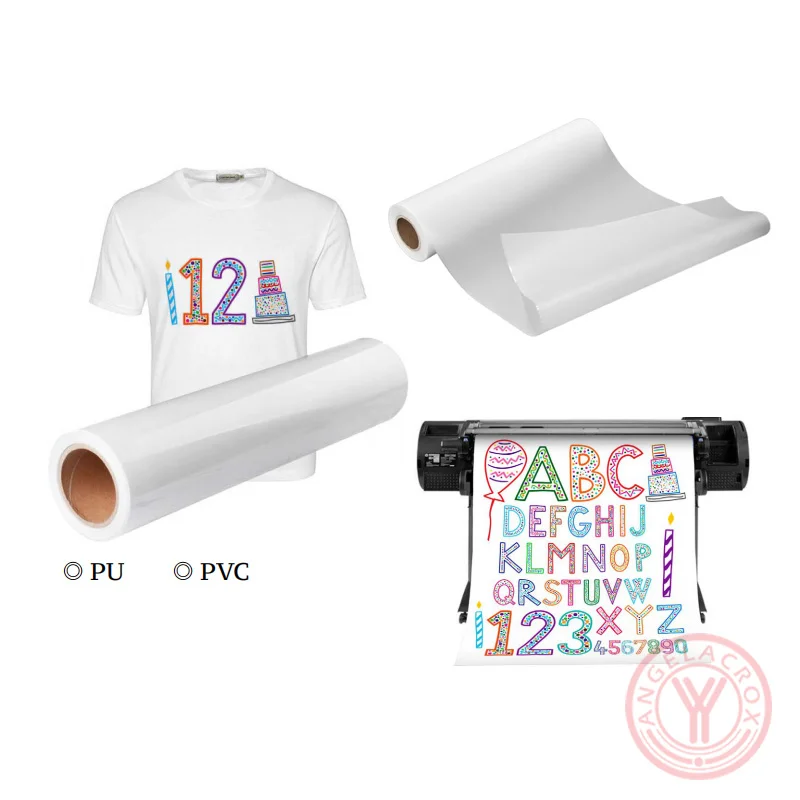
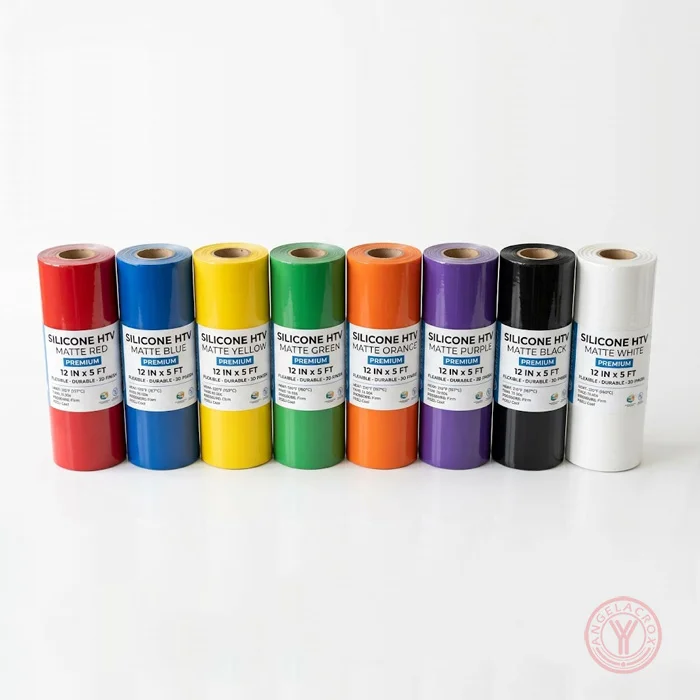
| Material | PU / TPU / PET / Silicone / PVC |
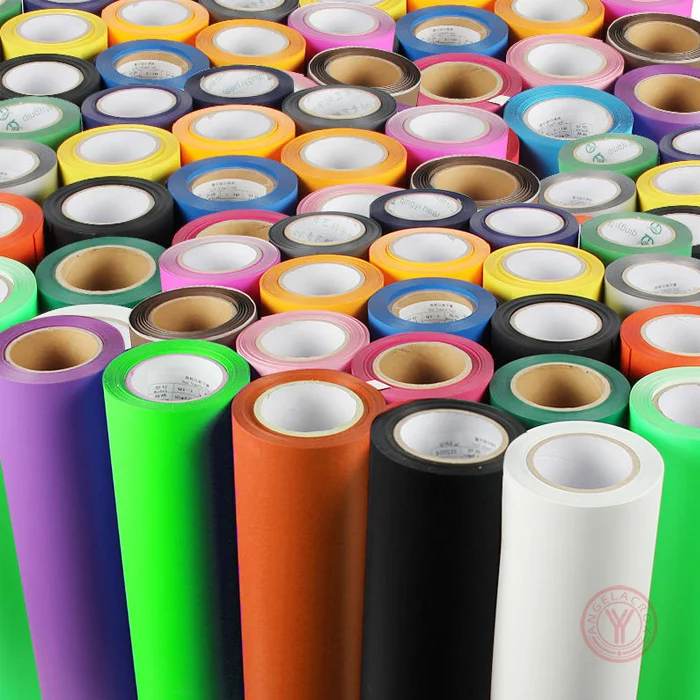
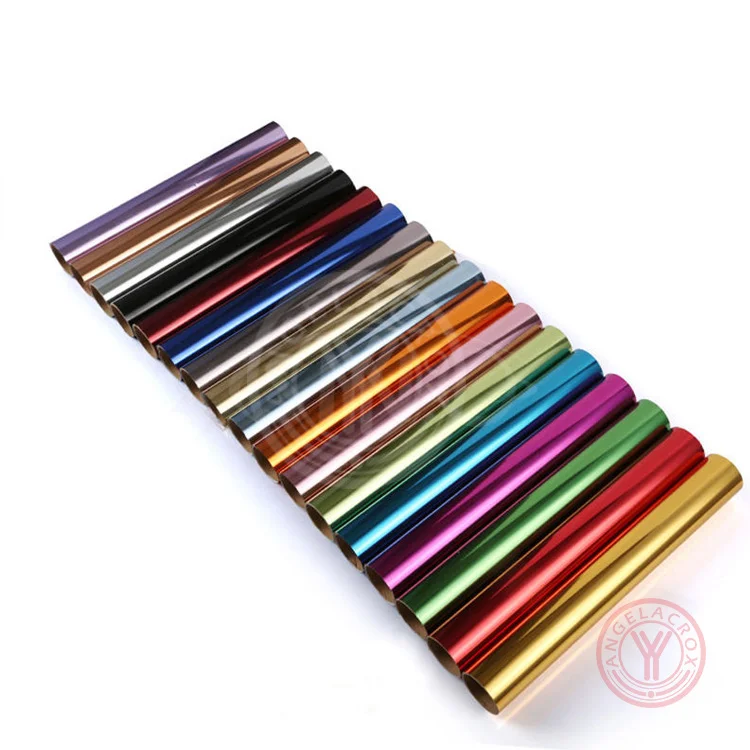
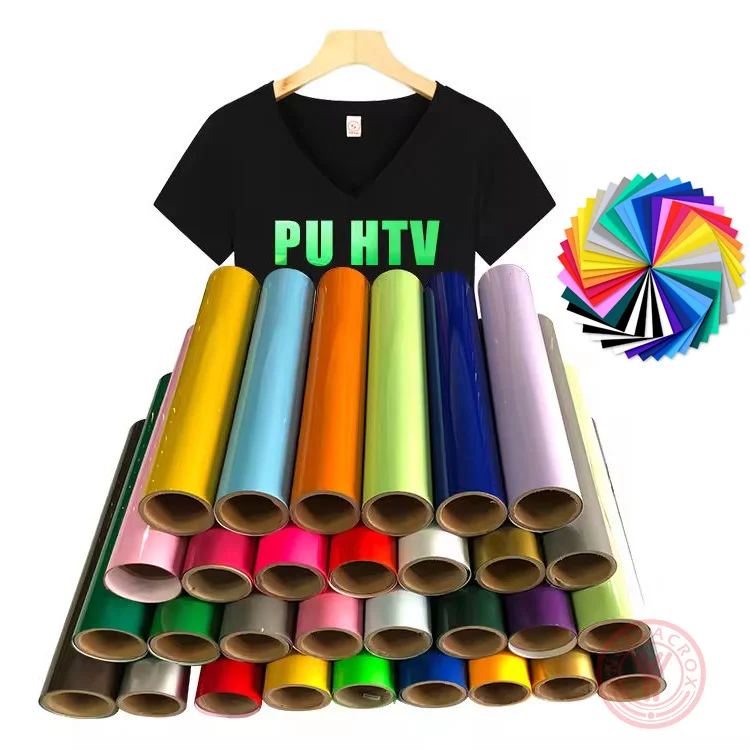
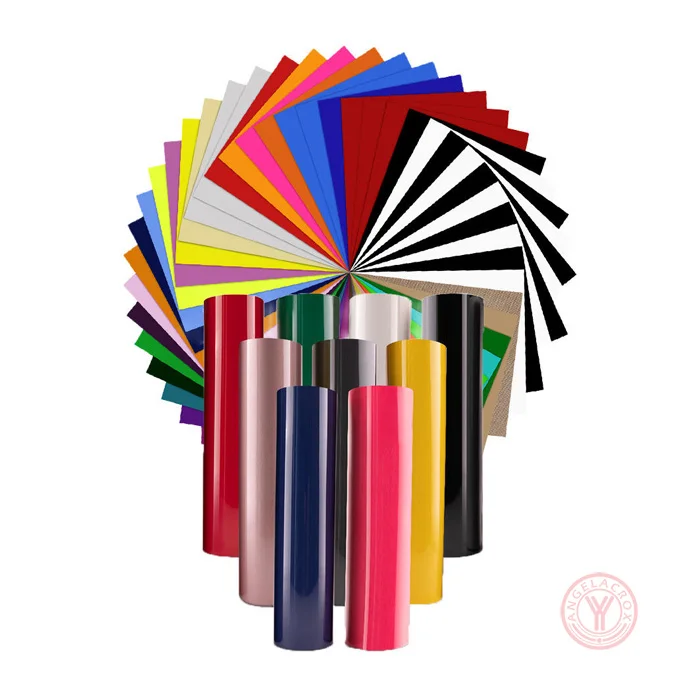
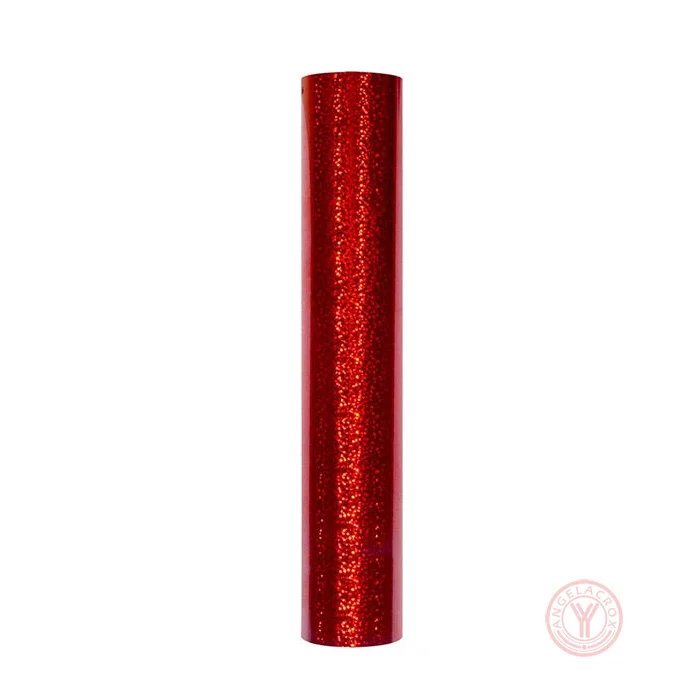
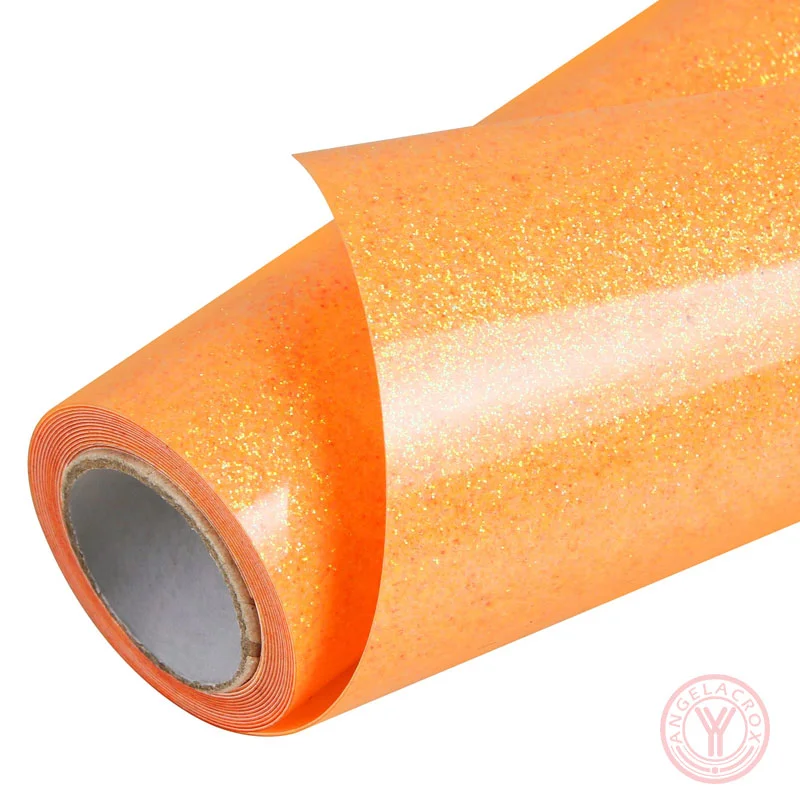
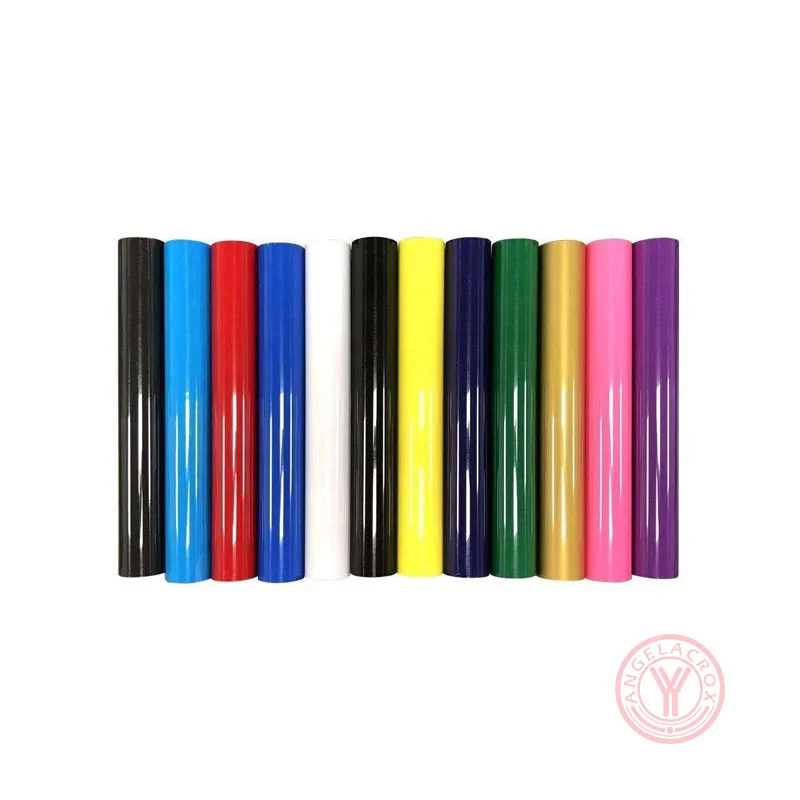
| Color | neon green HTV, dark green HTV, emerald green, forest green, light green, lime green HTV, midnight green, mint green, olive green, sage green, celery green, gradient green / Custom Colors |
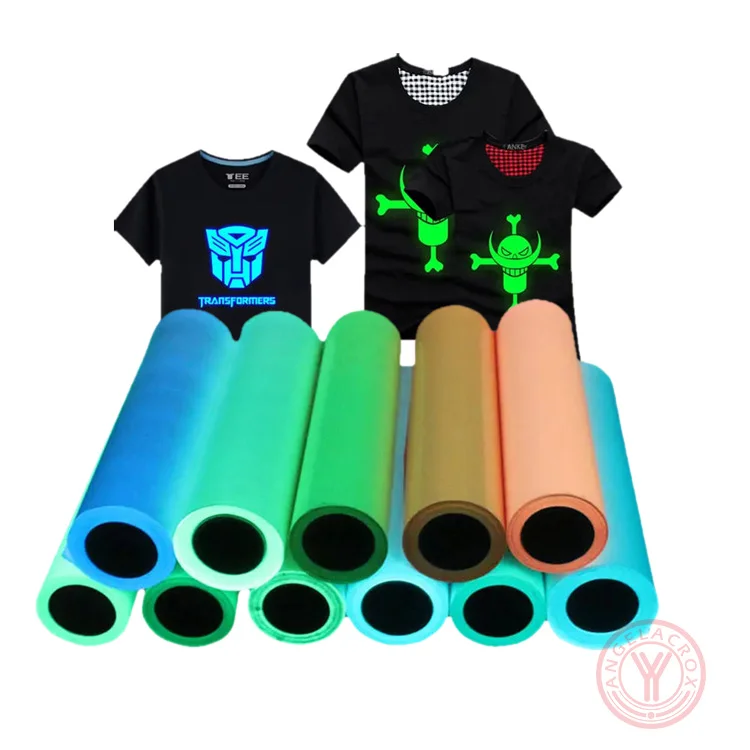
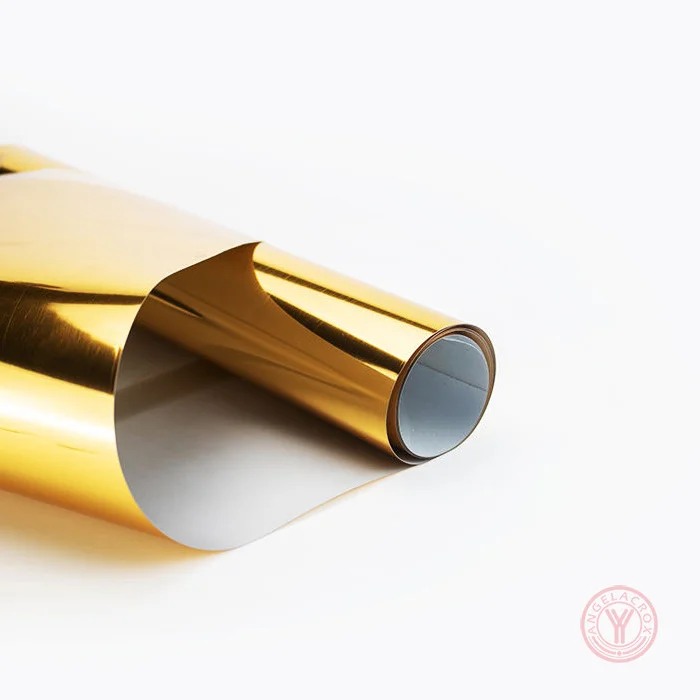
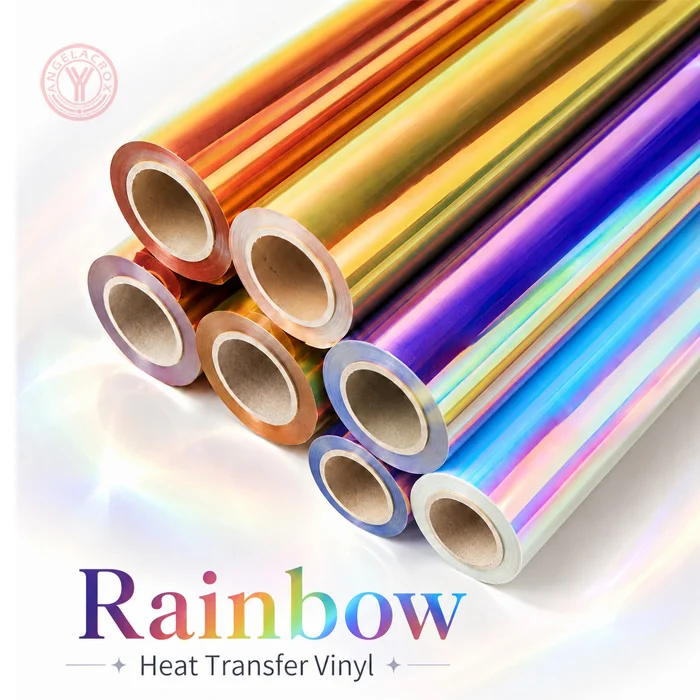
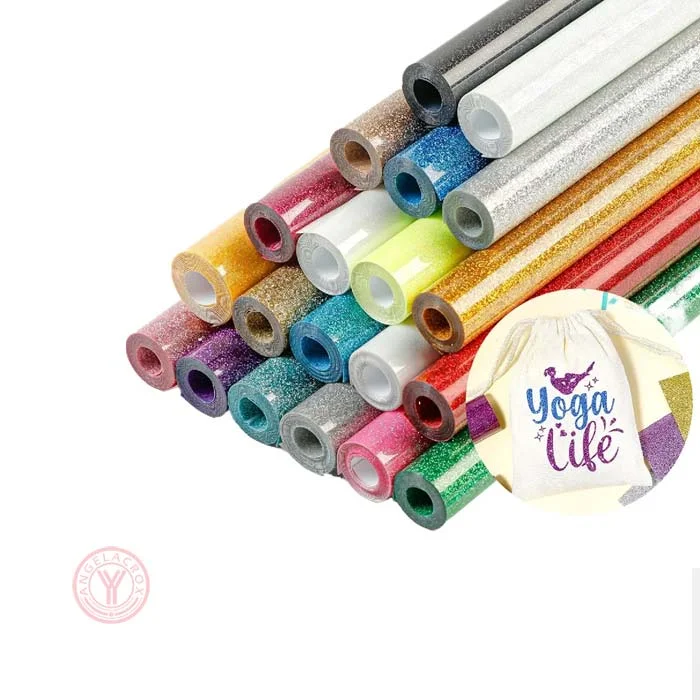
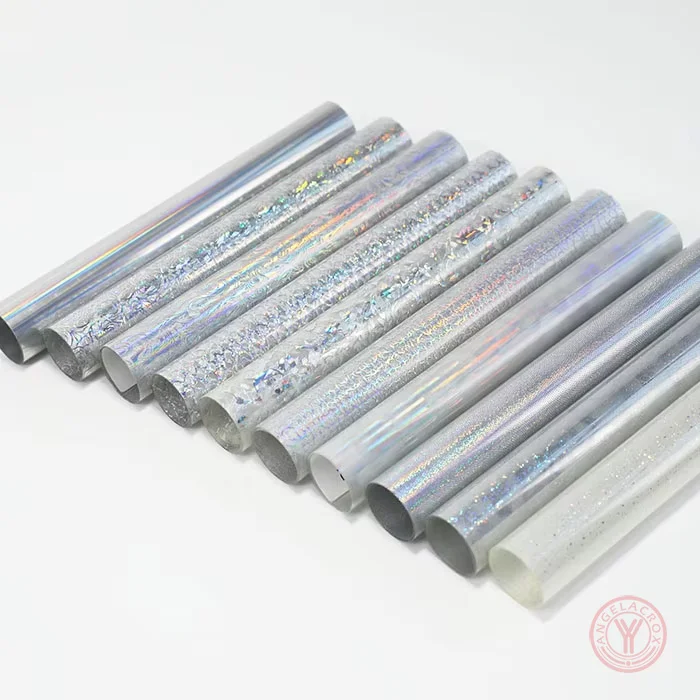
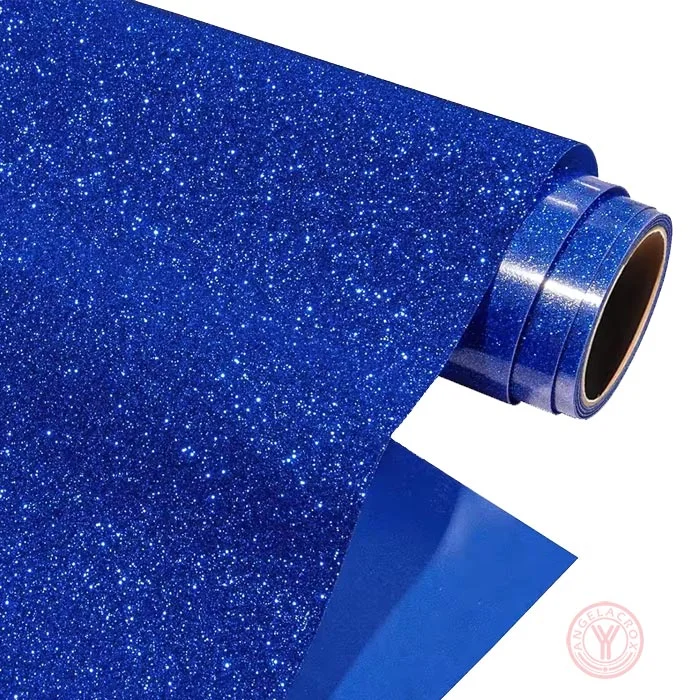
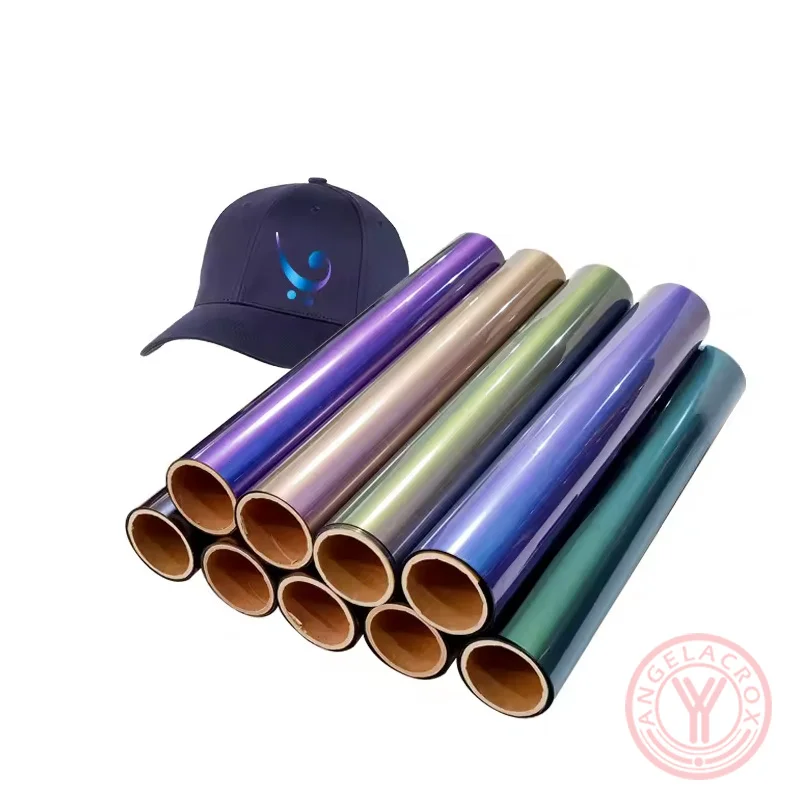
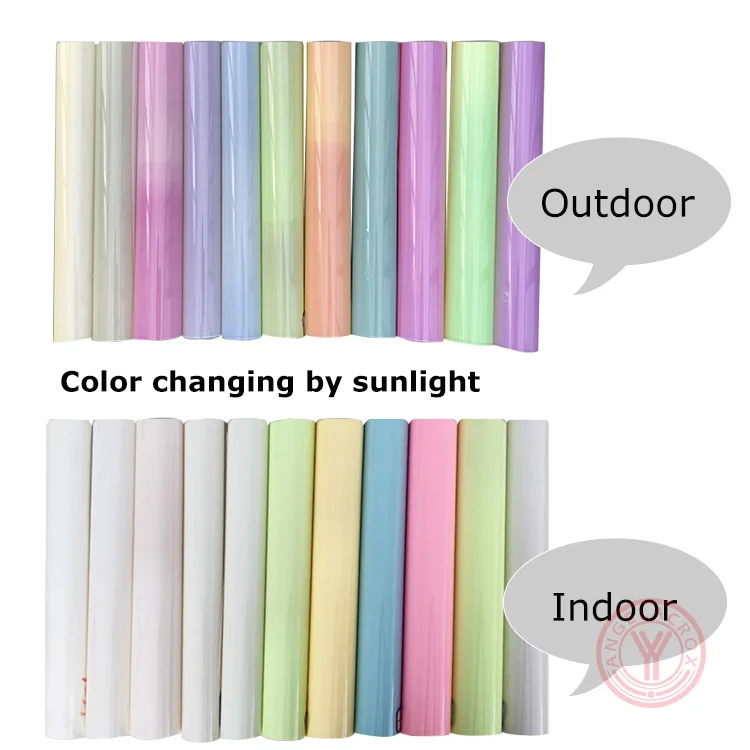
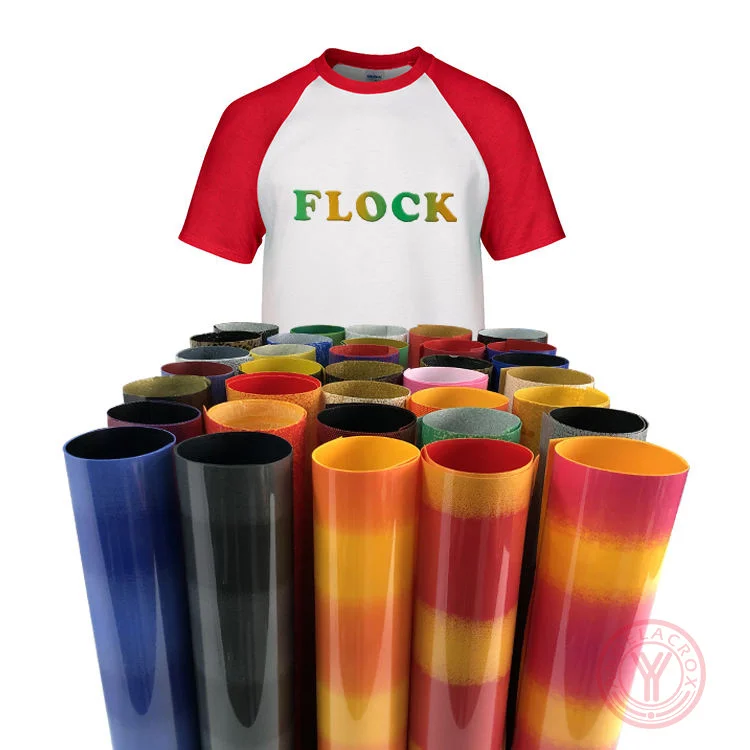
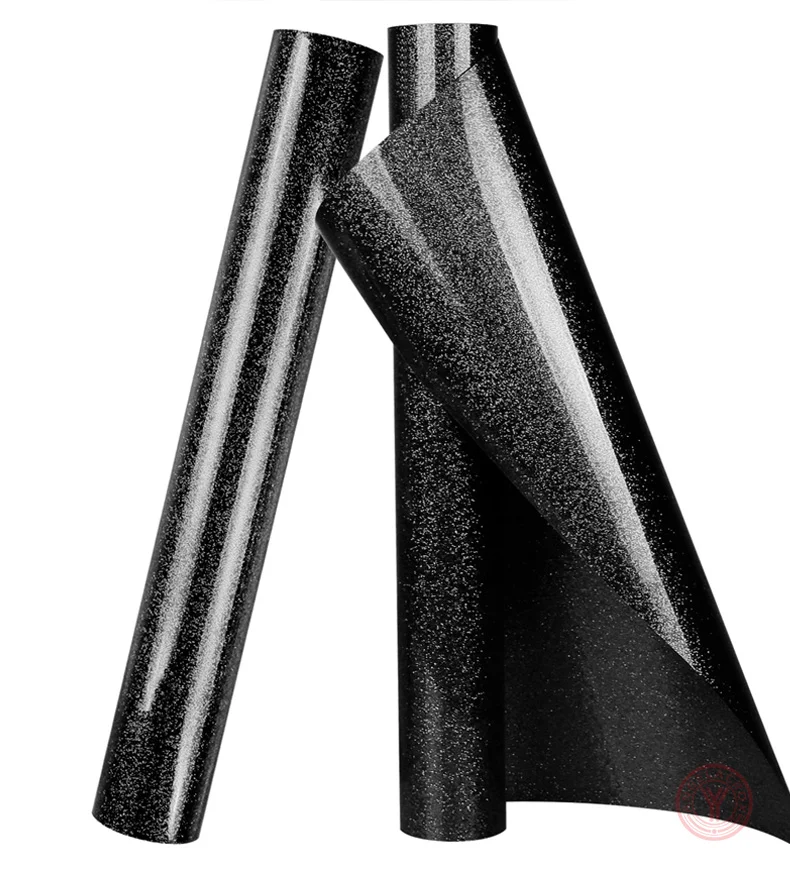
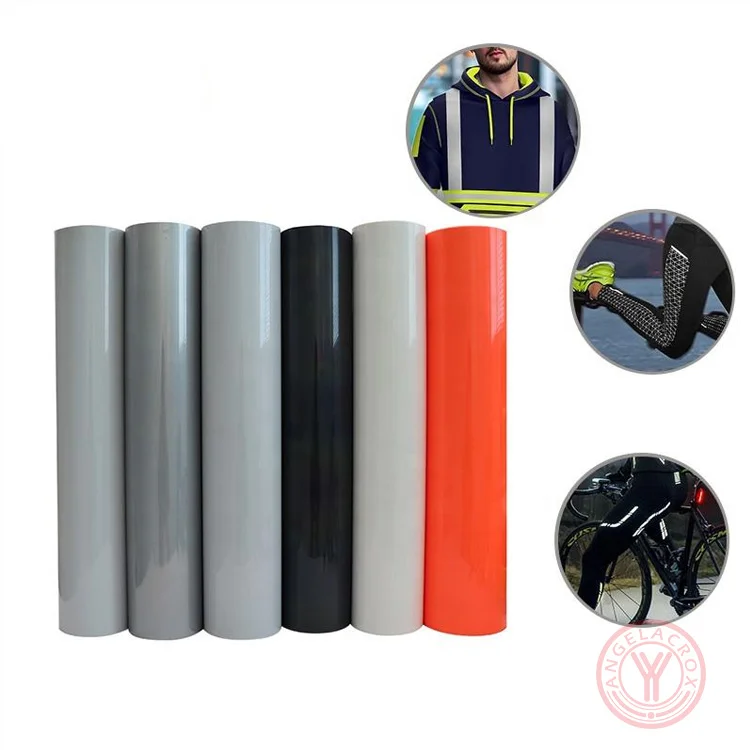
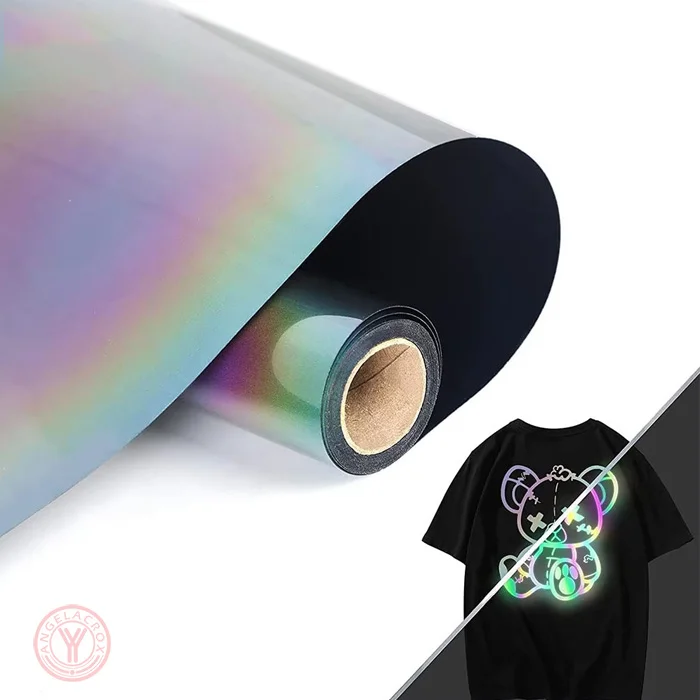
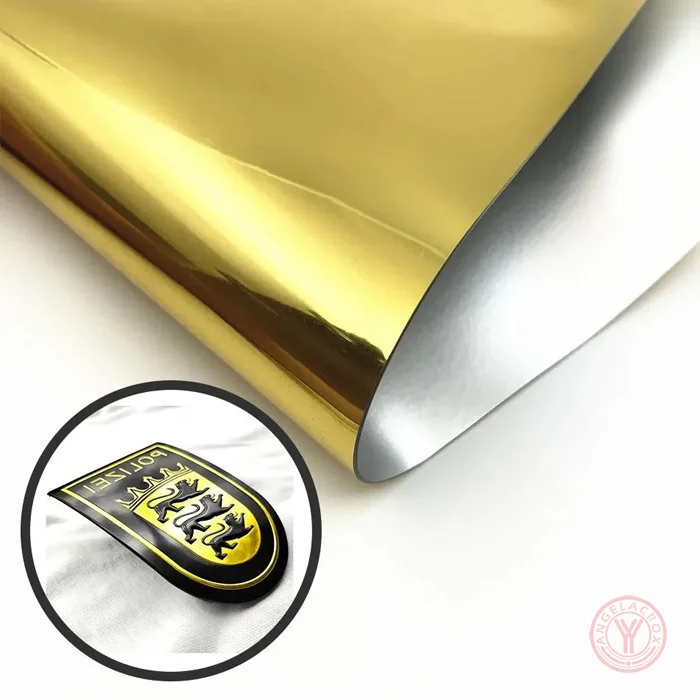
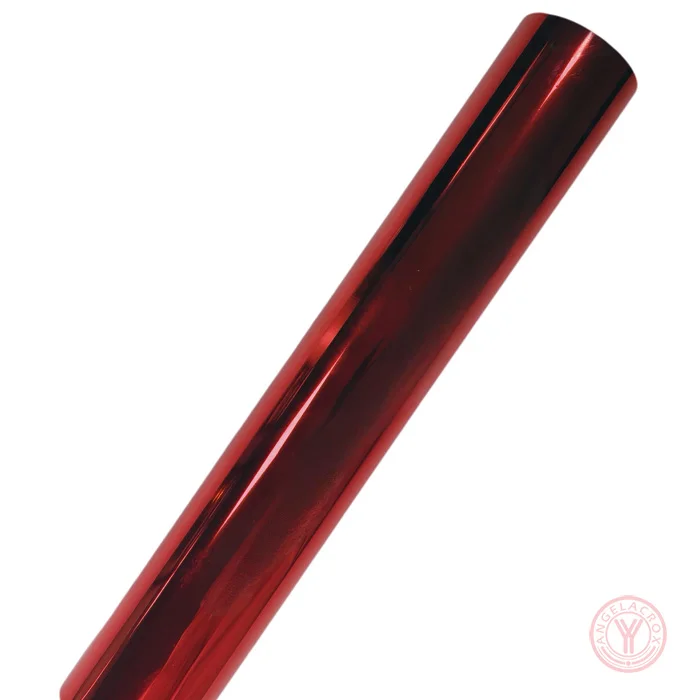
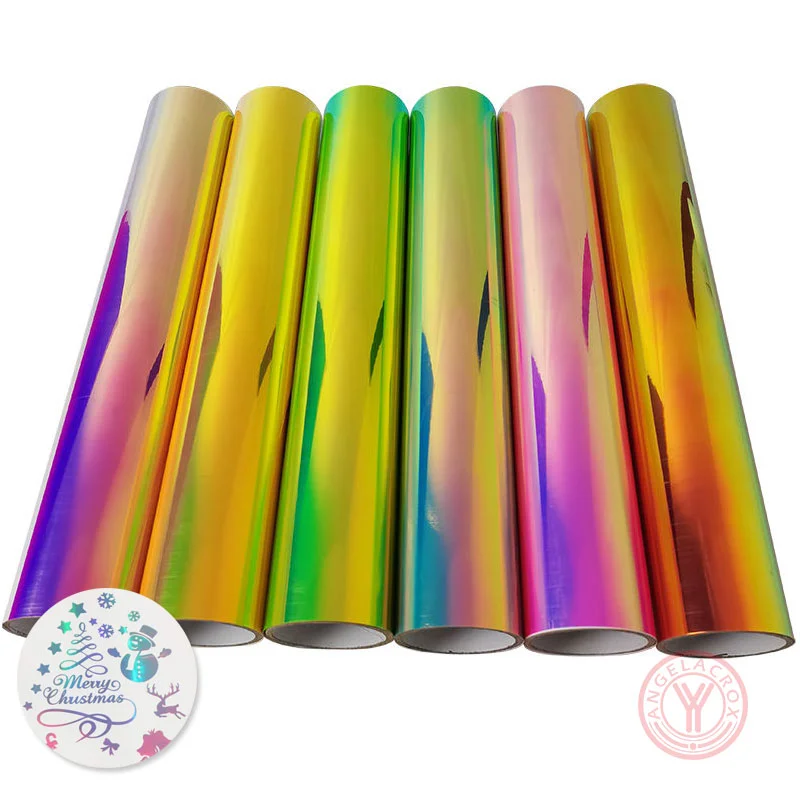
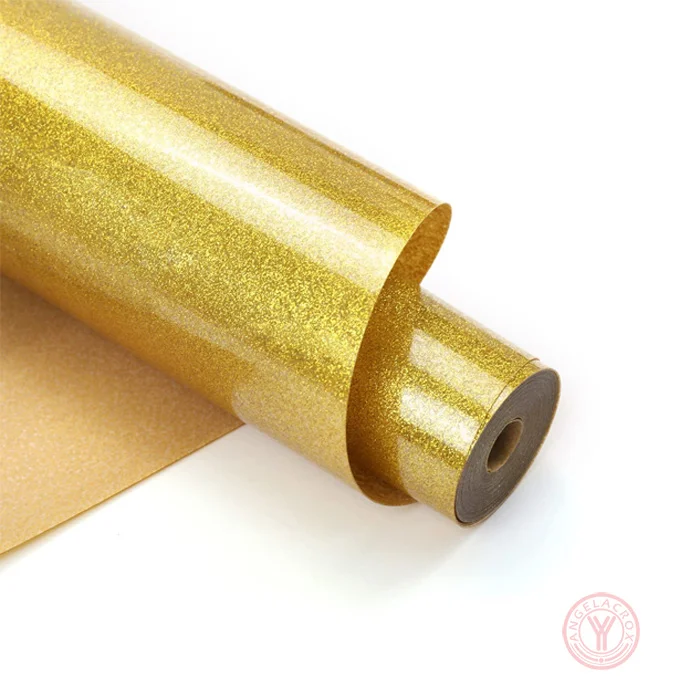
| Finish | Foil / Metallic / Glitter / Holographic / Puff / Flock / Reflective / Glow-in-the-Dark |
| Size | 50cm × 25m/Roll (Customizable) |
| Thickness | Customizable |
| Transfer Temperature | 140–170°C / 284–338°F |
| Pressing Time | 8–15 seconds |
| Pressure | Medium Pressure |
| Peel | Warm / Cold |
| Fabric Compatibility | Cotton, Polyester, Blends and selected fabrics |
| MOQ | 1 Roll |
| Sample | Free Samples |
| Certifications | ISO, CE, RoHS, OEKO-TEX, CPSIA, CA Prop 65, depending on product |
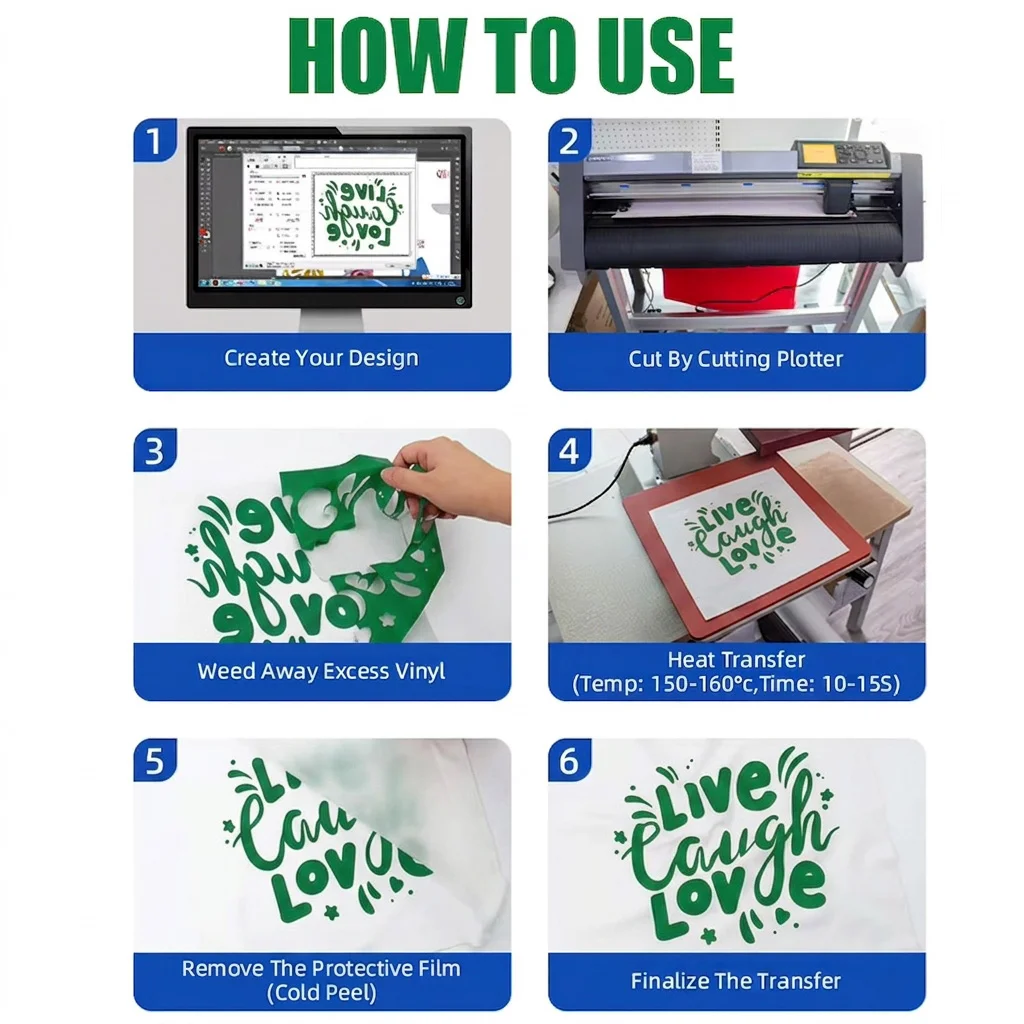
How to Use
-
Create and Mirror Your Design
Prepare your design and mirror it before cutting. -
Cut the Vinyl
Place the HTV on the cutting mat with the carrier sheet facing down. Use suitable cutting settings for the material. -
Weed the Design
Remove the unwanted vinyl, leaving only the design to be transferred. -
Preheat the Fabric
Press the garment for 3–5 seconds to remove moisture and wrinkles. -
Position the Design
Place the weeded HTV on the garment with the carrier sheet facing up. -
Heat Press
Press at 140–160°C (284–320°F) for 8–15 seconds with medium pressure. Exact settings may vary by finish and material. -
Peel the Carrier Sheet
Follow the recommended warm or cold peel method for the selected product. -
Check the Transfer
Allow the design to cool and check the edges to make sure the vinyl is firmly bonded.
Tip: Test a sample before bulk production, especially with new fabrics or customized HTV.