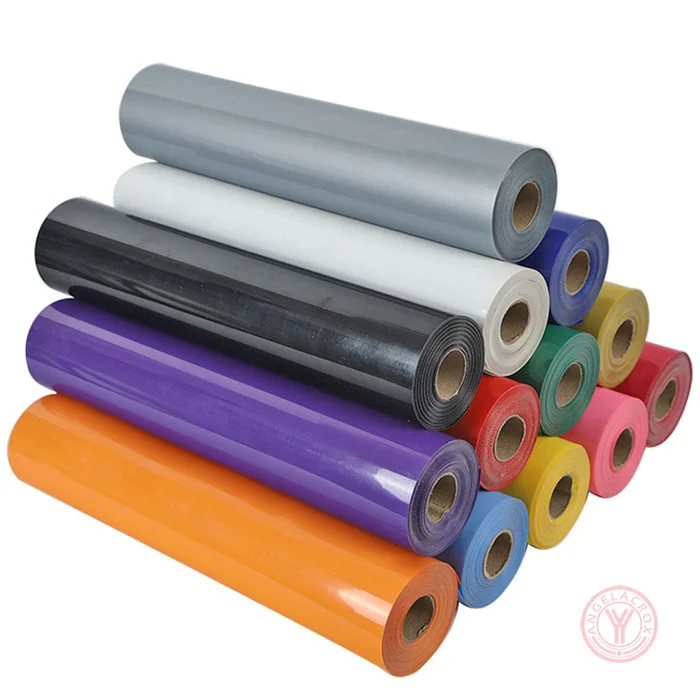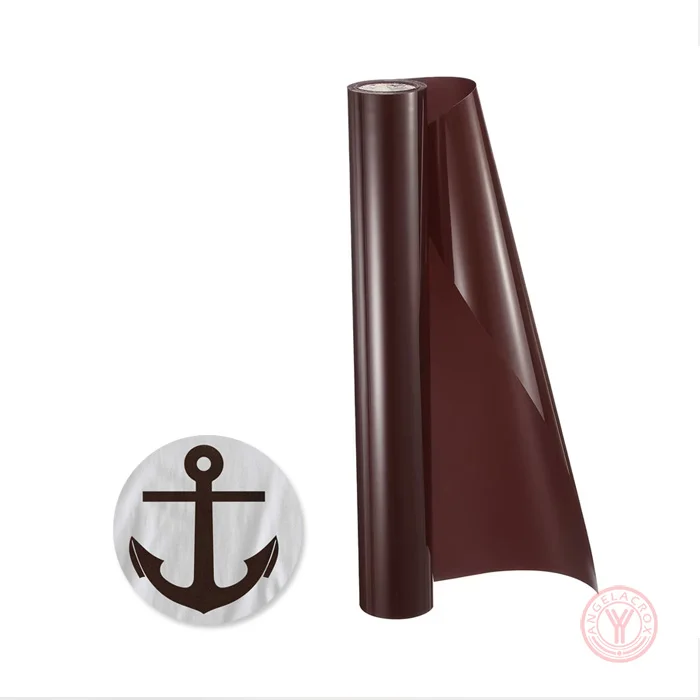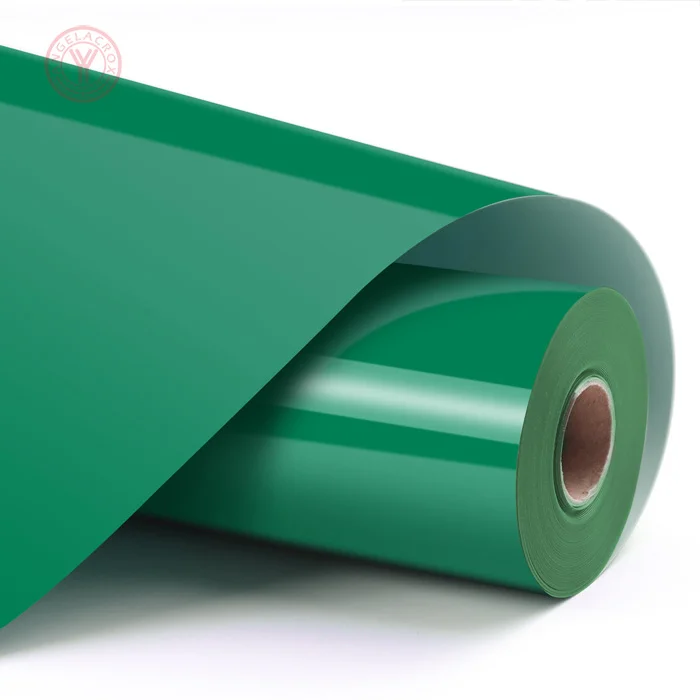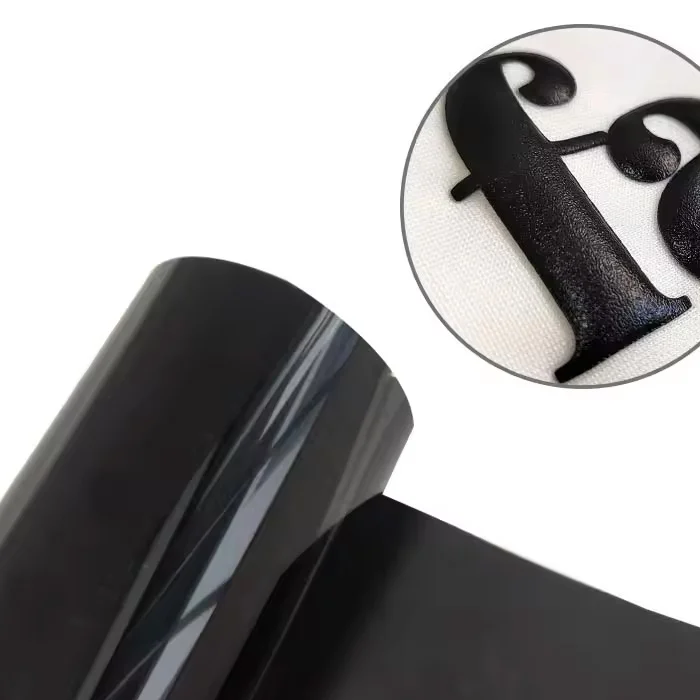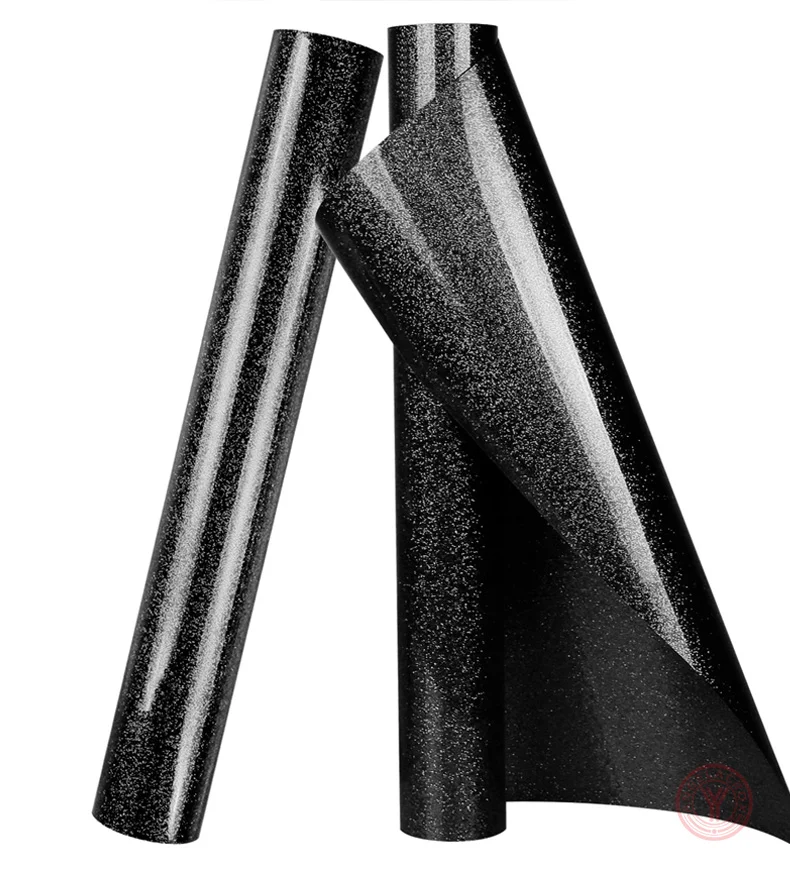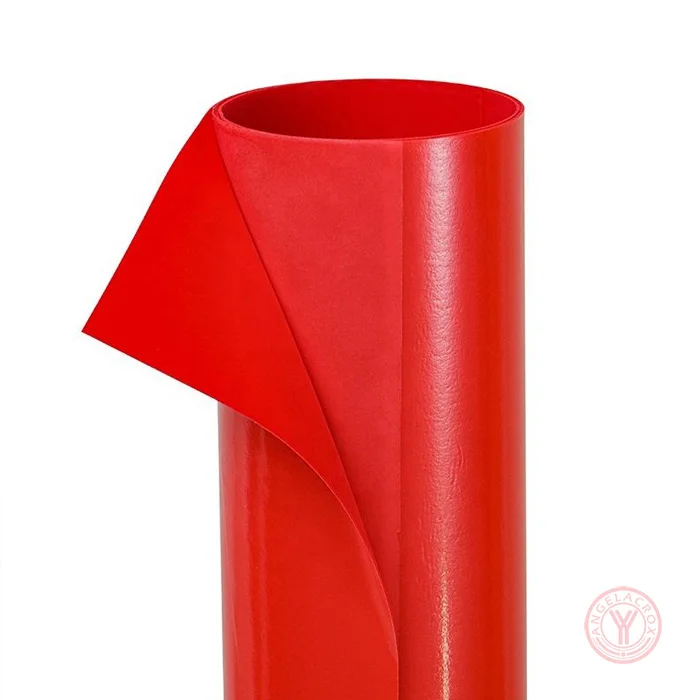
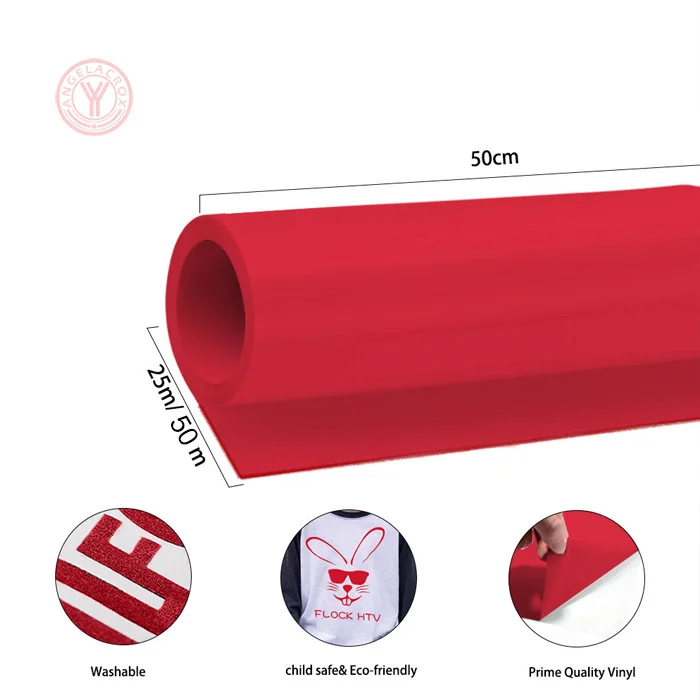
Description
Send Inquiry
Specification
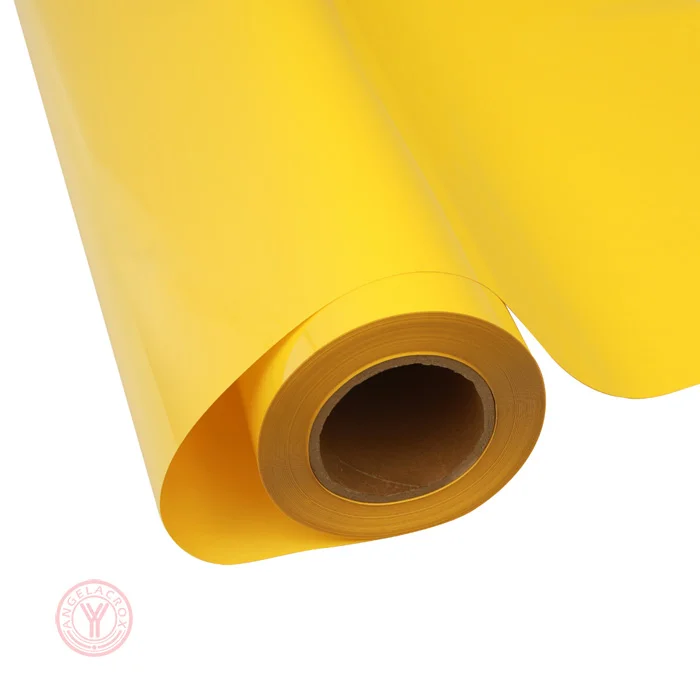
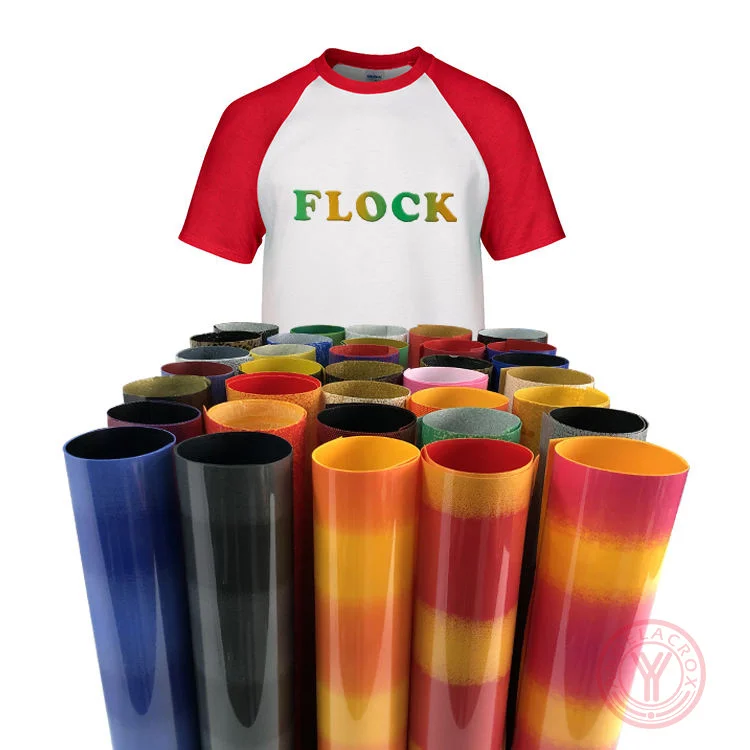
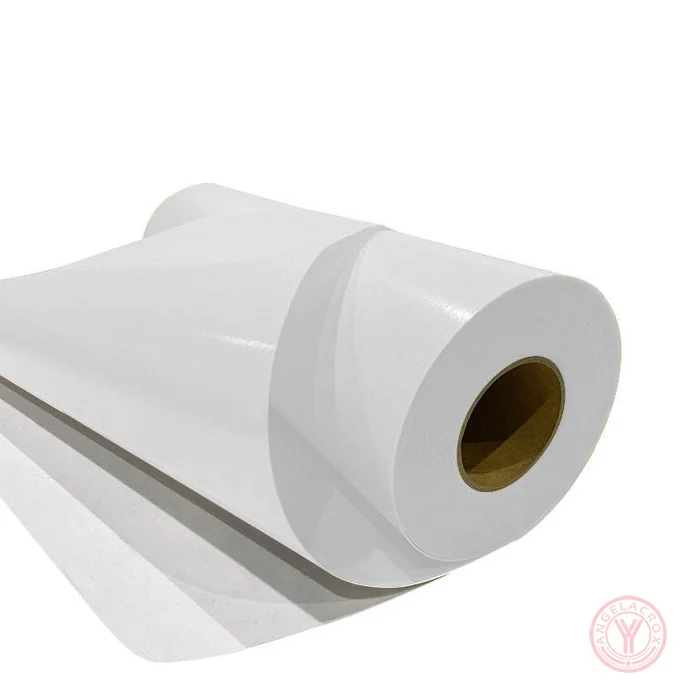
| Material | Flock/PU |
|---|---|
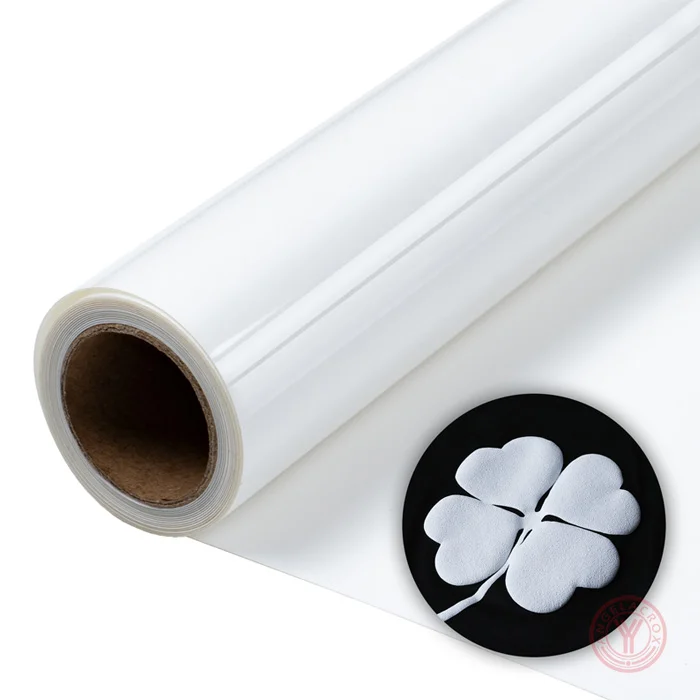
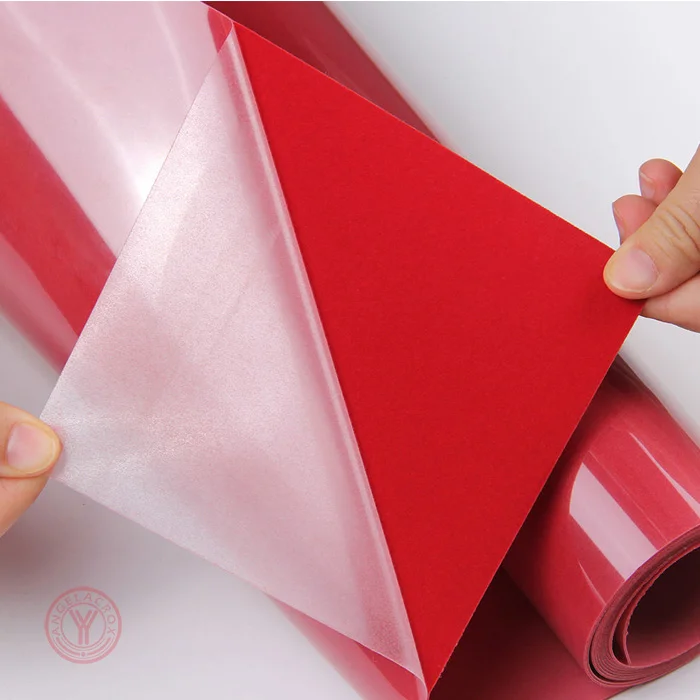
| Surface Finish | Velvet / Suede Texture |
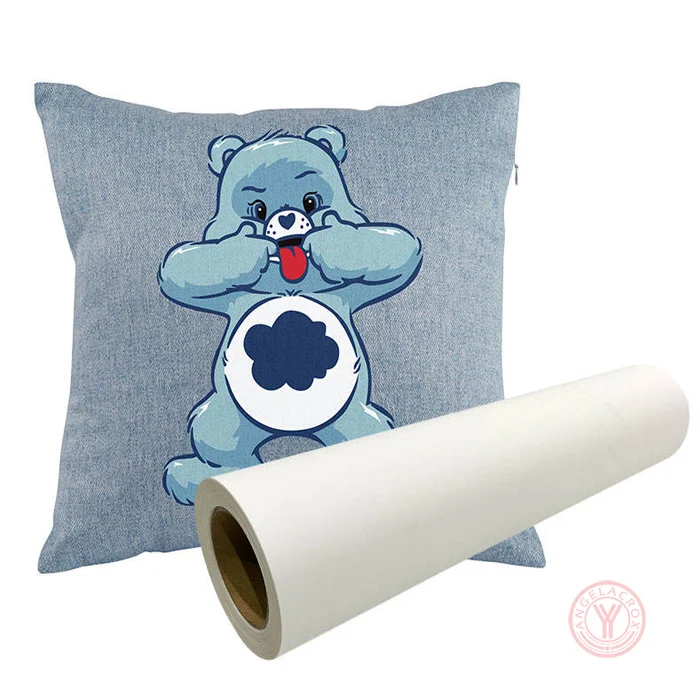
| Fabric Compatibility | Cotton, Polyester, Blends, Canvas |
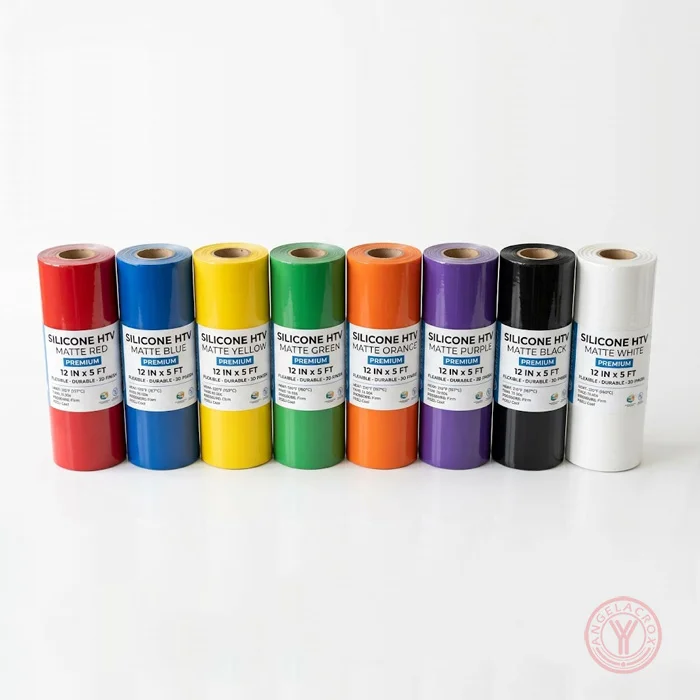
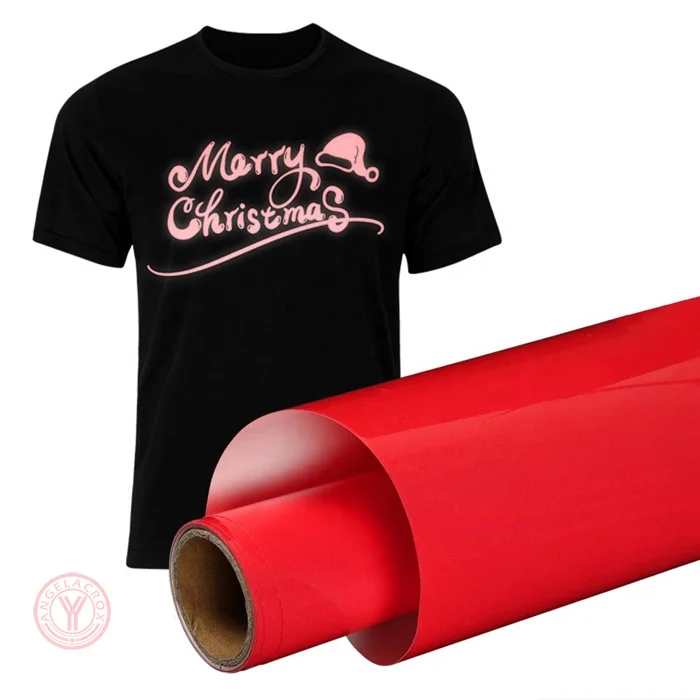
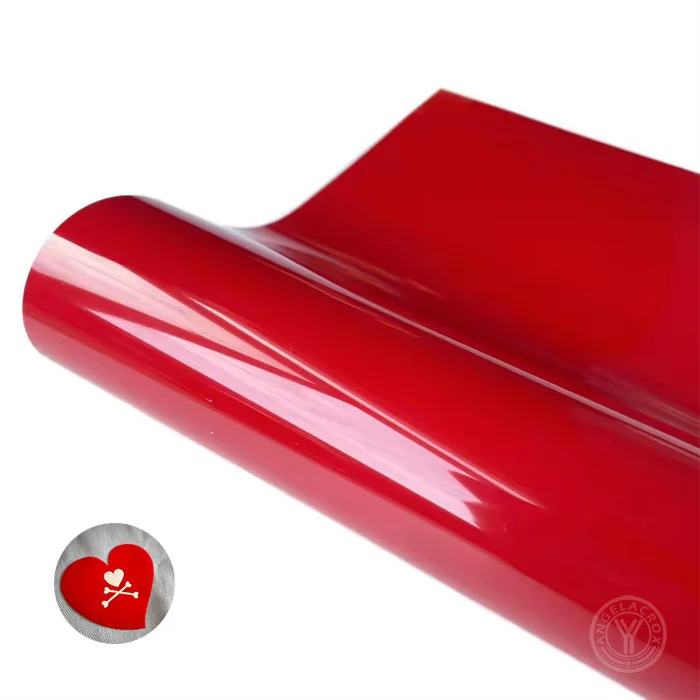
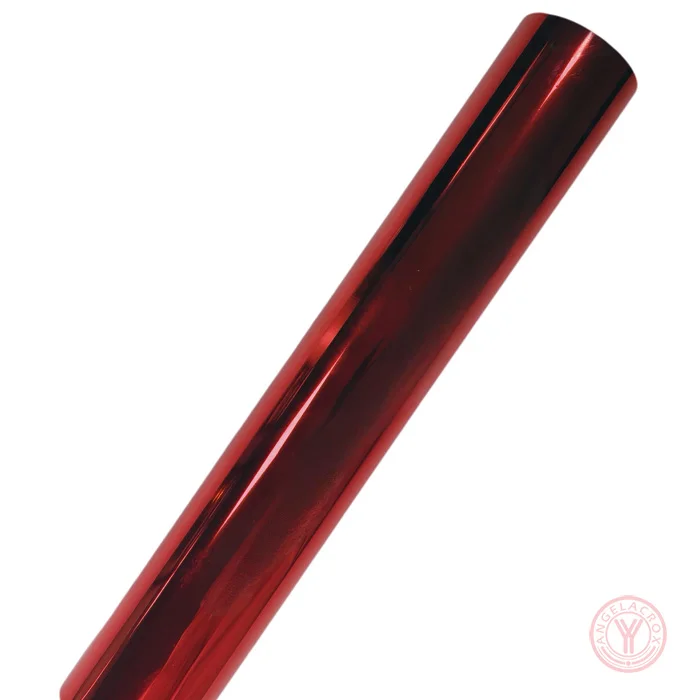
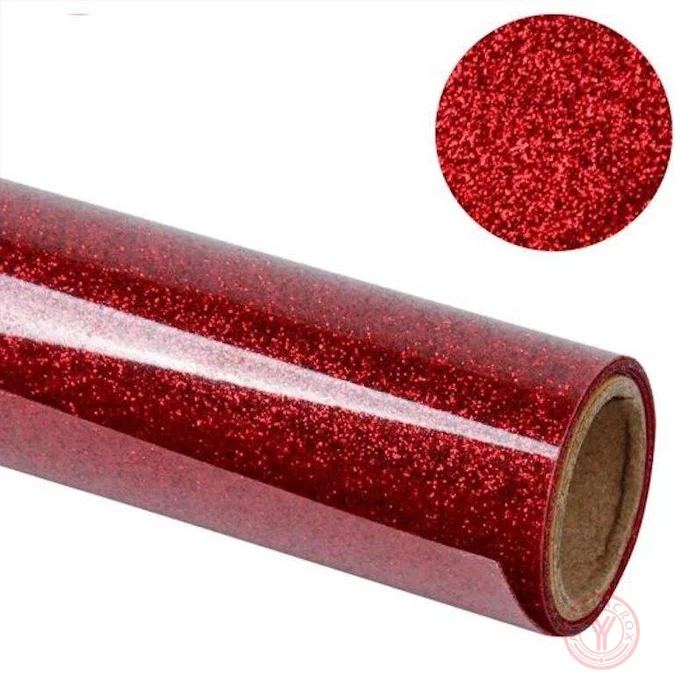
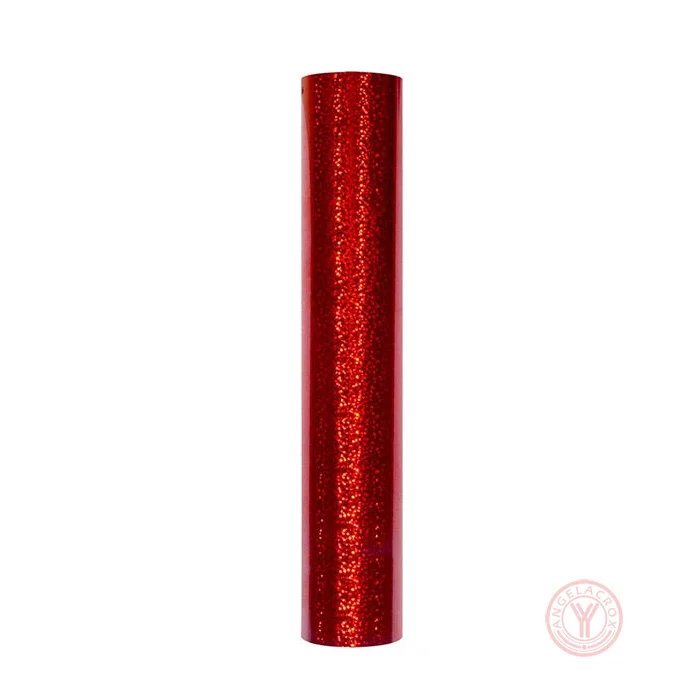
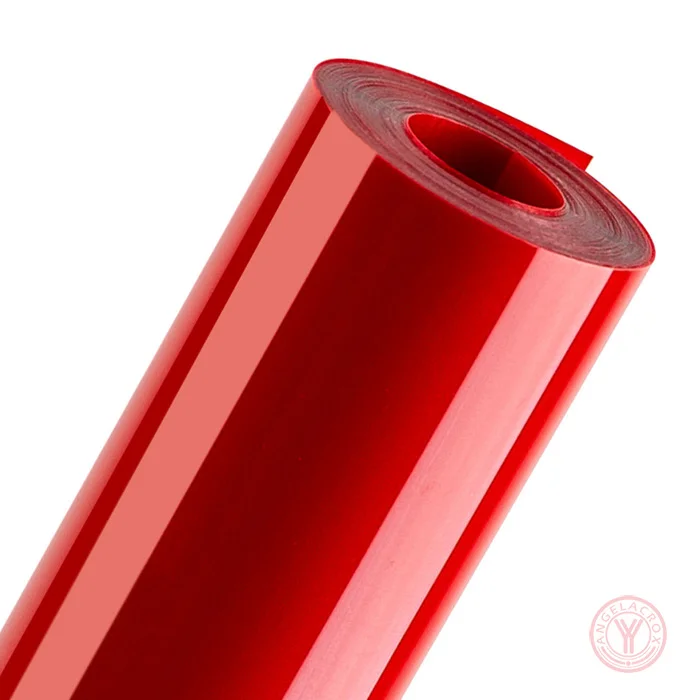
| Color | Red |
| Size | 50cm × 25m,50cm × 50m/Roll (Customizable) |
| Thickness | 0.4–1mm |
| Transfer Temperature | 155–160°C (311–320°F) |
| Transfer Pressure | Medium Pressure; 3–5Kg |
| Transfer Time | 10–15s |
| Peeling Method | Cold Peel |
| MOQ | 1 Rolls |
| Sample | Free Samples |
How to Use Flock Heat Transfer Vinyl
1. Create & Mirror Your Design
Prepare your artwork and mirror it before cutting.
2. Cut the Flock HTV
Cut with the flock side facing up using a suitable blade and cutting setting.
3. Weed the Design
Remove the excess material carefully, leaving the desired design on the carrier.
4. Position & Press
Place the design on the fabric and heat press at 155–160°C (311–320°F) for 10–15 seconds using medium pressure (3–5 kg).
5. Cold Peel
Allow the material to cool completely, then peel away the carrier carefully.
Looking for More HTV Options?
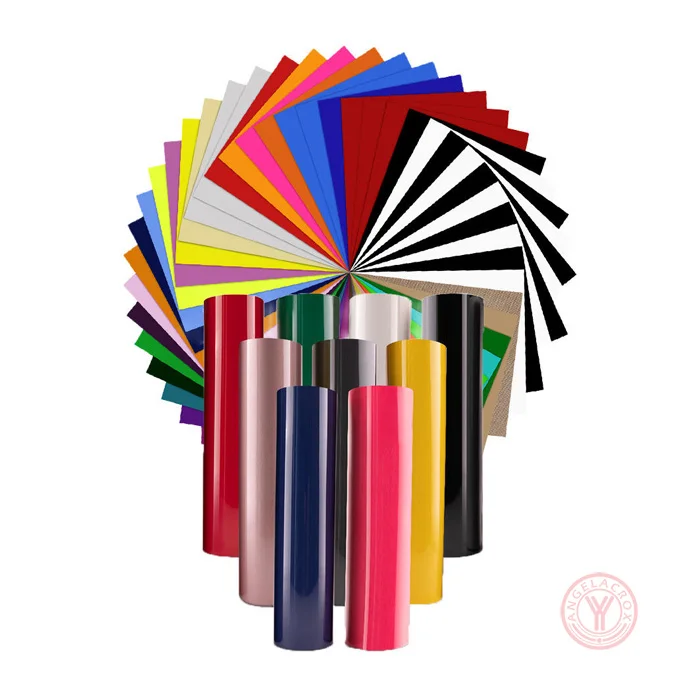
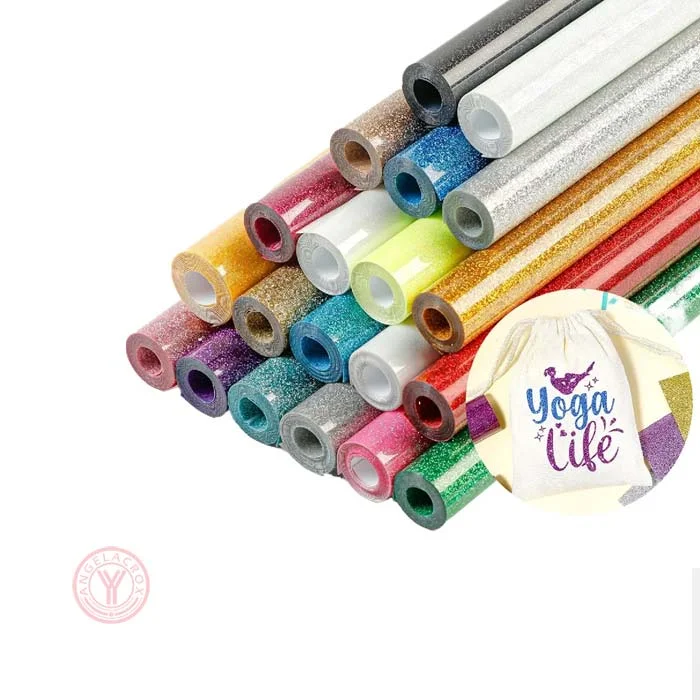
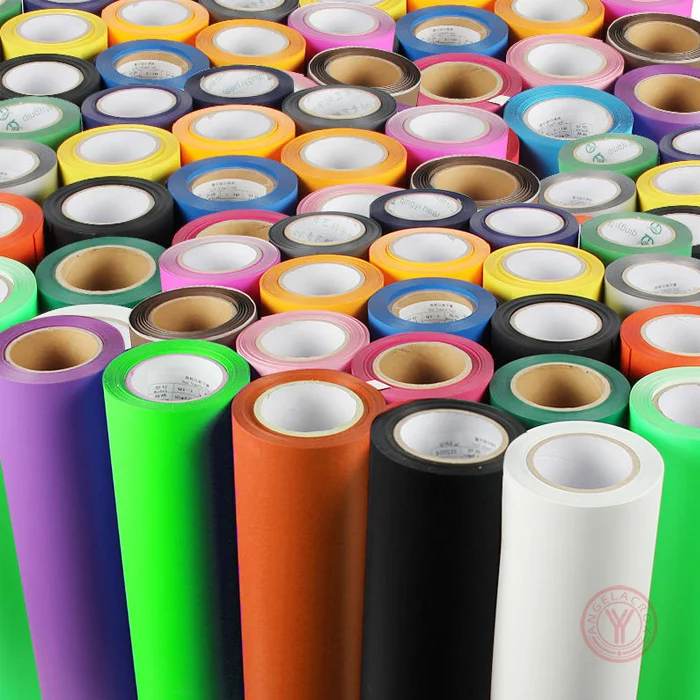
Need a different red finish or want to compare other flock options? See more materials and finishes from our HTV range.