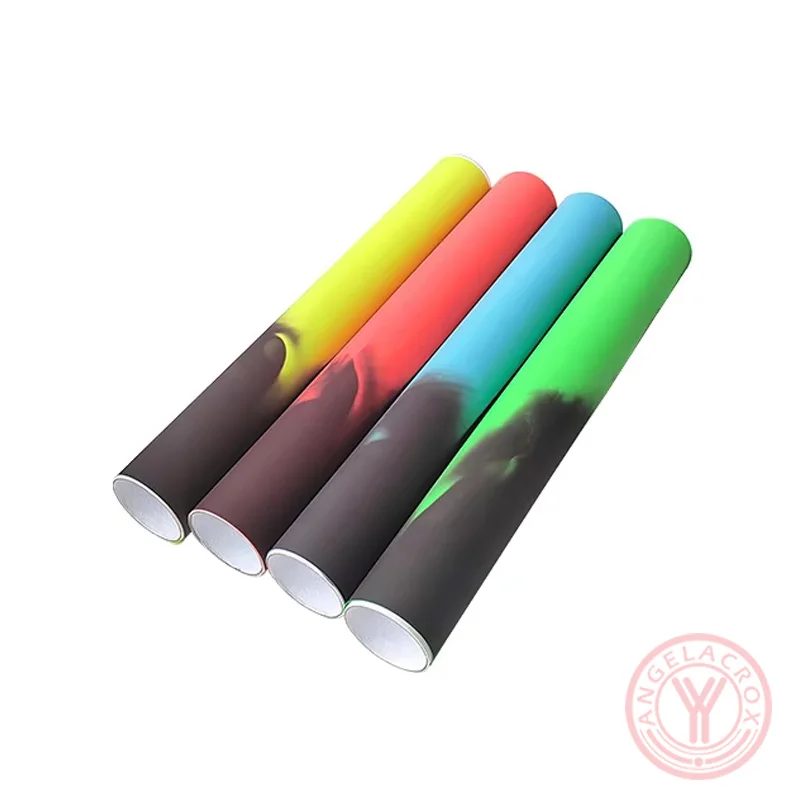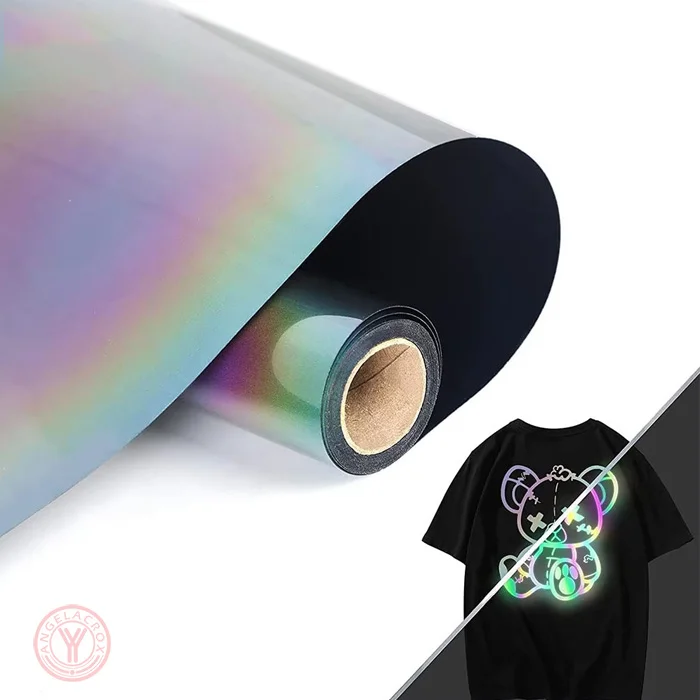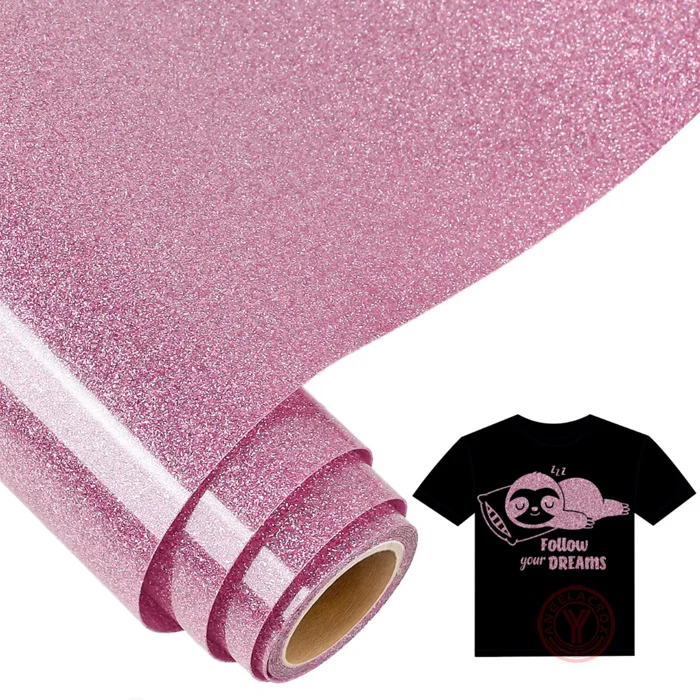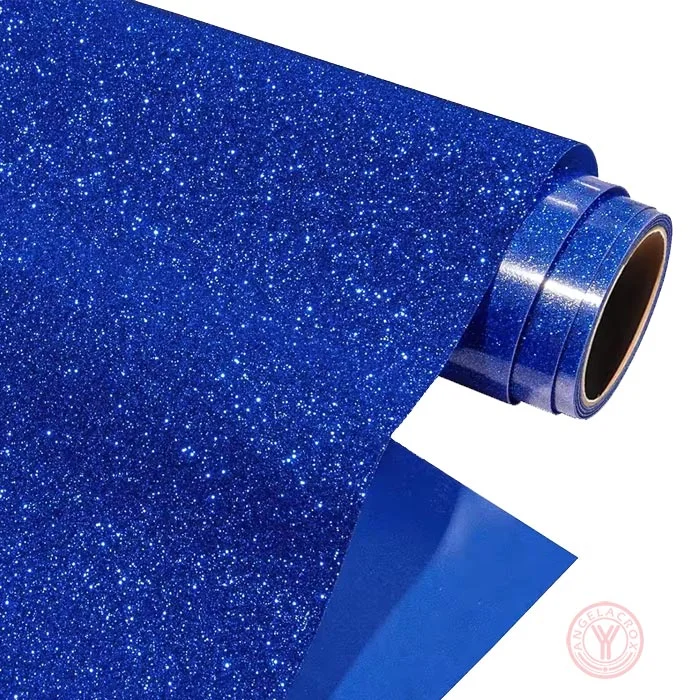
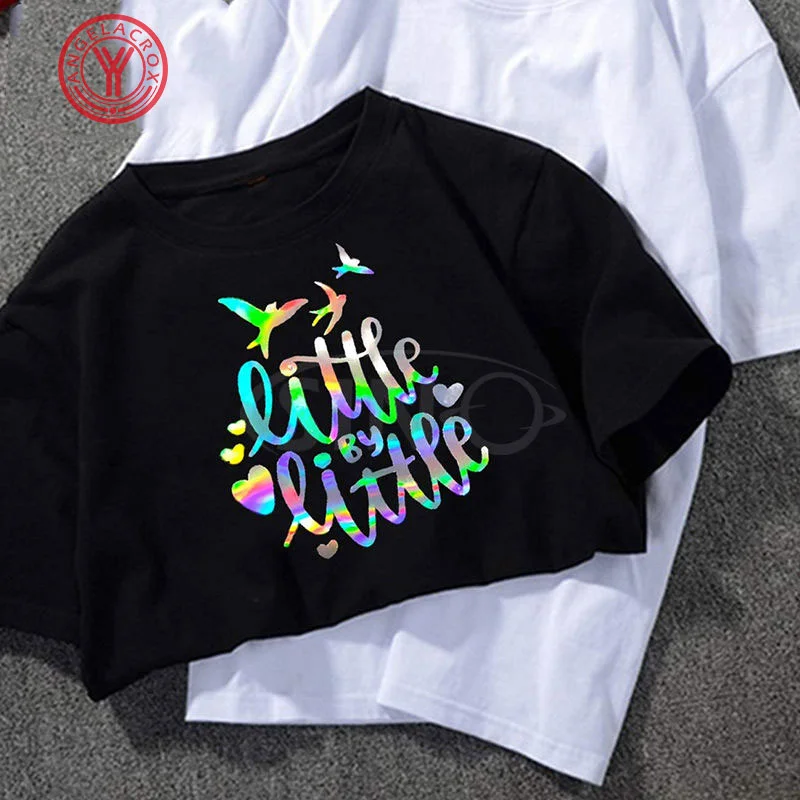
hologram htv Effect
Click to enlarge
hologram htv Effect
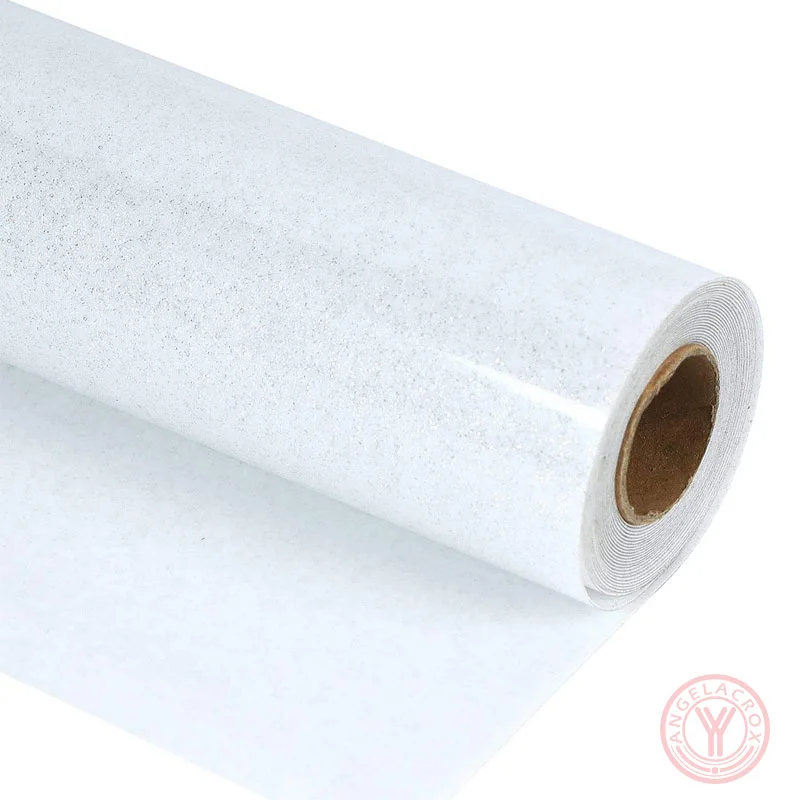
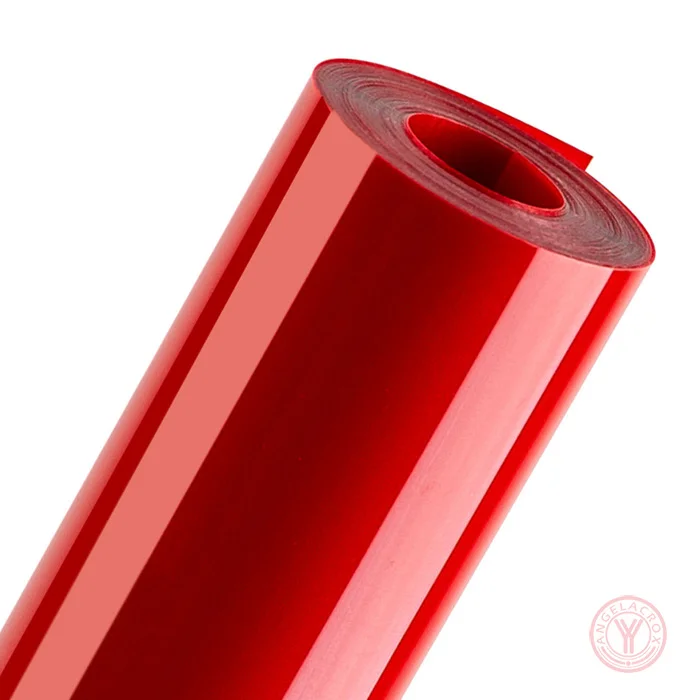
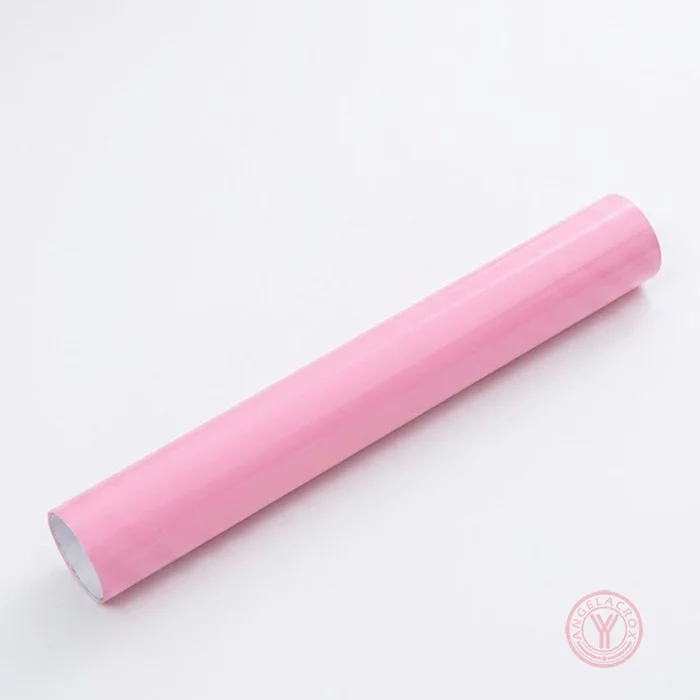
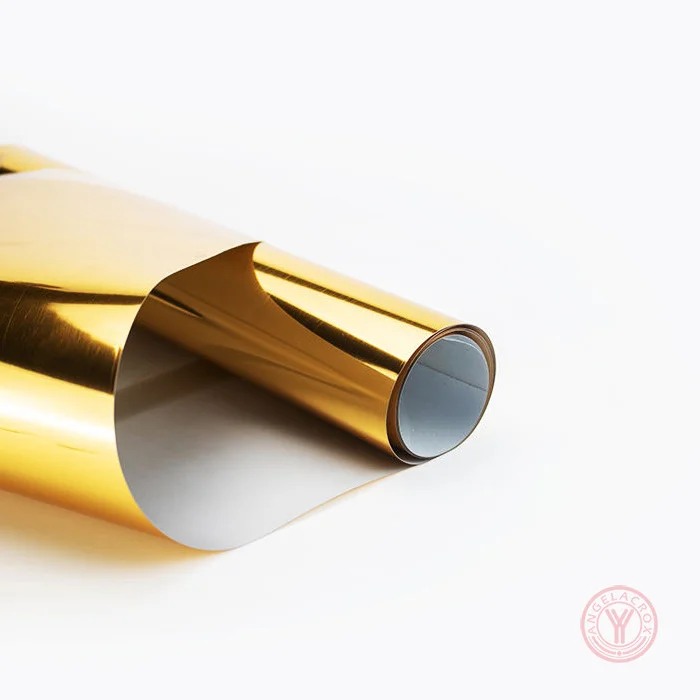
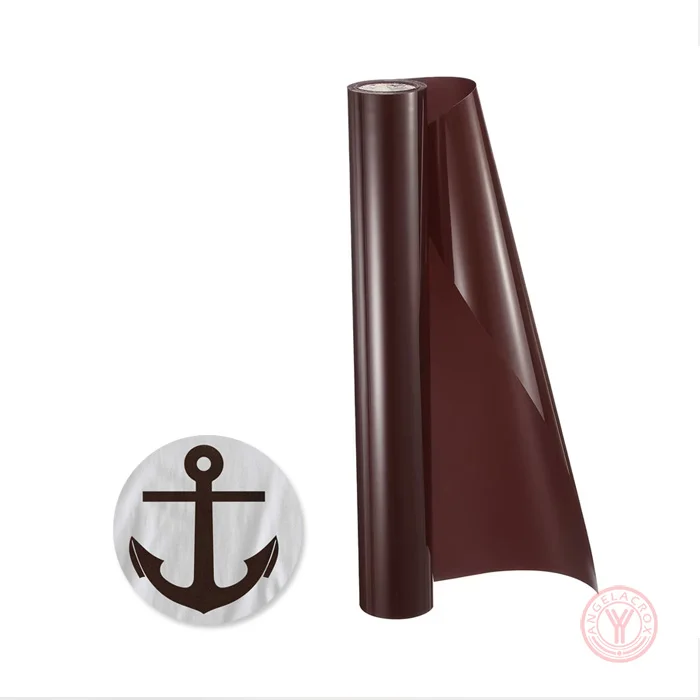
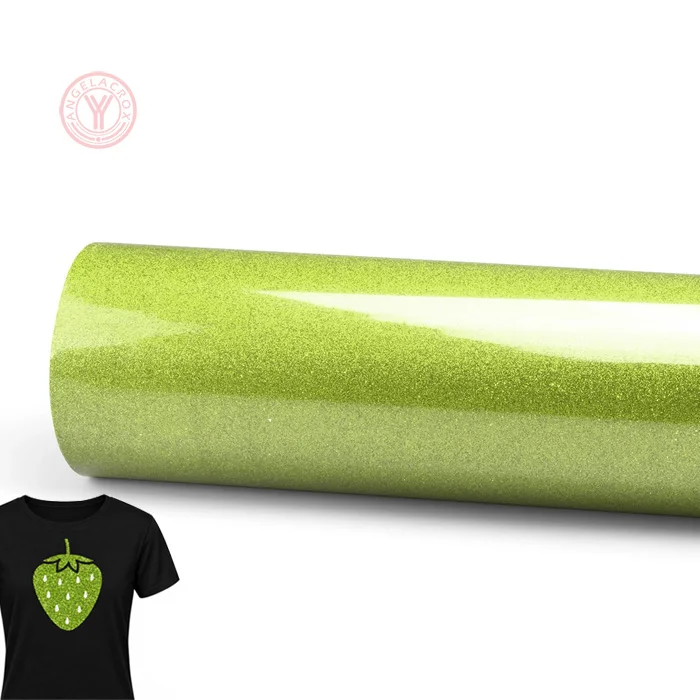
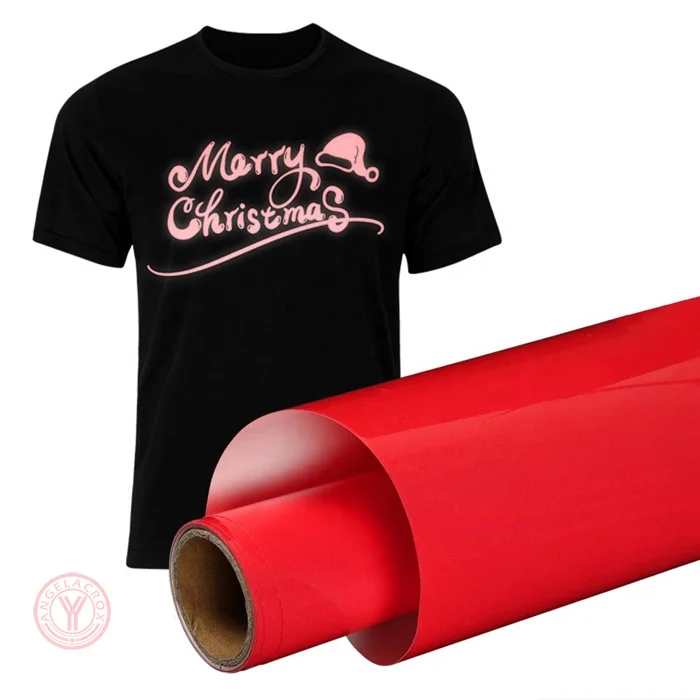
Holographic Heat Transfer Vinyl
hologram heat transfer vinyl
heat transfer holographic vinyl
hologram htv Effect

Holographic Heat Transfer Vinyl

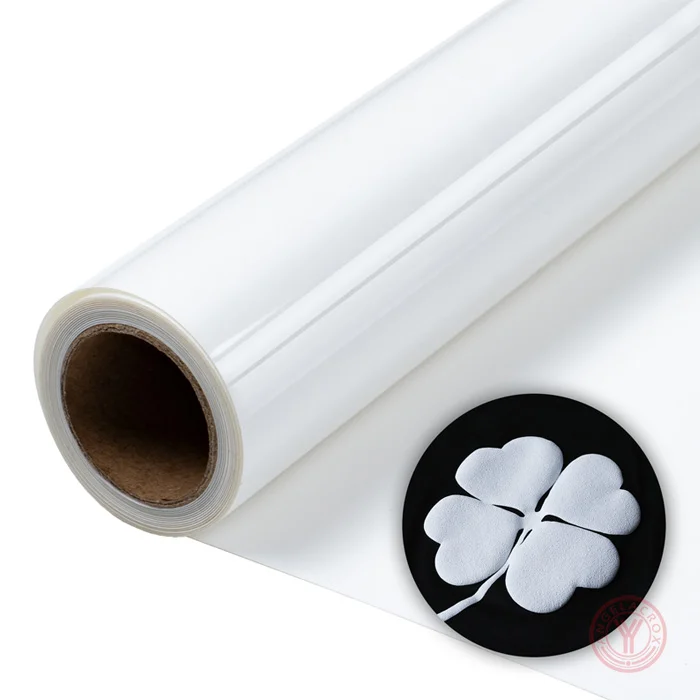
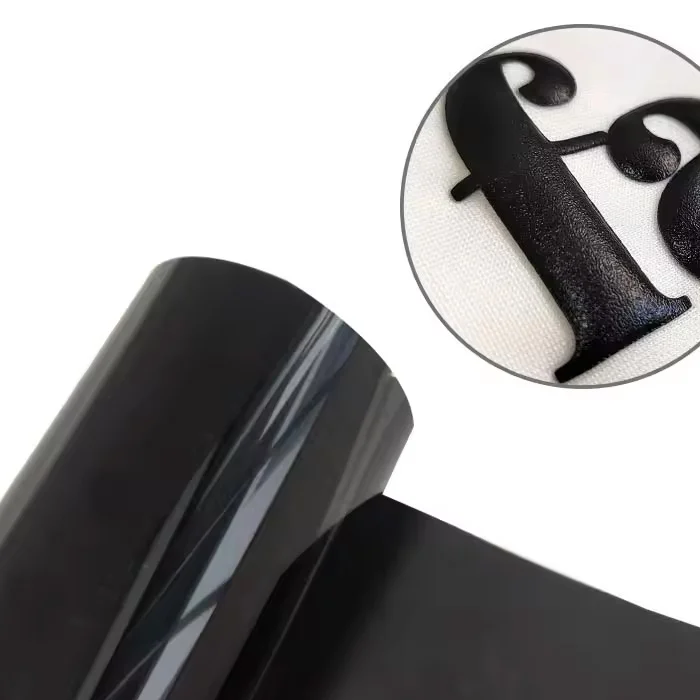
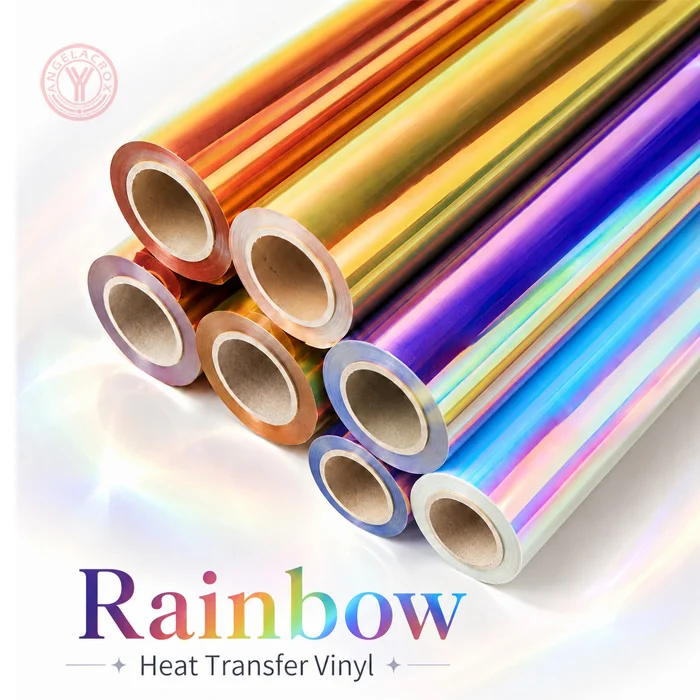
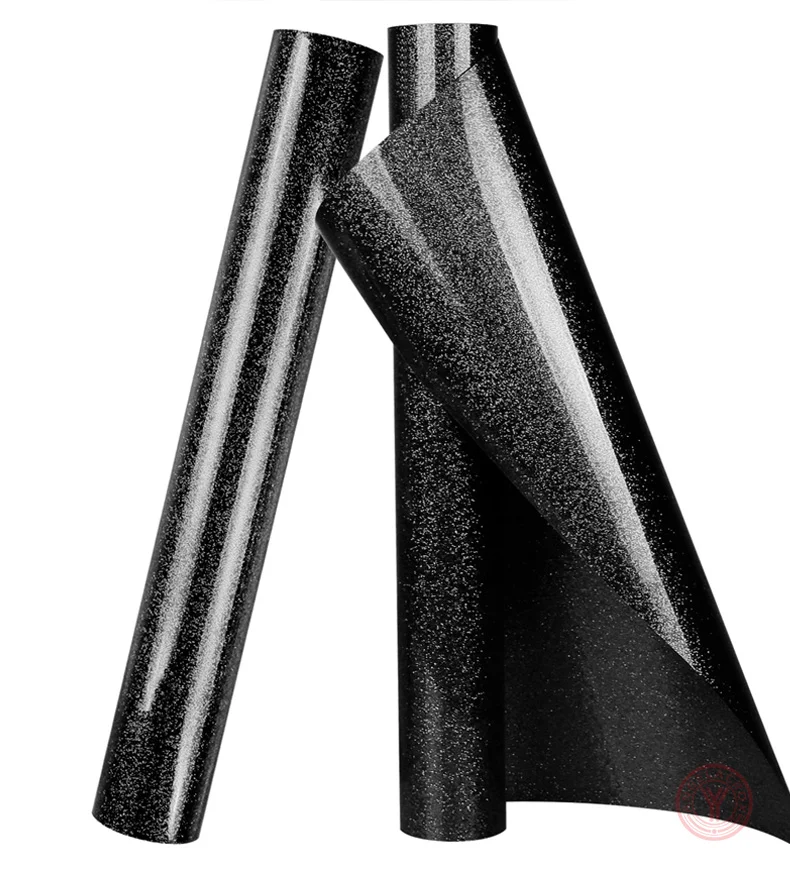
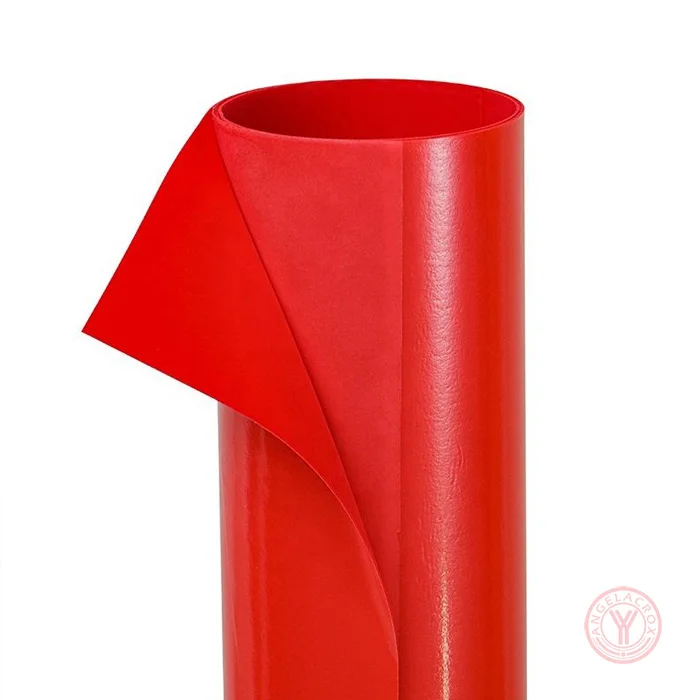
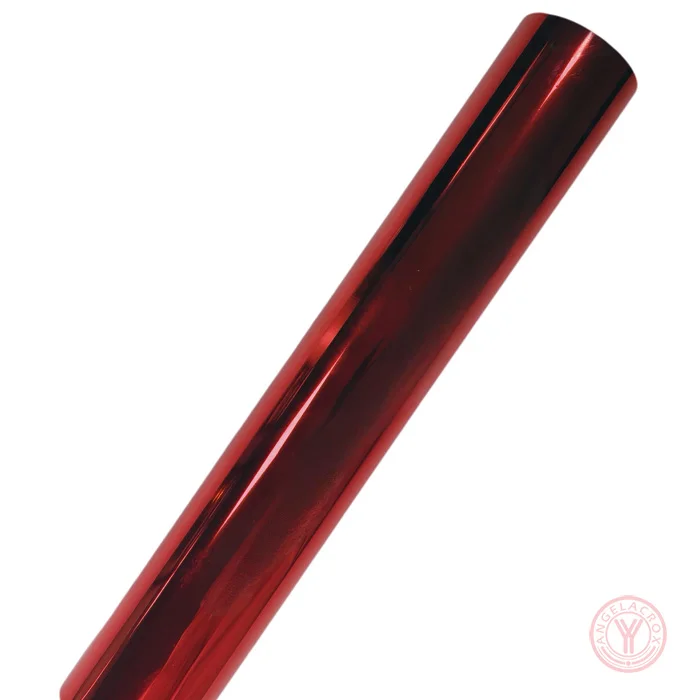
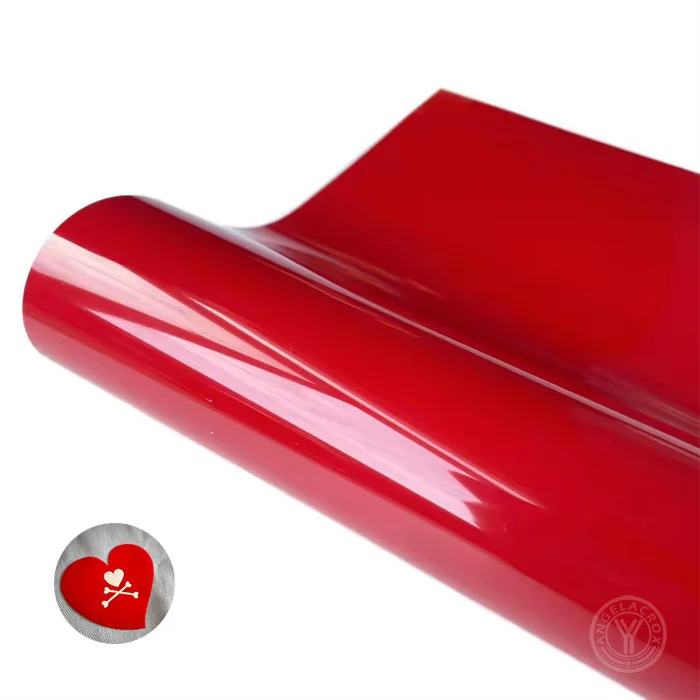
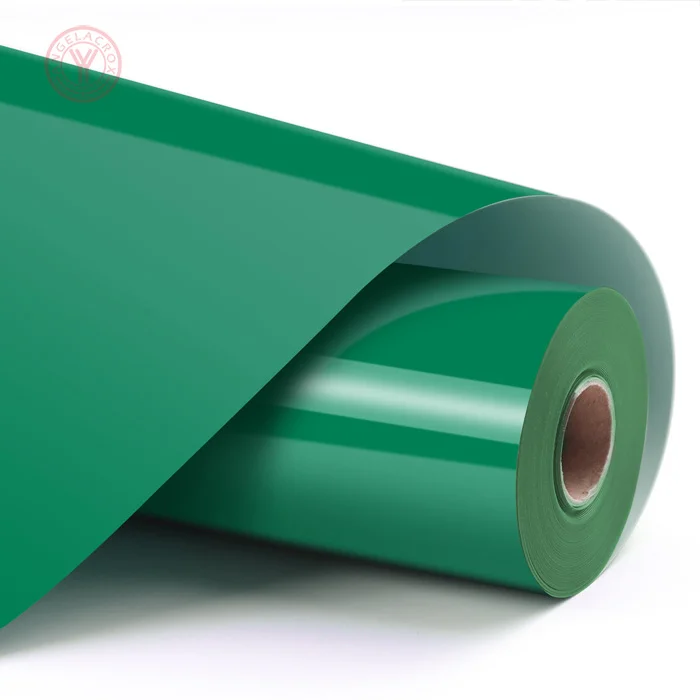
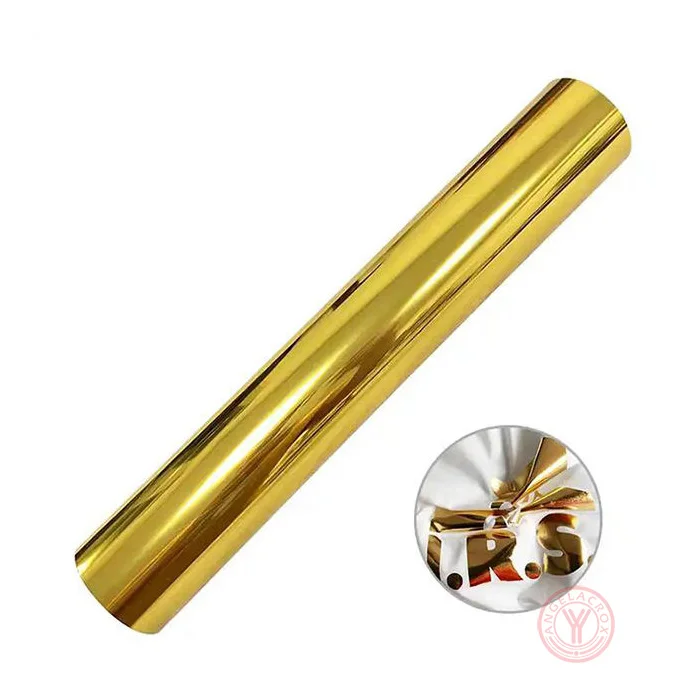
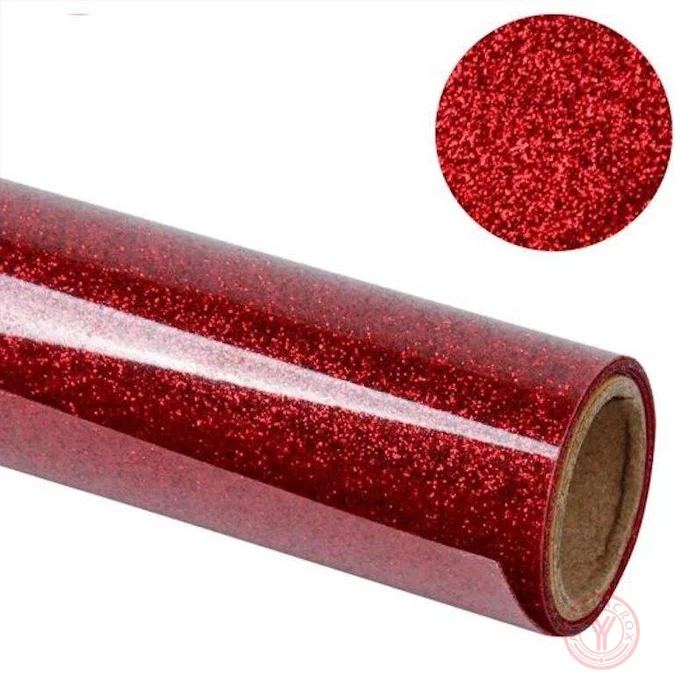
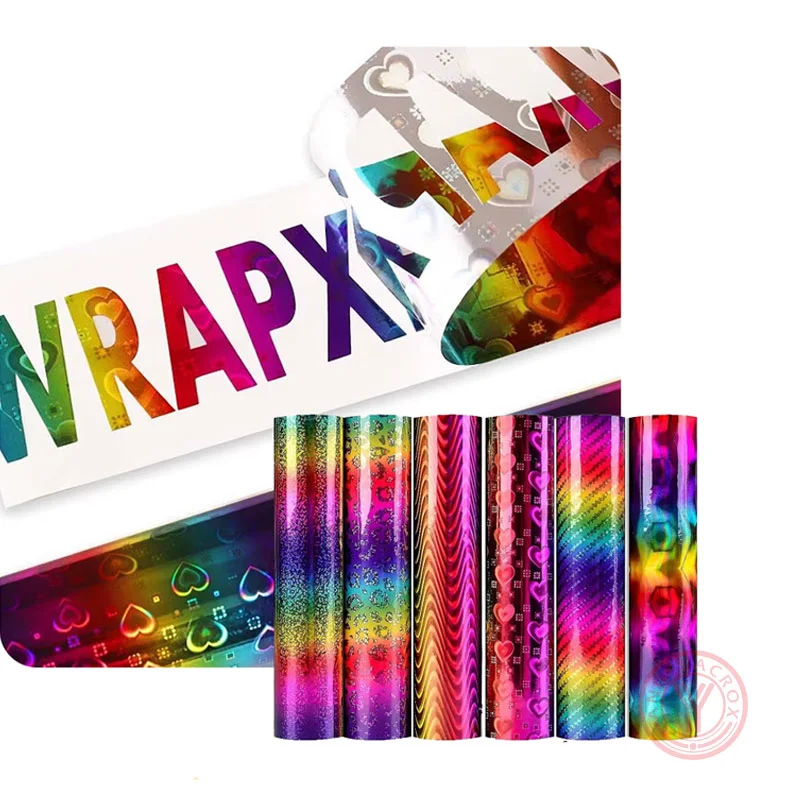
Create standout designs with YanYan's Holographic Heat Transfer Vinyl(Hologram HTV), delivering a striking rainbow shimmer effect,it made from eco-friendly, non-toxic premium PU/TPU/PET materials, certified by CPSIA.

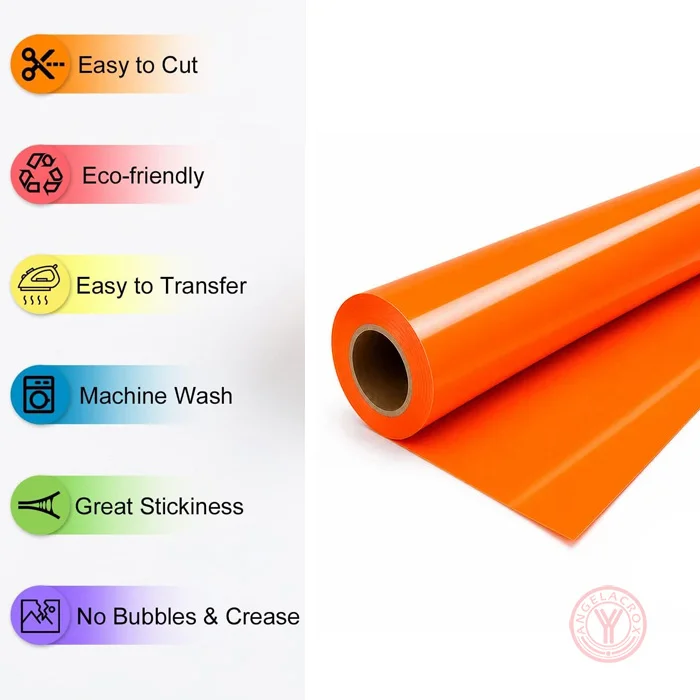
  • Stunning rainbow holographic shimmer effect
  • Easy cutting & clean weeding performance
  • Excellent wash durability, no fading or cracking
  • Compatible with cotton, polyester, and cotton/poly blends.
  • Multiple colors & finish options available, custom solutions supported
Get Free Sample
Description
Send Inquiry

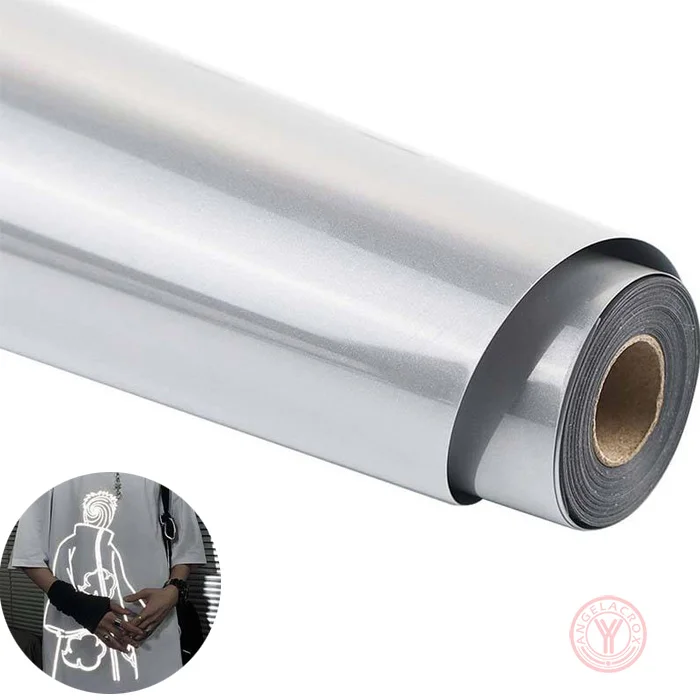
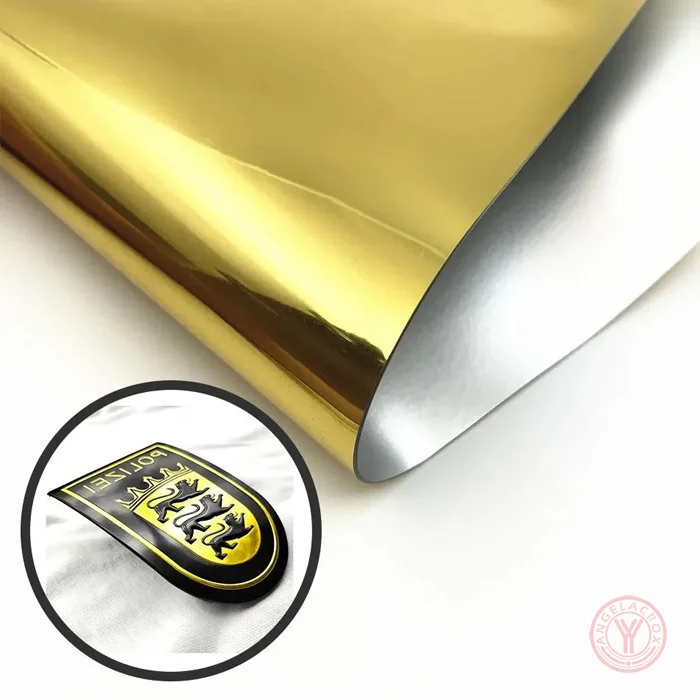
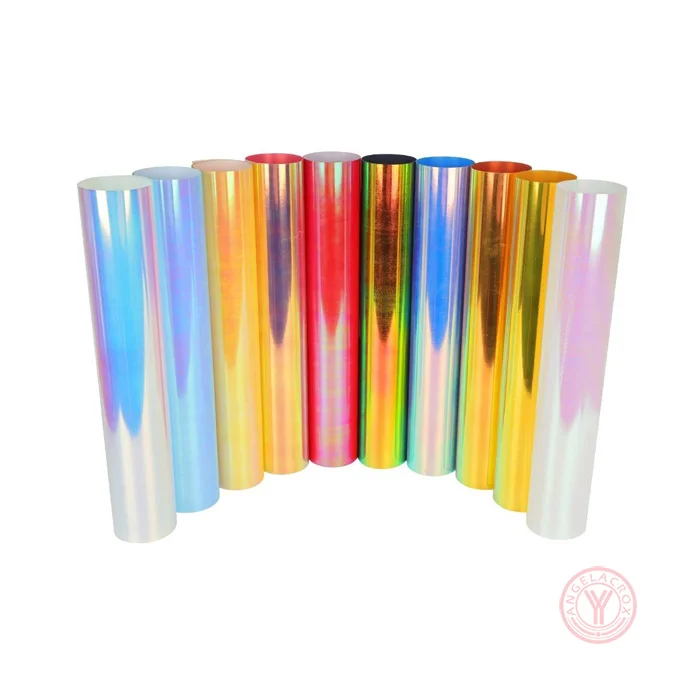
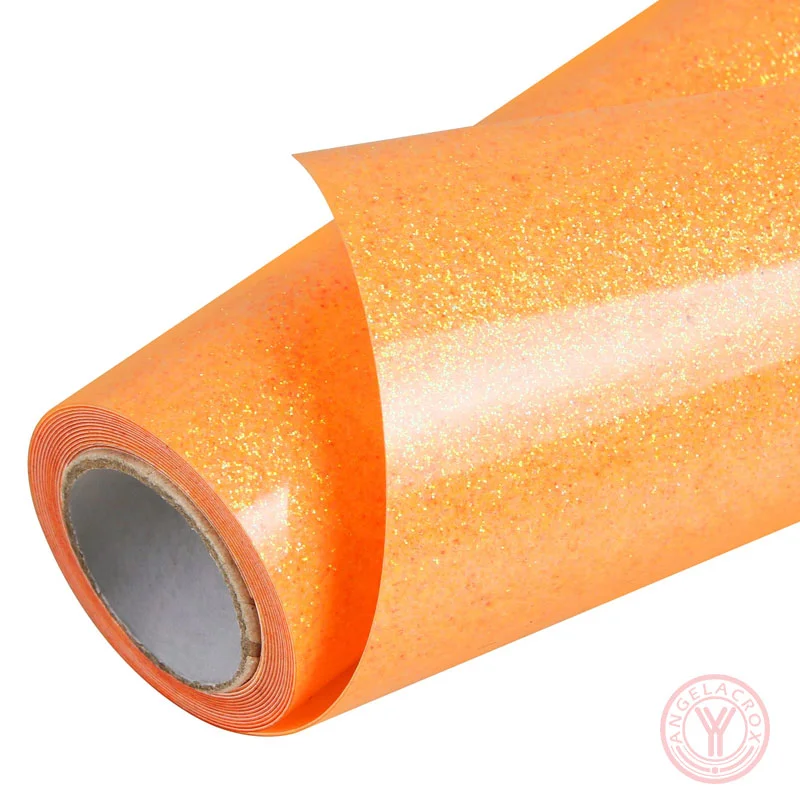
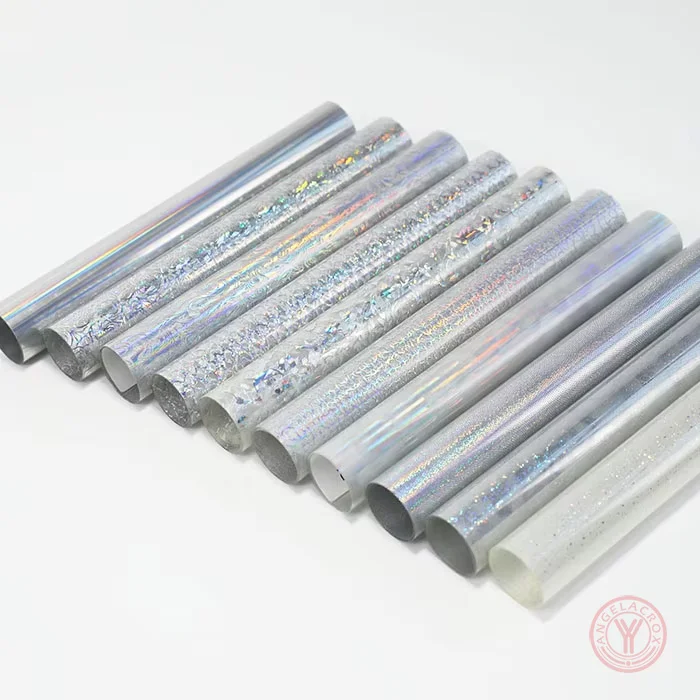
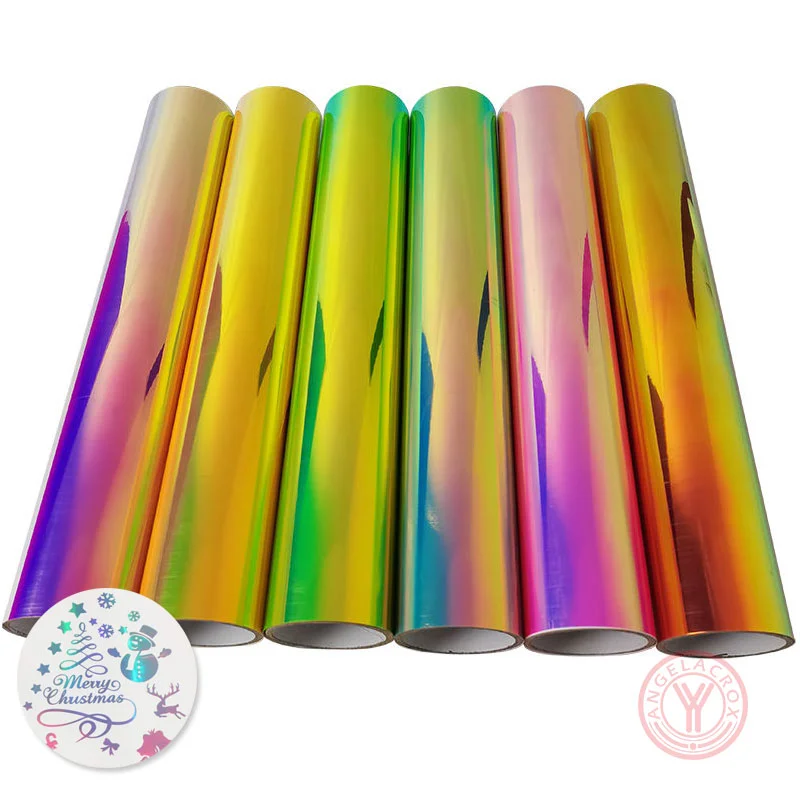
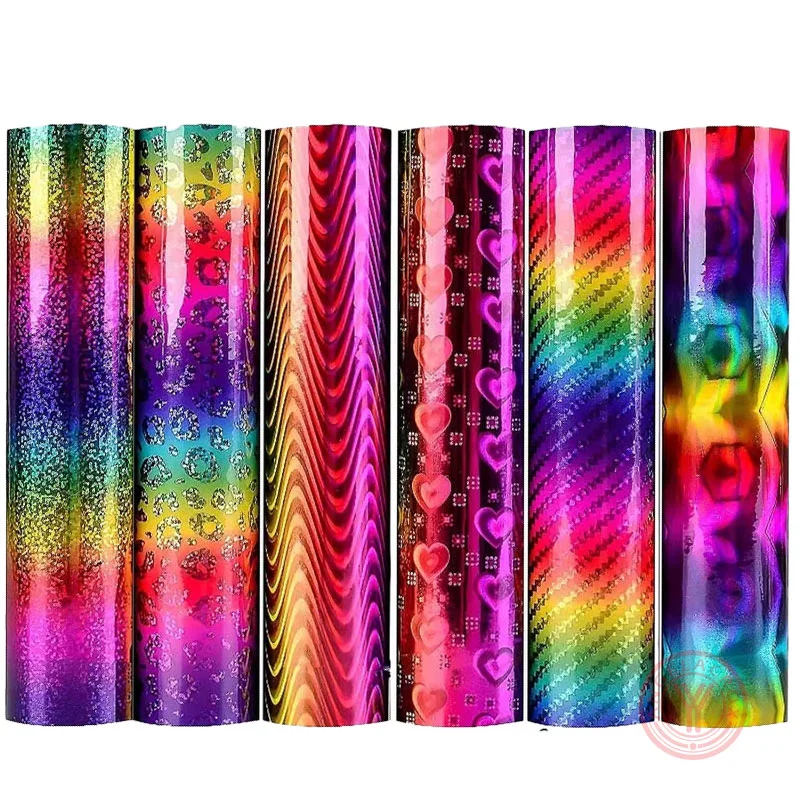
Hologram Heat Transfer Vinyl (HTV), often called holographic HTV, is a premium decorative HTV that reflects light in a multi-angle 3D rainbow shimmer effect. Unlike standard metallic vinyl, holographic HTV creates a dynamic color-shifting effect that changes with movement and lighting, making designs more vibrant and premium-looking.
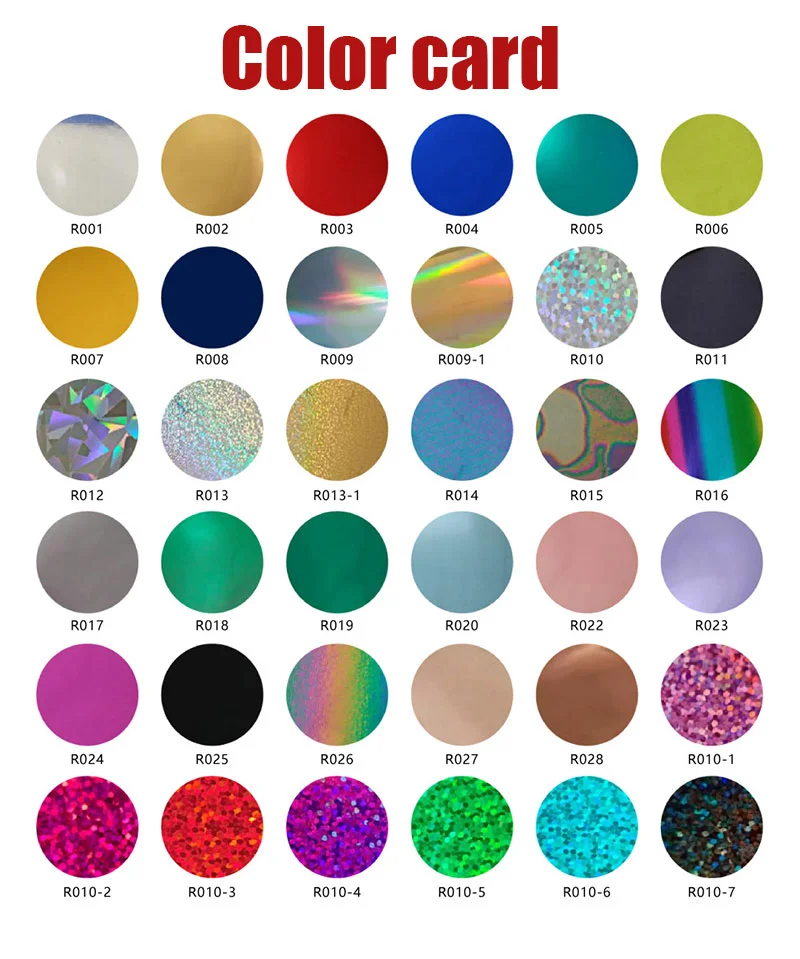
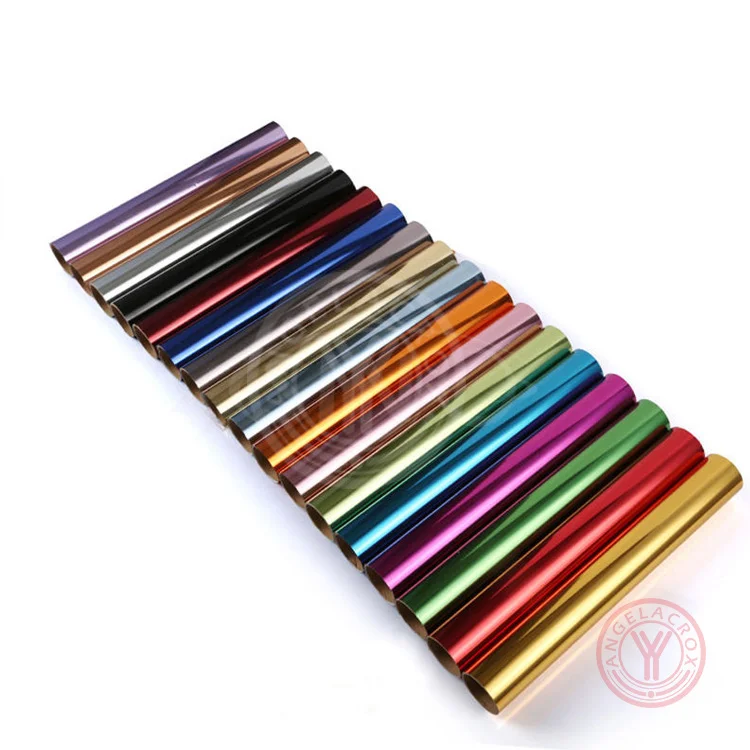
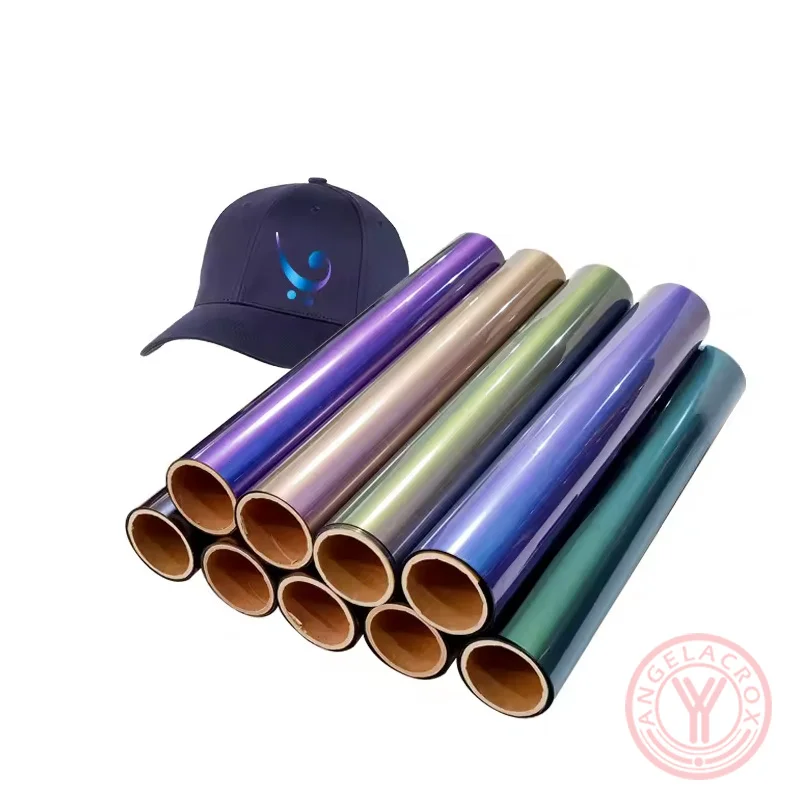
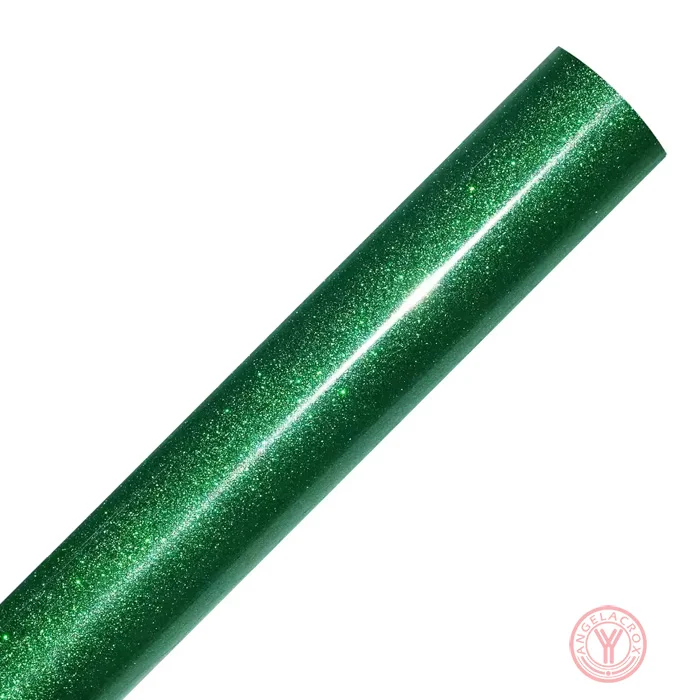
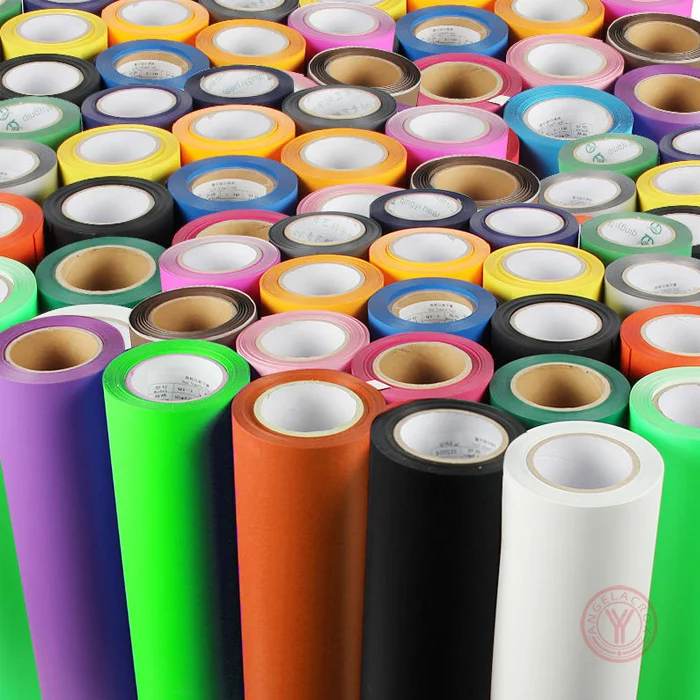
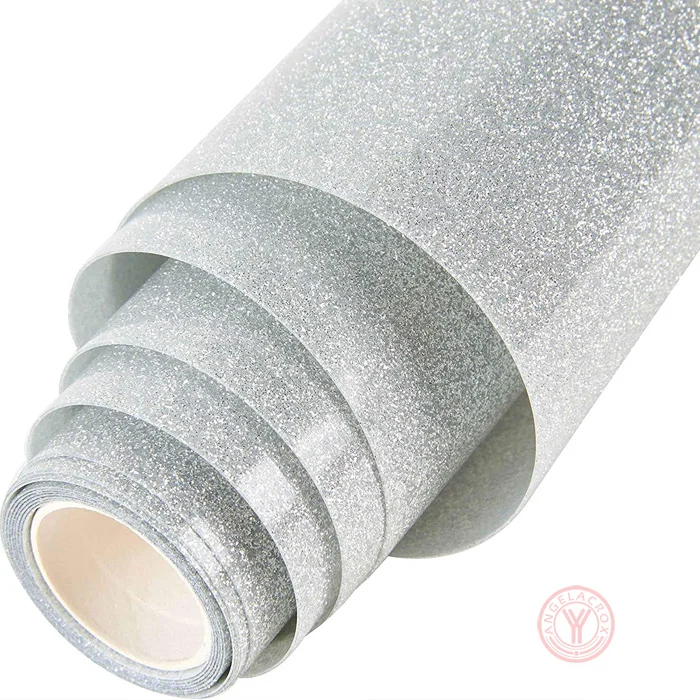
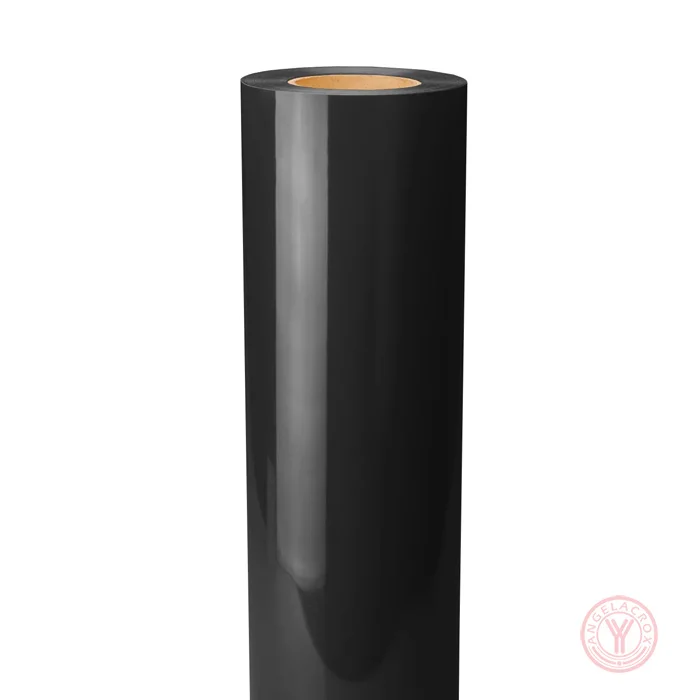
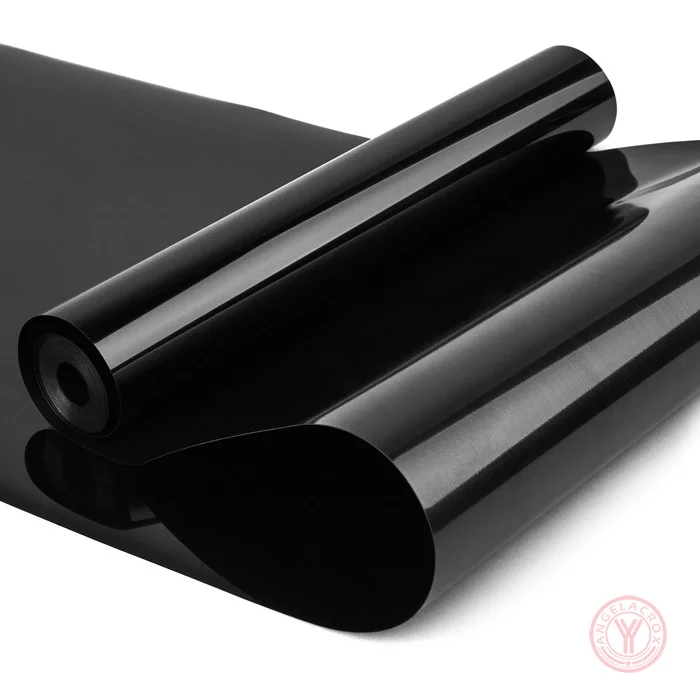
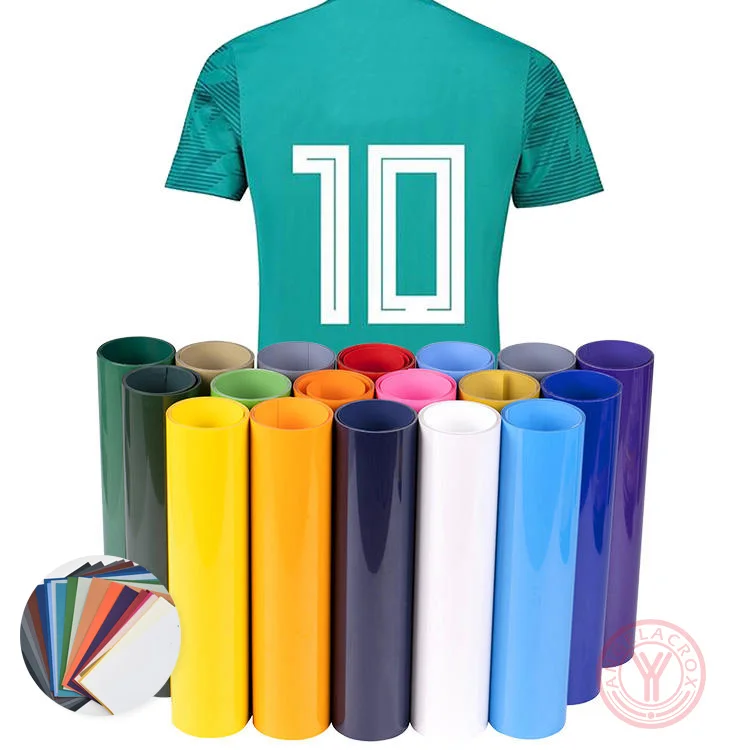
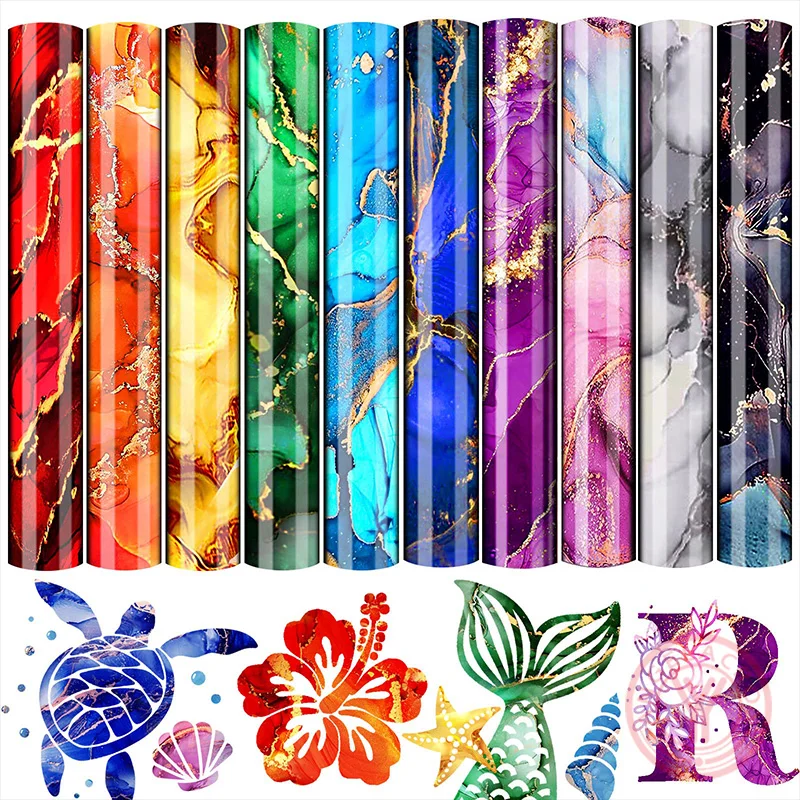
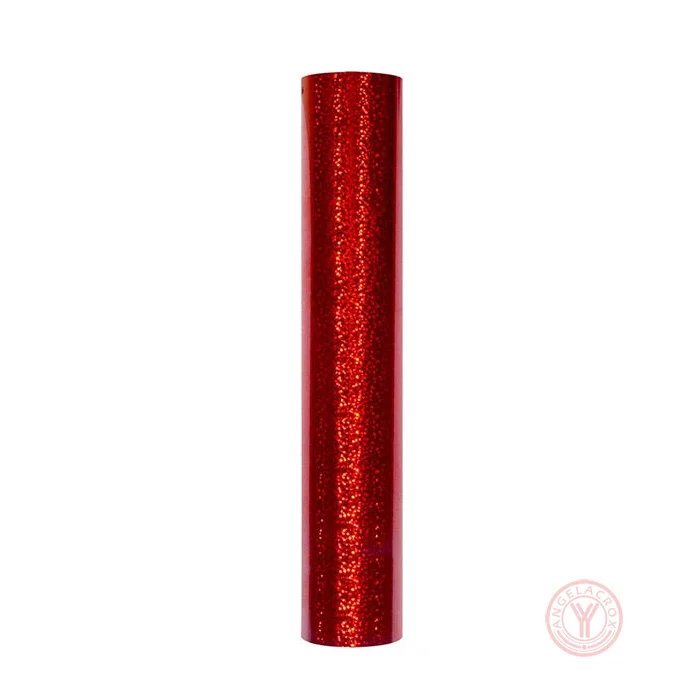
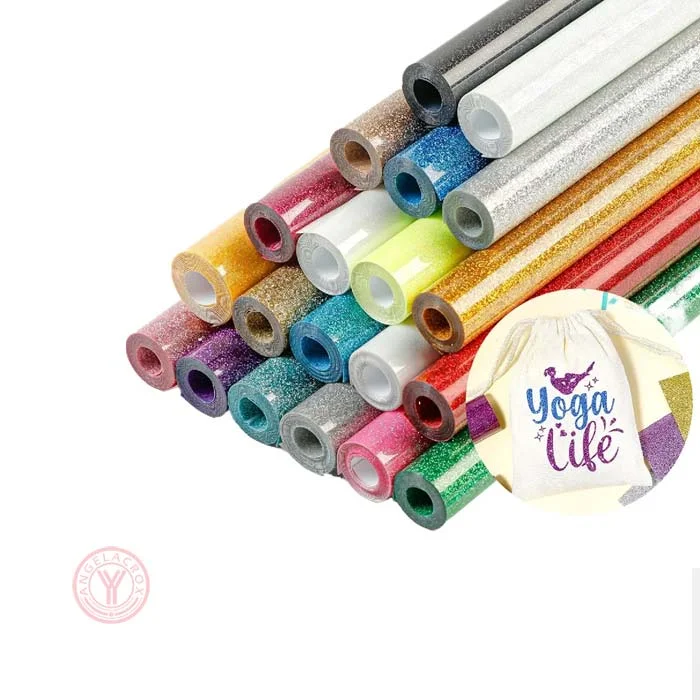
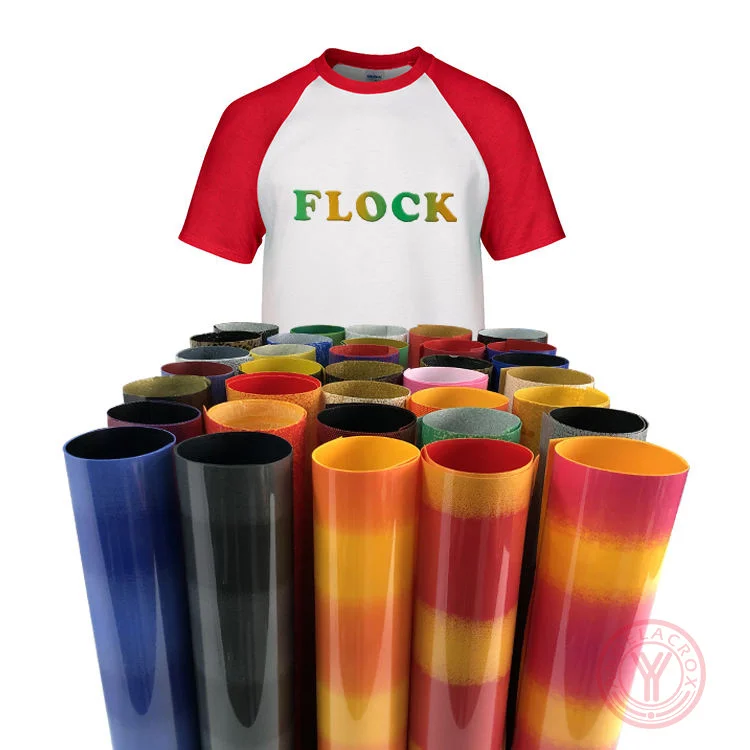
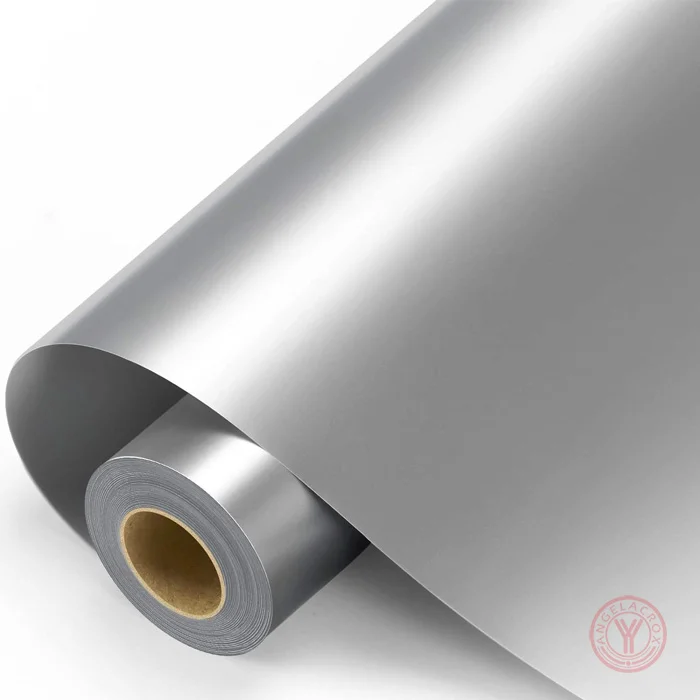
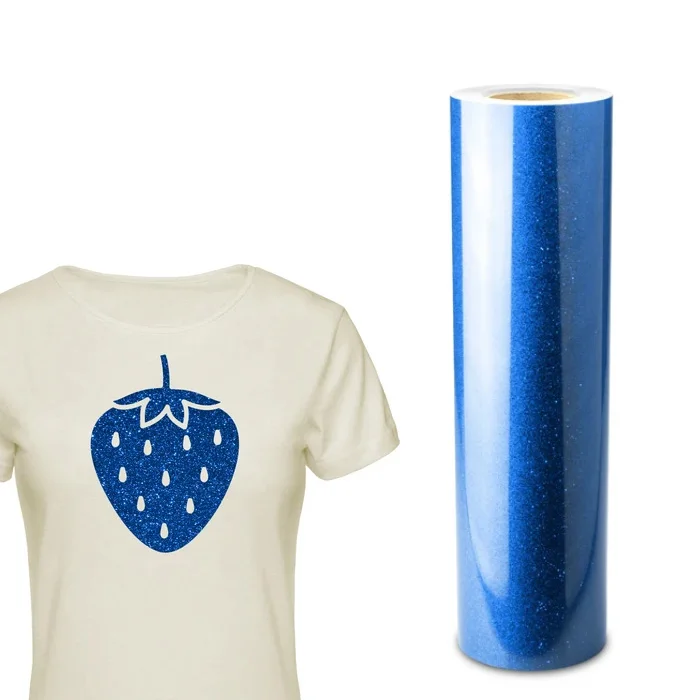
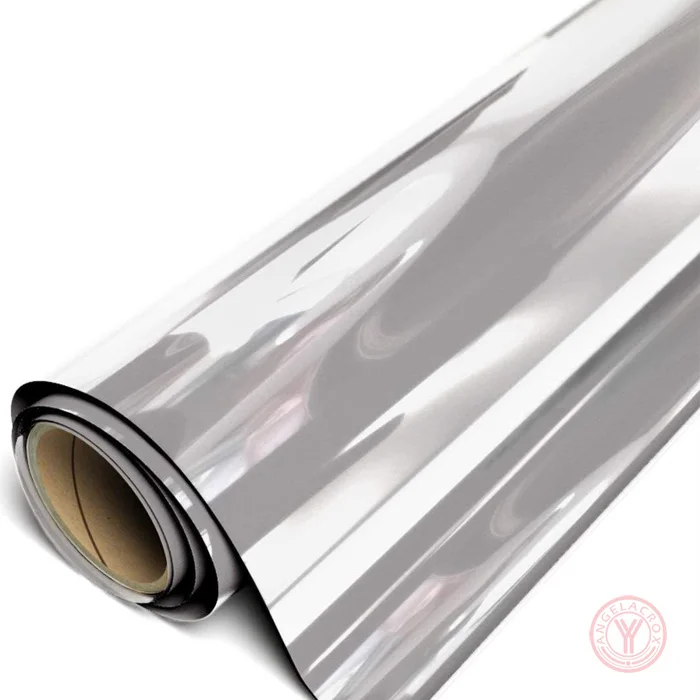
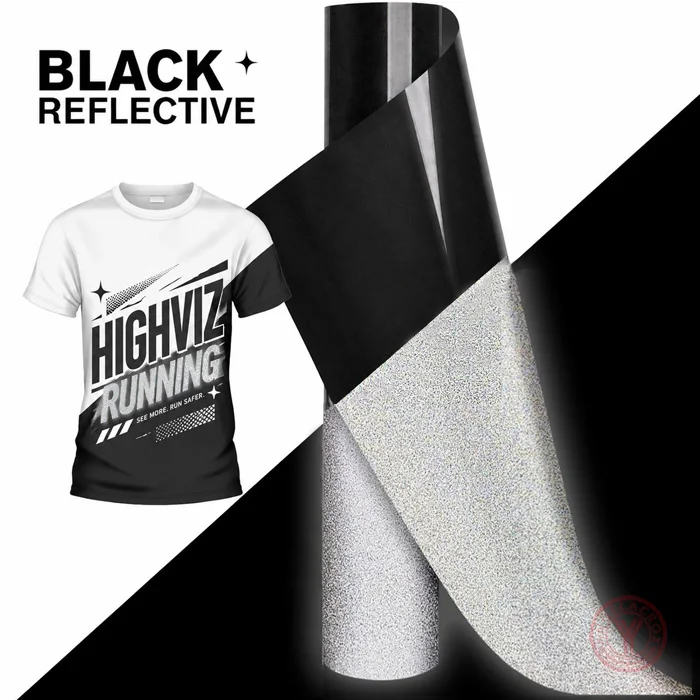
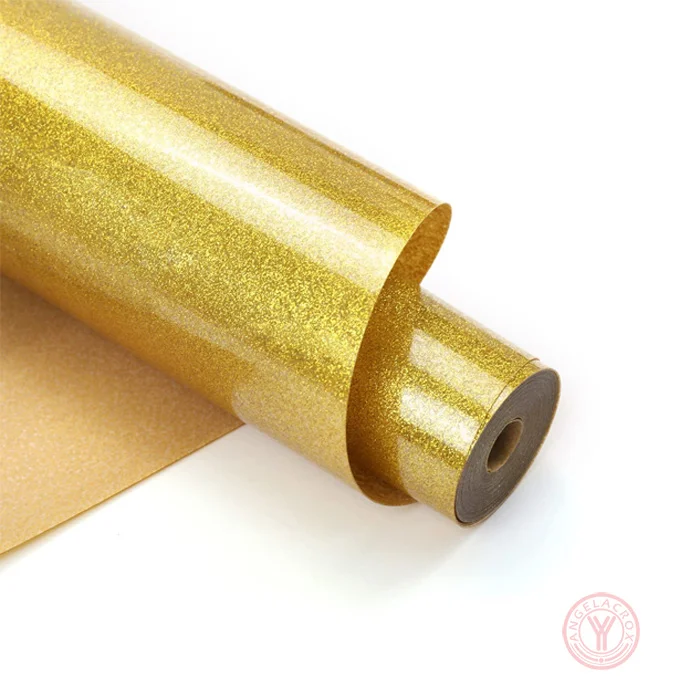
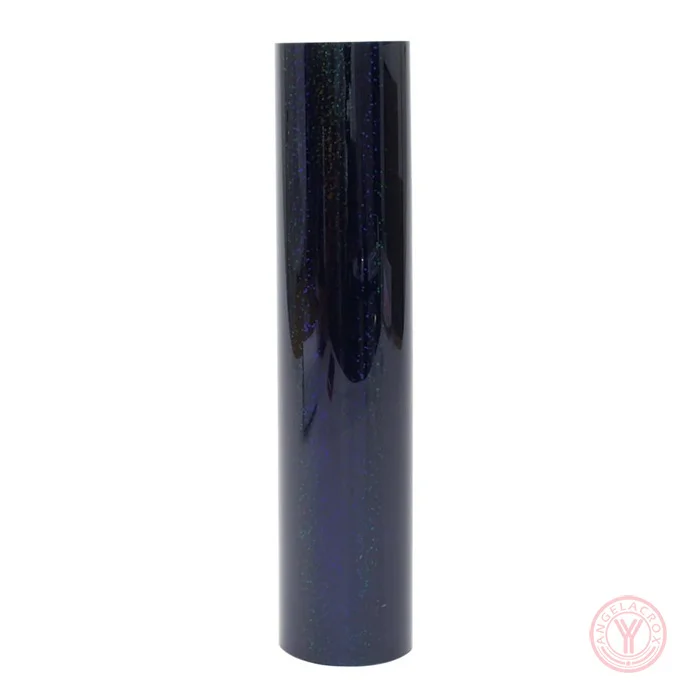
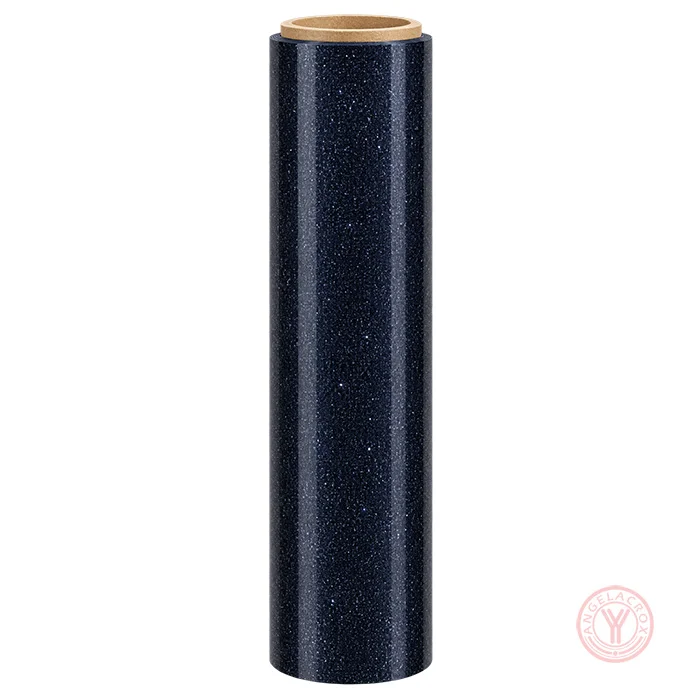
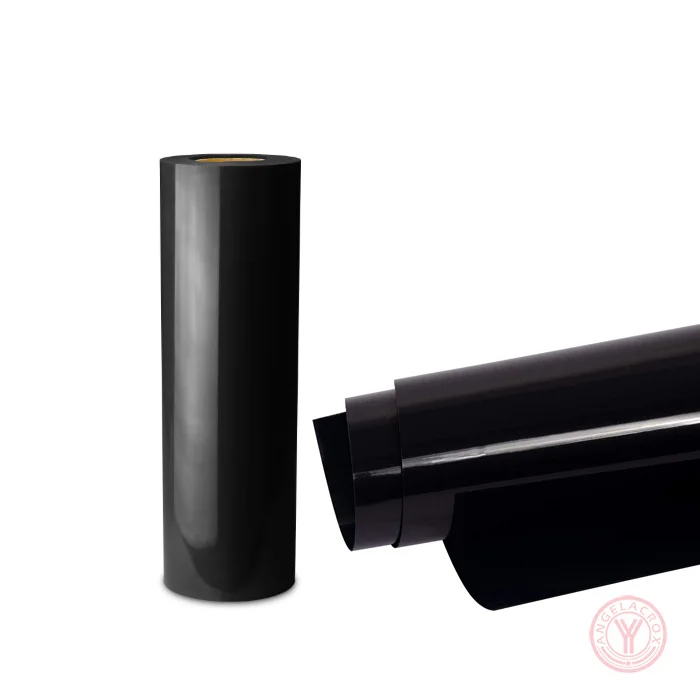
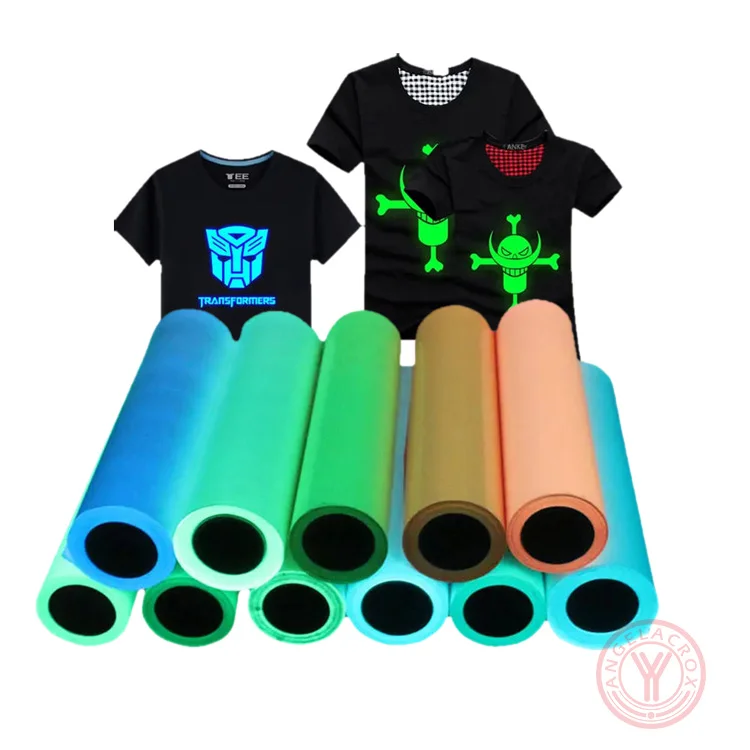
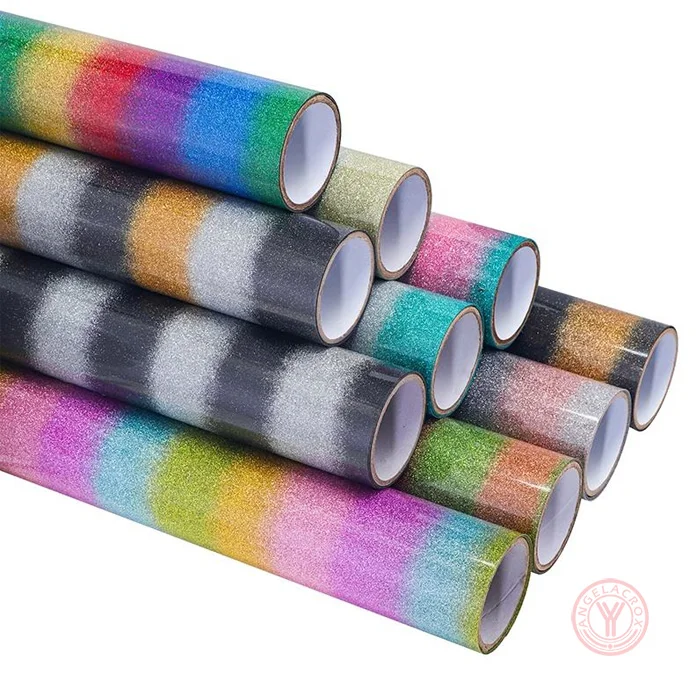
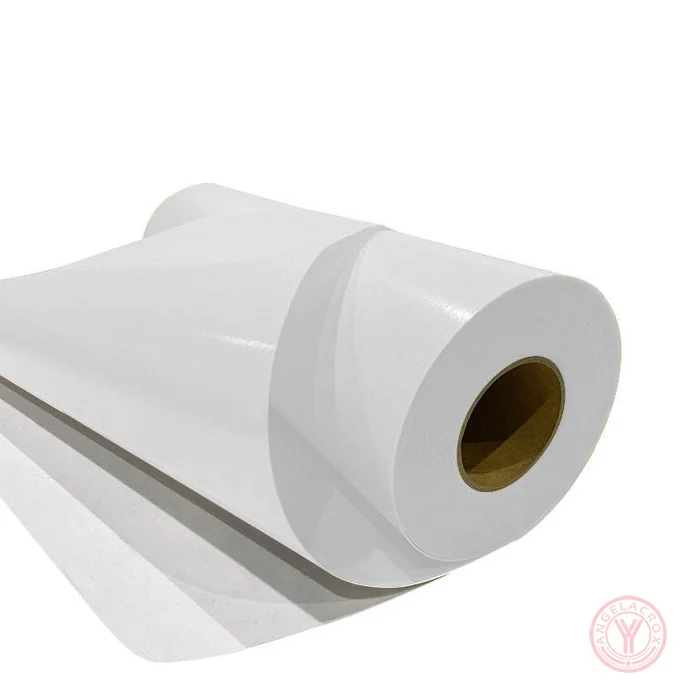
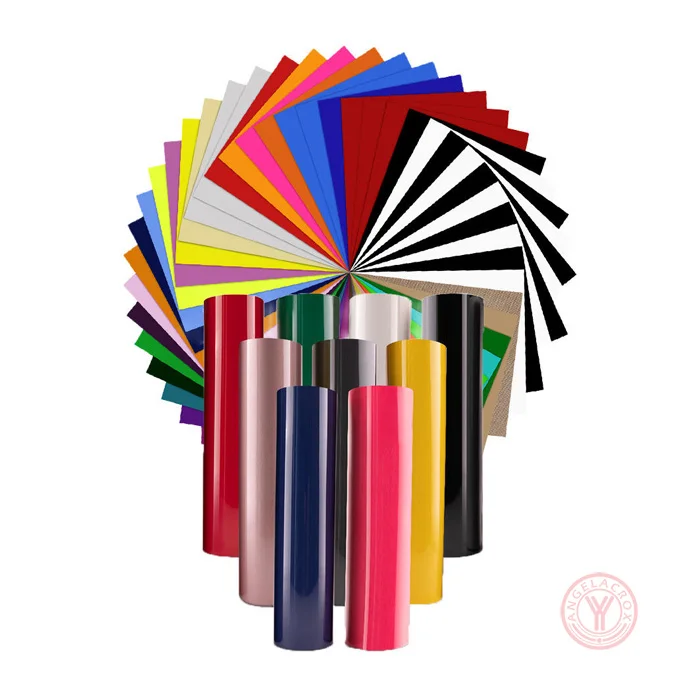
YanYan offer a wide range of holographic heat transfer vinyl in colors including rainbow, gold, silver, green, blue, purple, orange, white, opal, and transparent, along with various finish effects such as metallic, soft metallic, mirror (chrome), glitter, pearlescent/opal, and chameleon/color-shift, providing versatile options for eye-catching and high-impact designs.

Use For

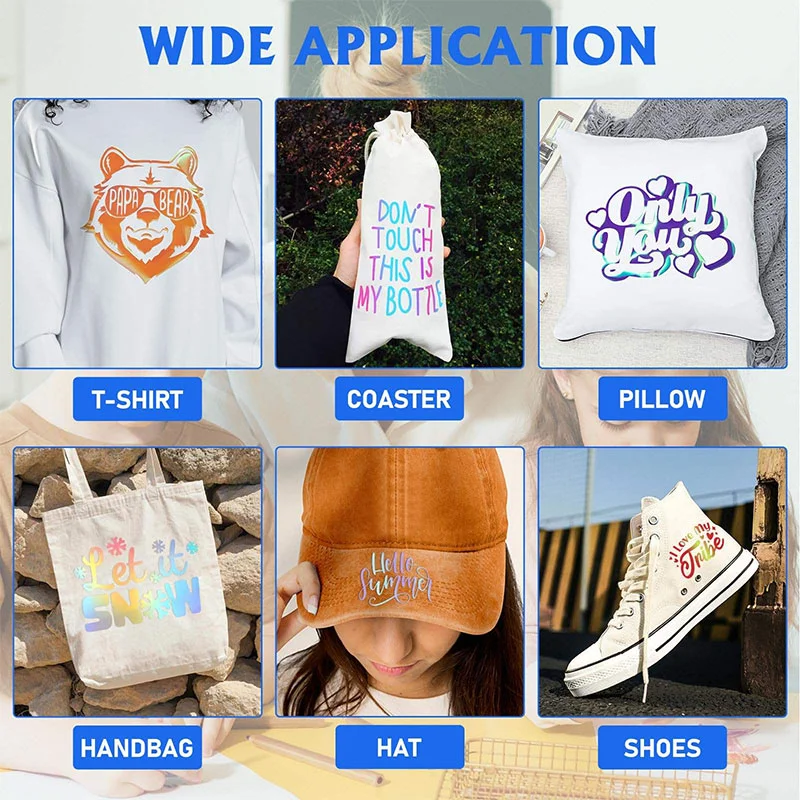
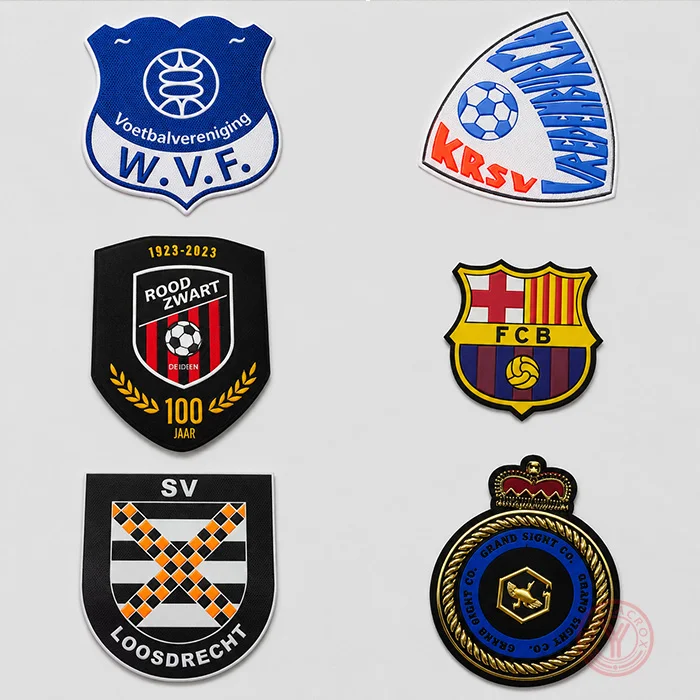
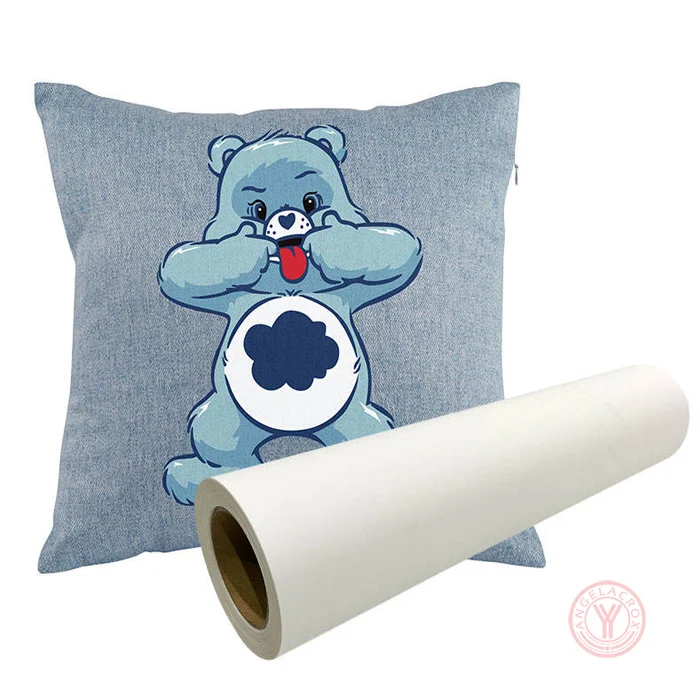
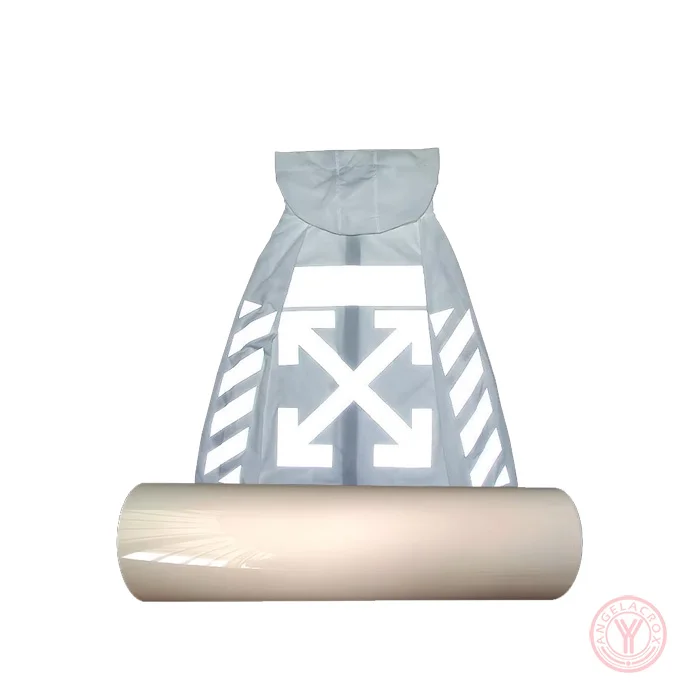
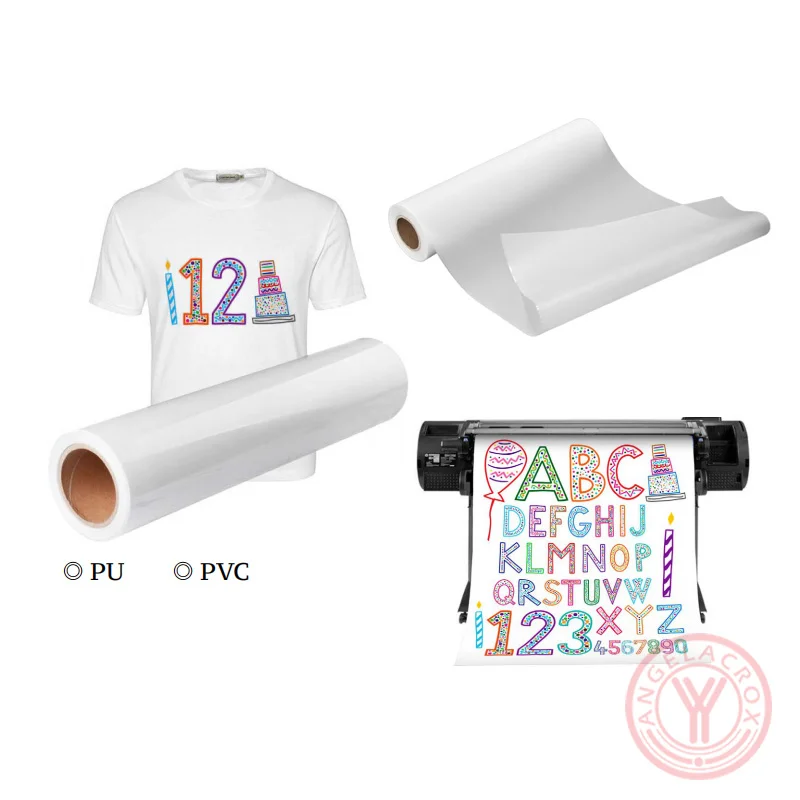
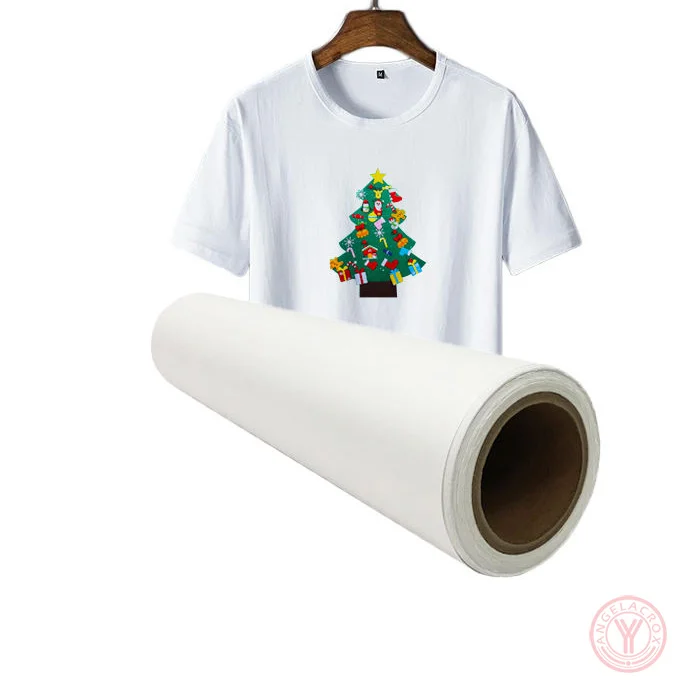
Perfect for custom T-shirts, hats, bags, streetwear fashion, sportswear branding, dance costumes, festival outfits, promotional apparel, and personalized DIY gifts.

Specification

Material PET/PU/TPU
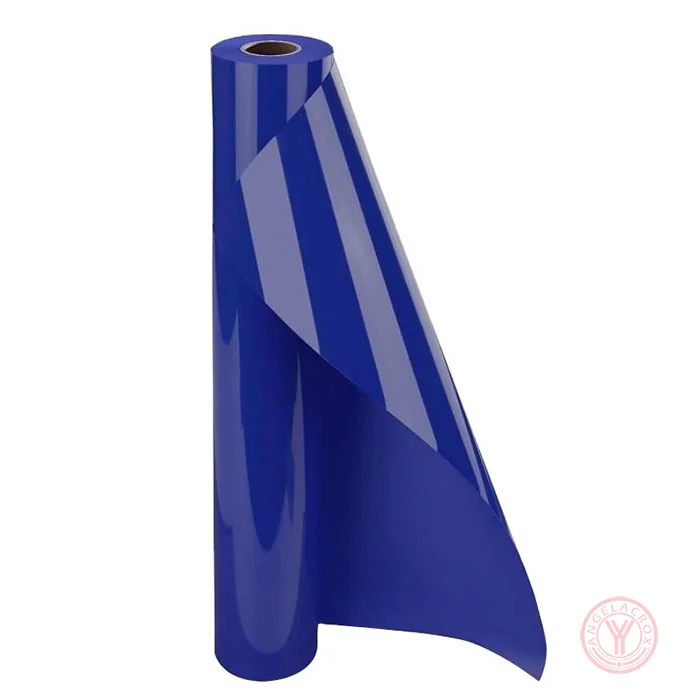
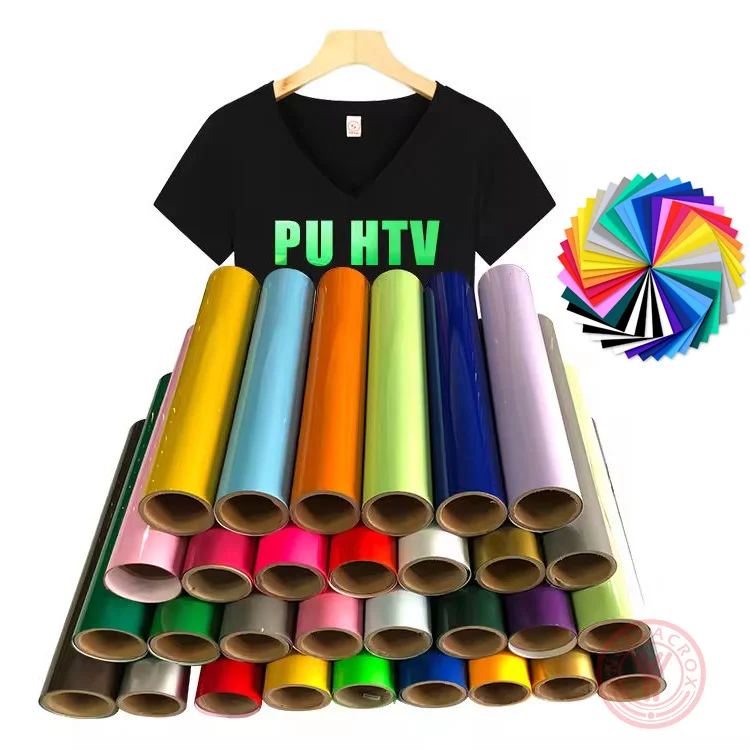
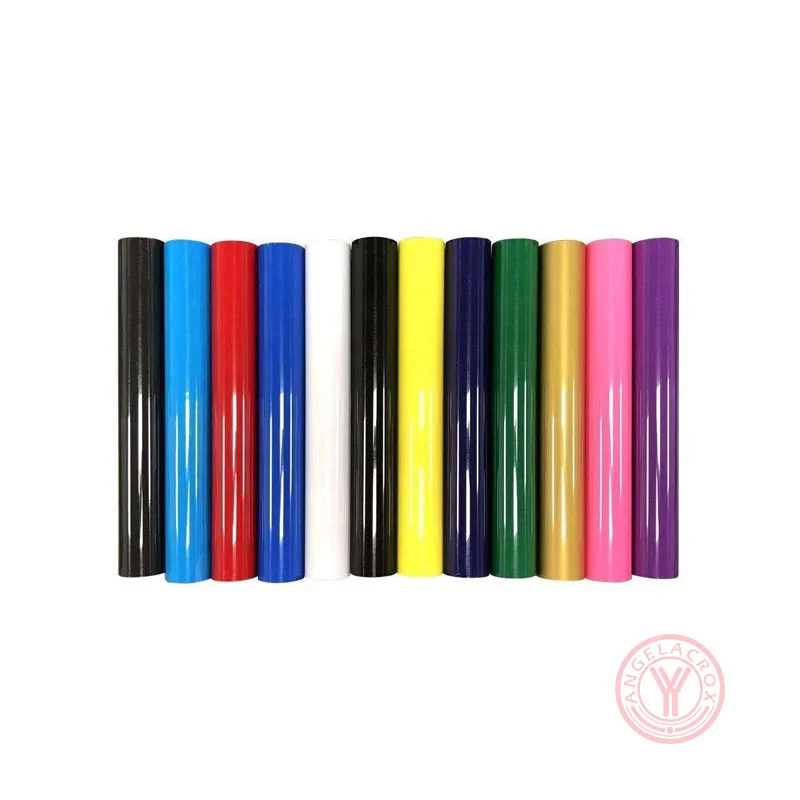
Colors Aqua/Teal, Black, Blush, Brown, Crystal, Fuchsia, Gold, Gold Crystal, Green, Navy Blue, Orange, Pink, Purple, Rainbow Dots, Rainbow Stripes, Red, Royal Blue, Silver, Sky Blue, Spectrum Silver, Violet (customizable)
Fabric Compatibility Lycra and Spandex, 100% Polyester, 100% Cotton, 50/50 Cotton-Polyester blends
Thickness 0.12mm
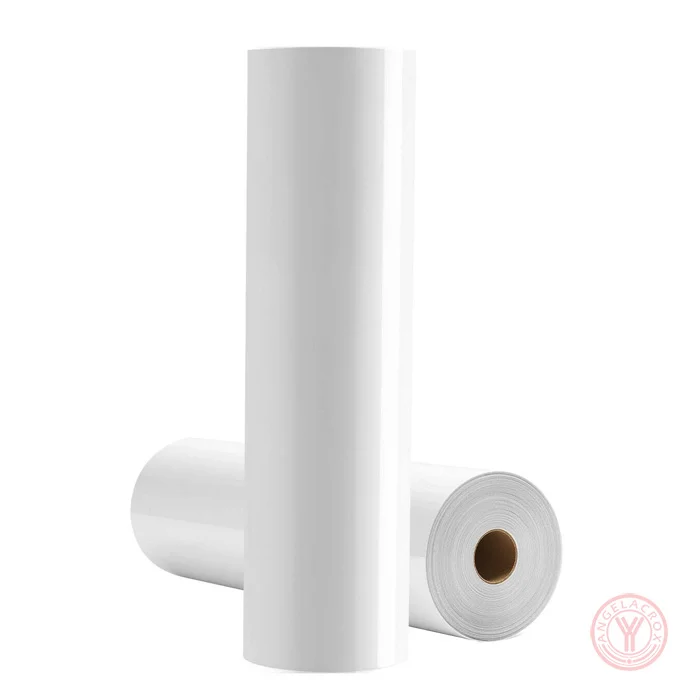
Product Size 50cm × 25m/roll (customizable)
Temperature 150-160°C/302-320°F
Pressure 3–5kg, medium pressure
Pressing Time 13-15 seconds
Peeling Method cool peel
Washing Test 60+ machine washes guaranteed
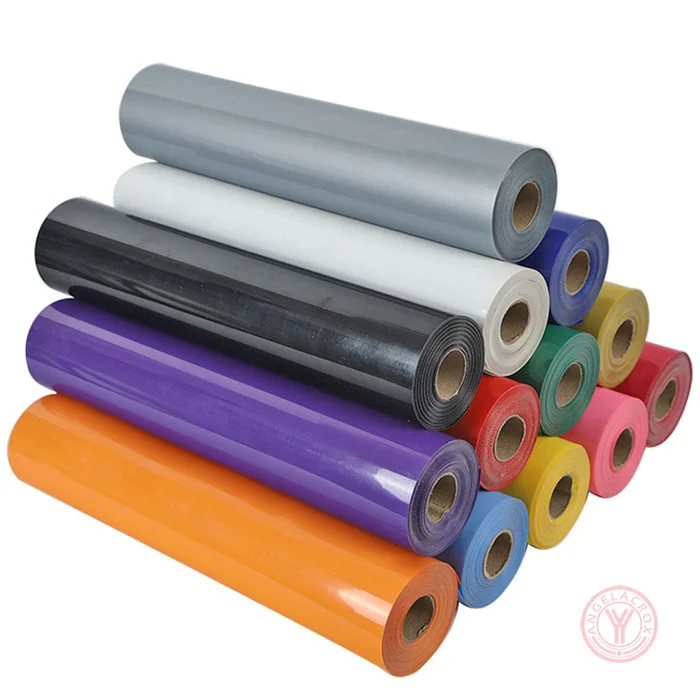
Available Formats Rolls and sheets
MOQ 1 roll
Sample Free samples
Lead Time Sample: 1–3 days; Bulk: 7–15 working days
Holographic Heat Transfer Vinyl Color card Use ForApplicationHolographic Heat Transfer Vinyl Instructions

Holographic Heat Transfer Vinyl Instructions

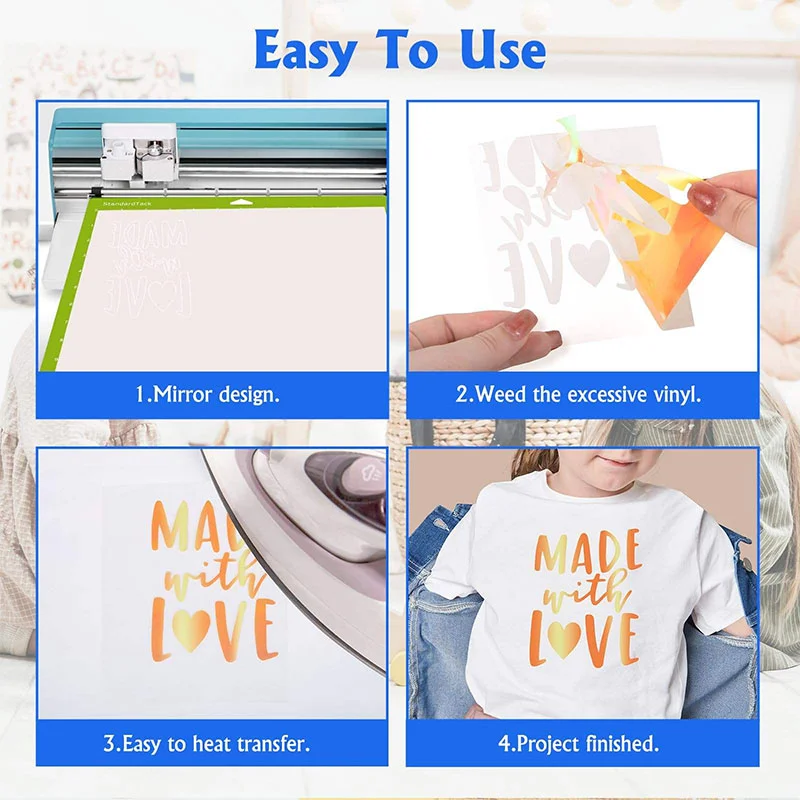
Applying holographic HTV vinyl requires more heat than standard vinyl and is almost always a "cold peel". Always mirror your design before cutting and place the shiny, clear carrier sheet face down on your cutting mat.

Cutting

  1. Design: Create and size your design using software like Cricut Design Space or Silhouette Studio.
  2. Mirror: Always mirror your image before cutting, as you are cutting through the back of the vinyl.
  3. Mat Placement: Place the vinyl onto your cutting mat with the clear carrier sheet facing down (dull/matte side facing up).
  4. Settings: Select a specialty setting. For Cricut, use the Iron-on or Glitter Iron-on setting and adjust pressure to “more”.
  5. Weeding: Use a weeding hook to carefully remove the excess vinyl surrounding your design.

Application

  1. Preheat: Preheat your fabric for 2–3 seconds to remove moisture and wrinkles.
  2. Temperature & Pressure: Set your heat press or EasyPress to 150-160°C/302-320°F. Apply firm pressure for 13-15 seconds. If using a household iron, set it between Cotton and Linen settings and press firmly without sliding for 13-15 seconds per section.
  3. Peel: Holographic HTV is generally a cold peel. Allow the material to cool completely before gently removing the carrier sheet. If lifting occurs, repress for 5–10 seconds.

Tip:Wait at least 24 hours before washing the finished garment. Always turn the item inside out, machine wash with mild detergent, and dry on a normal dryer setting. Do not dry clean.

For more detailed step-by-step guidance, please read: How to Use Hologram Heat Transfer Vinyl


FAQs

  • Do You Mirror Holographic HTV?

    Yes. Holographic HTV should be cut in reverse, so always mirror your design before cutting. Load the material with the shiny side down and cut from the back.

  • How Long Do You Heat Press Holographic HTV?

    Press holographic HTV at 320°F / 160°C for 10–15 seconds with 3–5Kg pressure. A test press is recommended before full application.

  • How To Weed Holographic HTV?

    After cutting, gently bend or roll the vinyl to reveal the cut lines, then slowly remove the excess material with a sharp hook weeding tool.

  • Can You Sublimate On Holographic HTV?

    No. Holographic HTV is designed for heat transfer applications on garments and is not suitable for sublimation printing. Sublimation requires a polyester-coated or sublimation-compatible surface.

  • Does Holographic HTV Shrink?

    Holographic HTV may shrink slightly when exposed to excessive heat or pressure. To minimize shrinkage, use the recommended temperature, pressing time, and avoid over-pressing.

  • Why Does Holographic HTV Feel Like It Can Peel Up?

    This usually occurs when the temperature, pressure, or pressing time is insufficient, or when the garment is not properly preheated. For cold peel applications, make sure the carrier sheet has completely cooled before removing it.

  • Why Is My Holographic HTV Stiff On Shirts?

    Holographic HTV is thicker and more decorative than standard HTV, so it naturally has a firmer feel. Using the correct design size, applying proper pressure, and avoiding oversized coverage can improve garment comfort.

  • What are the Cut Settings for Holographic Heat Transfer Vinyl?

    For most craft cutters, start with Mirror Cut and a test cut first. Typical starting settings are:

    Cutting Machine Recommended Settings
    Silhouette Cameo Blade: 3
    Speed: 8
    Force: 14
    Pass: 1
    Silhouette Alternative Setting Blade: 2
    Speed: 5
    Force: 15
    Pass: 1
    Cricut Explore / Cricut Maker Material Setting: Heat Transfer Smooth or Light Cardstock
    Blade: Standard Blade
    Brother ScanNCut Blade: 2
    Cut Speed: 1
    Cut Pressure: 3

    For thicker holographic HTV, some users get better results with 2 passes or a slightly deeper blade, but avoid cutting through the carrier sheet. The goal is to cut the vinyl layer cleanly while leaving the carrier intact.

  • What Temperature Should Holographic Heat Transfer Vinyl Be Pressed At?

    Press holographic HTV at approximately 150–160°C (302–320°F) with medium pressure for 13–15 seconds. Always follow the specific material instructions and perform a small test press before full production.

  • Can You Layer Holographic Heat Transfer Vinyl?

    Holographic HTV is best used as the top layer in multi-color designs. It is generally not recommended as a base layer or for layering directly on itself. For complex designs, knockout effects are usually the preferred method.

  • Do You Offer Free Samples?

    Yes, we provide free samples. Customers only need to cover the shipping cost.

  • What Is Your MOQ For Hologram HTV?

    Our MOQ is flexible, usually starting from 1–10 rolls depending on specifications and customization requirements.

  • What Is The Production Lead Time For Bulk Orders?

    Standard production time is 7–15 working days depending on order quantity and customization requirements.

  • Can I Customize Color Or Holographic Effects?

    Yes, we support custom colors and holographic effects for OEM orders.

  • How Long Does Shipping Take?

    Express delivery takes 5–10 days, air freight 7–12 days, and sea freight 20–35 days depending on destination.

  • Can I Mix Different Colors In One Order?

    Yes, mixed color orders are supported for flexible purchasing.

  • Is Your Hologram HTV Vinyl Eco-Friendly?

    Yes, our materials are eco-friendly and comply with CPSIA international safety standards.

  • What Fabrics Is It Suitable For?

    It works best on cotton, polyester, and cotton-polyester blended fabrics.

  • Which Cutting Machines Is Hologram HTV Compatible With?

    Our hologram heat transfer vinyl is fully compatible with most cutting machines, including Cricut, Silhouette Cameo, Brother ScanNCut, Graphtec, and Roland cutters.

  • Can I Request Customized Roll Sizes?

    Yes, we support customized widths and lengths based on your requirements.

  • Is There Any Difference Between Sheet And Roll Formats?

    Sheets are suitable for small orders or retail use, while rolls are ideal for mass production and industrial applications.

Get a Free Quote

No commitment, no cost—just a free quote for you.Simply leave your message below,our team will respond within 24 hours