
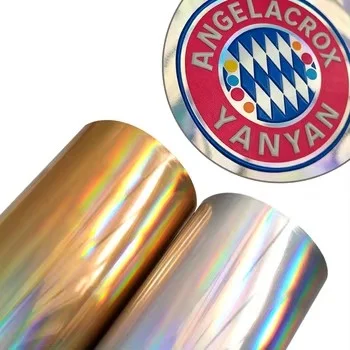
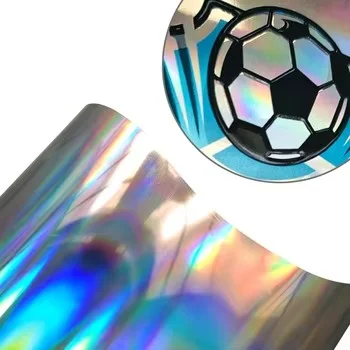
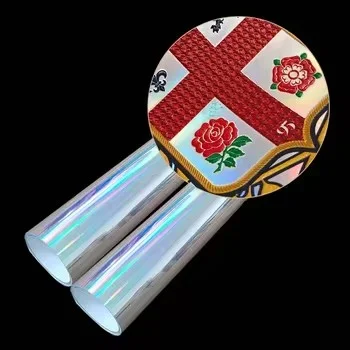
Description
Send Inquiry
Key Features
- Single 0.15-1.0 mm thickness: A firm, dimensional TPU film for logos and badges that should stand up from the garment surface.
- Color, white and fully transparent options: Choose a colored or white TPU for a solid background, or fully transparent TPU when the material underneath should show through the unprinted areas.
- For UV-printed logos and badges: Test small text, fine borders and solid color areas on the finished garment before approving a production run.
- One transfer recipe for every option: Color, white and fully transparent TPU all press at 160–170 °C for 12 seconds and peel warm.
Specifications
| Material | TPU (thermoplastic polyurethane) |
| Thickness | 0.15-1.0 mm |
| Color Options | Color, white and fully transparent TPU |
| Printing Method | UV ink printing; confirm printer and ink compatibility for the selected option |
| Typical Applications | Dimensional logos and badges on compatible garments |
| Transfer Temperature | 160–170 °C |
| Transfer Time | 12 seconds |
| Peeling Method | Warm peel |
How to Use Thick TPU UV Printable Vinyl
- 1. Choose an option: Select colored, gold,silver,white or fully transparent 0.15-1.0 mm TPU for your design.
- 2. Prepare a proof: Include your smallest lettering, thinnest borders and a solid color area.
- 3. Run a UV print test: Use the recommended print side and printer settings. For fully transparent TPU, check with your setup whether the artwork needs a white ink layer.
- 4. Cut and prepare the transfer: Follow the cutting and carrier instructions for the film and inspect the edges before pressing.
- 5. Press on the target fabric: Press at 160–170 °C for 12 seconds.
- 6. Peel warm: Peel the carrier warm, then inspect the transfer.
- 7. Inspect the sample: Check appearance, edge lift and adhesion. Run a wash or flex test if your application requires it.
Note: Print and transfer settings can vary by equipment and fabric. Confirm the settings on your own production fabric before bulk orders.
Explore the UV Printable Vinyl range or request a sample and bulk quote.