

Key Features
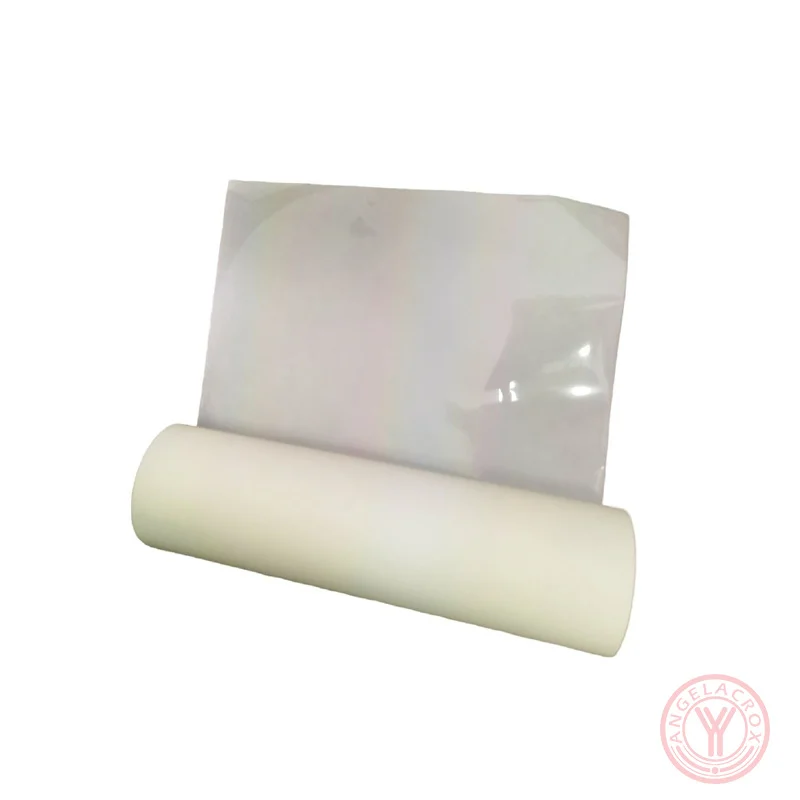
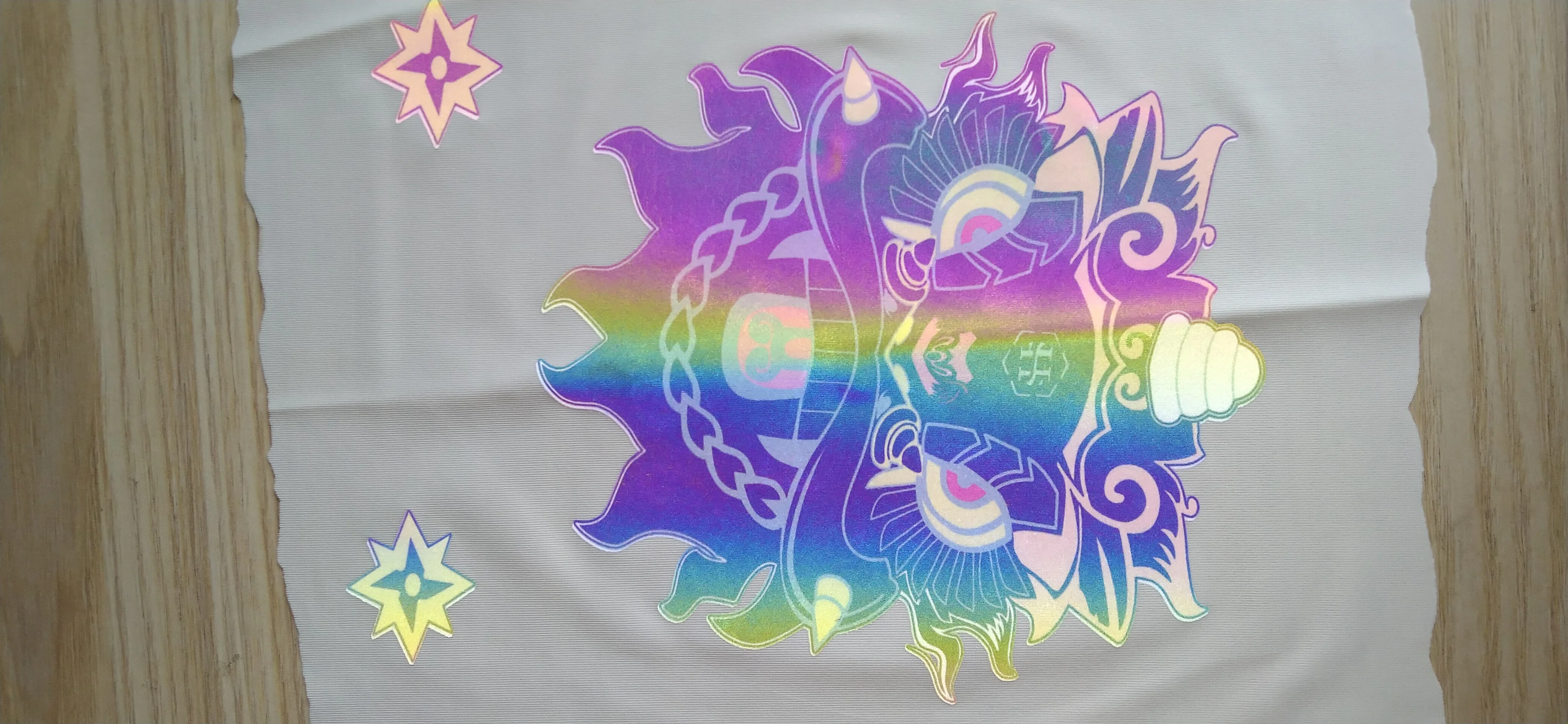
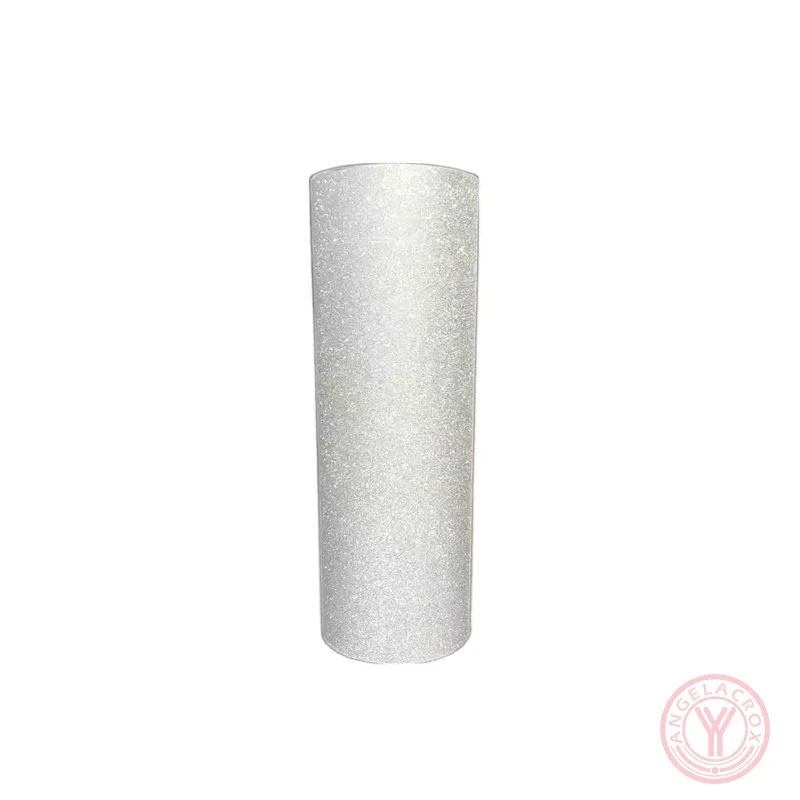
- Fine Non-Shedding Glitter Effect: Embeds micro-glitter particles directly into the transfer release layer so full-color DTF graphics shimmer under light without flaking off in the wash or clogging printheads.
- 6-Layer Anti-Static PET Structure: Built on a high-temperature resistant PET substrate with anti-blocking and anti-static back coatings for smooth feeding, high ink absorption, and zero powder sticking in non-printed areas.
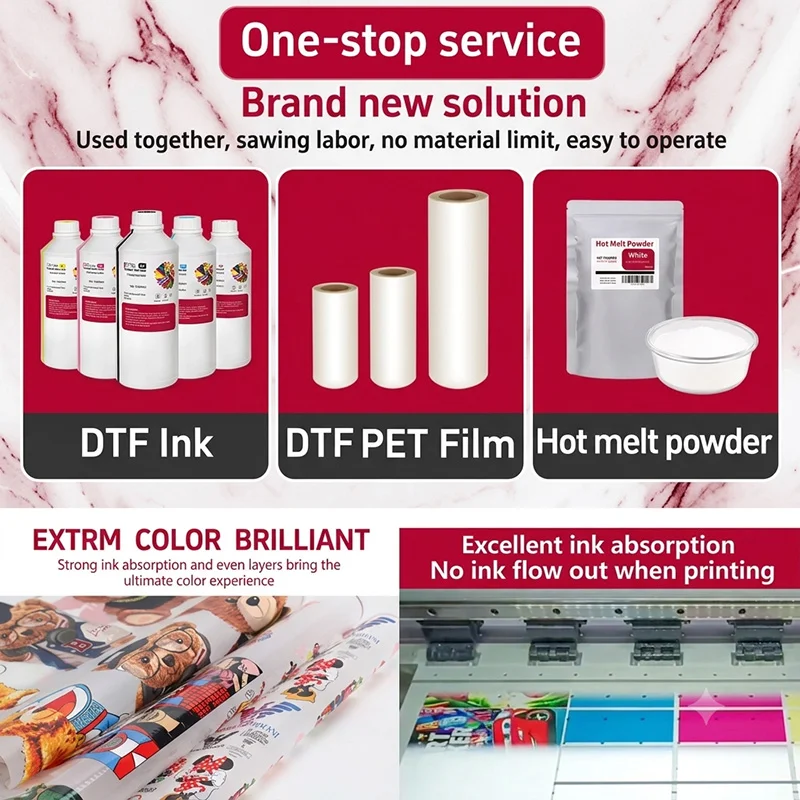
- Plug-and-Play DTF Printer Compatibility: Works seamlessly with standard DTF pigment inks (CMYK + White) and hot-melt powder on Epson L1800, XP600, i3200, 4720, Mimaki TxF, and Roland DTF printers—no cutting or weeding required.
- 50+ Wash Durability: Withstands over 50 home washes and has passed American standard washing tests more than 10 times without cracking, peeling, or losing sparkle.
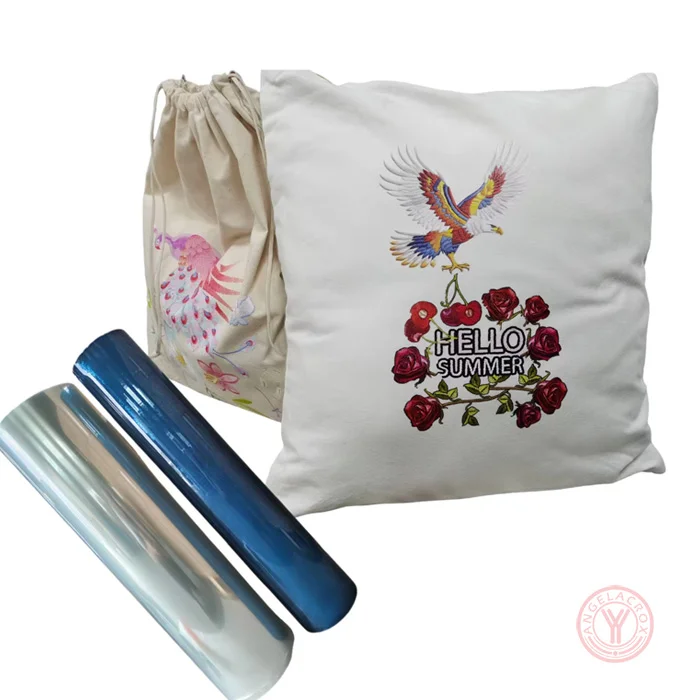
- Multi-Fabric Versatility: Transfers cleanly onto 100% cotton, polyester, poly-cotton blends, denim, canvas, hoodies, cheerleading wear, holiday apparel, and tote bags.
- Certified Global Compliance & Local Warehouses: Certified under OEKO-TEX® Standard 100, RoHS, REACH, CA Prop 65, CE, and ISO, with fast supply from our Dongguan factory and local warehouses in the USA, Brazil, Peru, South Africa, and Indonesia.
Specifications
|
Product Name |
Glitter DTF Film (Sparkle DTF Transfer Film) |
|
Substrate Material |
6-Layer Coated High-Temperature Resistant PET |
|
Size |
60cm × 100m/roll, 30cm × 100m/roll, A3, A4; Customizable |
|
Thickness |
75μm – 100μm |
|
Coating Type |
Single Print Side / Double-Sided Matte Anti-Static |
|
Compatible Ink & Powder |
Standard DTF Pigment Ink (CMYK + White) & White DTF Hot Melt Powder |
|
Suitable Printers |
All DTF Inkjet Printers (Epson i3200, XP600, L1800, 4720, Mimaki, Roland) |
|
First Transfer Settings |
160–165°C (320–329°F), 8–12 Seconds, Medium-Firm Pressure |
|
Peeling Method |
Cold Peel (Recommended for Specialty Glitter Coating) + 5–10s Post-Press |
|
Washing Durability |
50+ Home Washes / 10+ US Standard Wash Tests |
|
Certifications |
OEKO-TEX®, REACH, RoHS, CA Prop 65, CE, ISO |
|
MOQ |
1 Roll |
|
Sample |
Free A4/A3 Samples Available |
How to Use Glitter DTF Film
-
1. Mirroring and Printing: Use RIP software to mirror the design, then print the CMYK color layer followed by the white base layer onto the matte-coated side (the print side) of the glitter DTF transfer film.
• 2. Applying Hot-Melt Powder: This process is typically handled automatically using an integrated powder-shaking and drying machine during the printing phase.
• 3. Curing the Hot-Melt Powder: Place the powder-coated transfer film into a curing oven or under a heat press (maintaining a small gap to avoid direct contact). Heat at approximately 110–120°C for 90–120 seconds until the hot-melt adhesive melts and takes on a smooth, "orange-peel" texture.
• 4. Pre-pressing the Fabric: Place the fabric in a heat press and press for 2–3 seconds to remove moisture and smooth out any wrinkles.
• 5. Heat Transfer: Position the glitter DTF transfer design onto the fabric. Apply medium-to-high pressure at 160–165°C (320–329°F) for 8–12 seconds.
• 6. Cold Peel: Once the transfer has cooled completely to room temperature, carefully peel off the PET carrier film, ensuring the glitter layer remains fully adhered to the ink layer.
• 7. Second Pressing (Post-processing): Cover the design with a protective sheet (or cloth) and press again for 5–10 seconds to further enhance wash durability and improve the tactile feel.
Note: Always print on the matte/coated ink-receptive side and allow specialty glitter film to cool before peeling for complete glitter release.